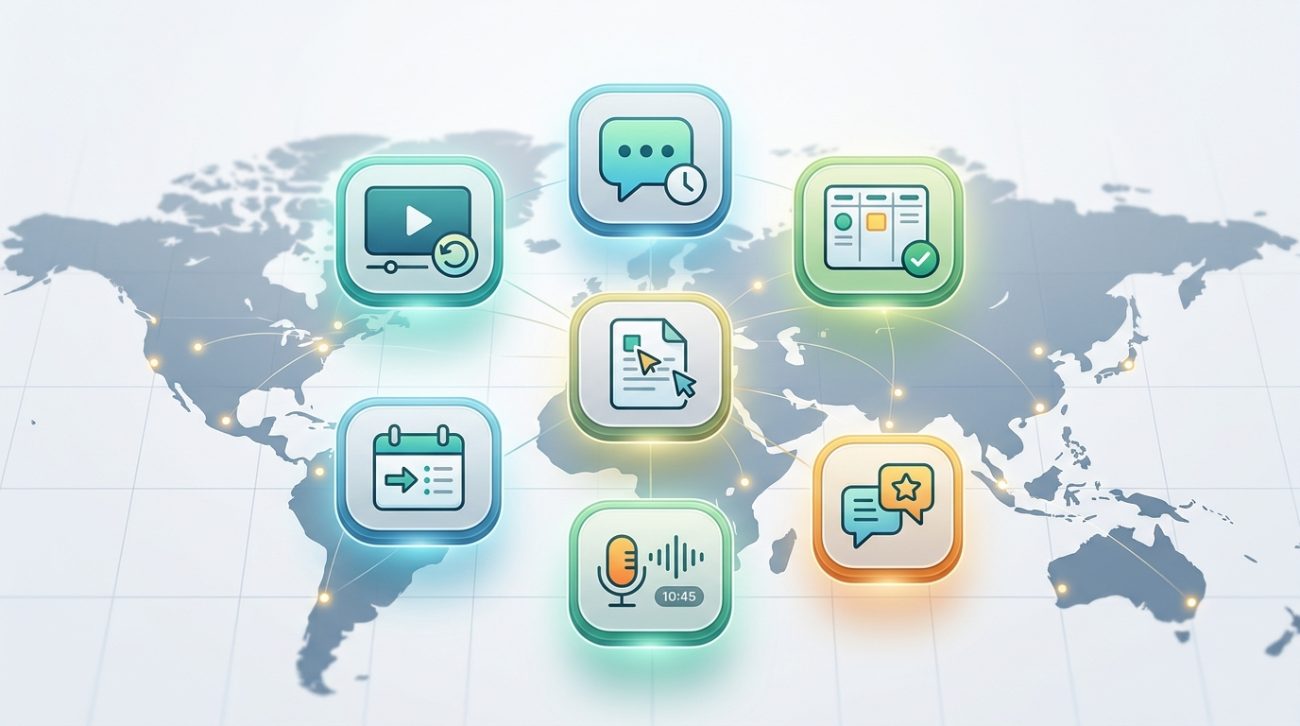
Your engineering team in Berlin just wrapped up their day. Your product manager in San Francisco is brewing her first coffee. Your customer success lead in Singapore is midway through lunch.
Getting everyone on the same Zoom call? Not happening.
This is where asynchronous communication tools for teams become essential. They let your distributed workforce collaborate without demanding everyone be online at the same moment. No more 6am alarms for standup meetings. No more staying late to catch up with colleagues eight time zones away.
Asynchronous communication tools help global teams collaborate without real-time meetings. The right platform reduces meeting fatigue, documents decisions automatically, and respects different time zones. This guide reviews seven proven tools, shows how to implement them, and provides frameworks for building an async-first culture that actually improves productivity instead of just adding another app to your tech stack.
What makes async tools different from regular chat apps
Most team chat platforms push you toward instant responses. Someone messages you, a notification pops up, and you feel pressure to reply immediately.
Async tools flip that script.
They’re designed for thoughtful responses over instant reactions. Messages don’t carry the same urgency. Notifications can wait. Responses arrive when people have time to craft meaningful replies.
The best async platforms share these characteristics:
- Thread-based conversations that keep context intact over days or weeks
- Rich formatting for detailed explanations without scheduling a meeting
- Search and organization that turns conversations into searchable knowledge bases
- Time zone awareness built into the interface
- Reduced notification pressure with batched updates instead of constant pings
Think of it like email, but actually organized and pleasant to use.
Why global teams struggle with real-time communication
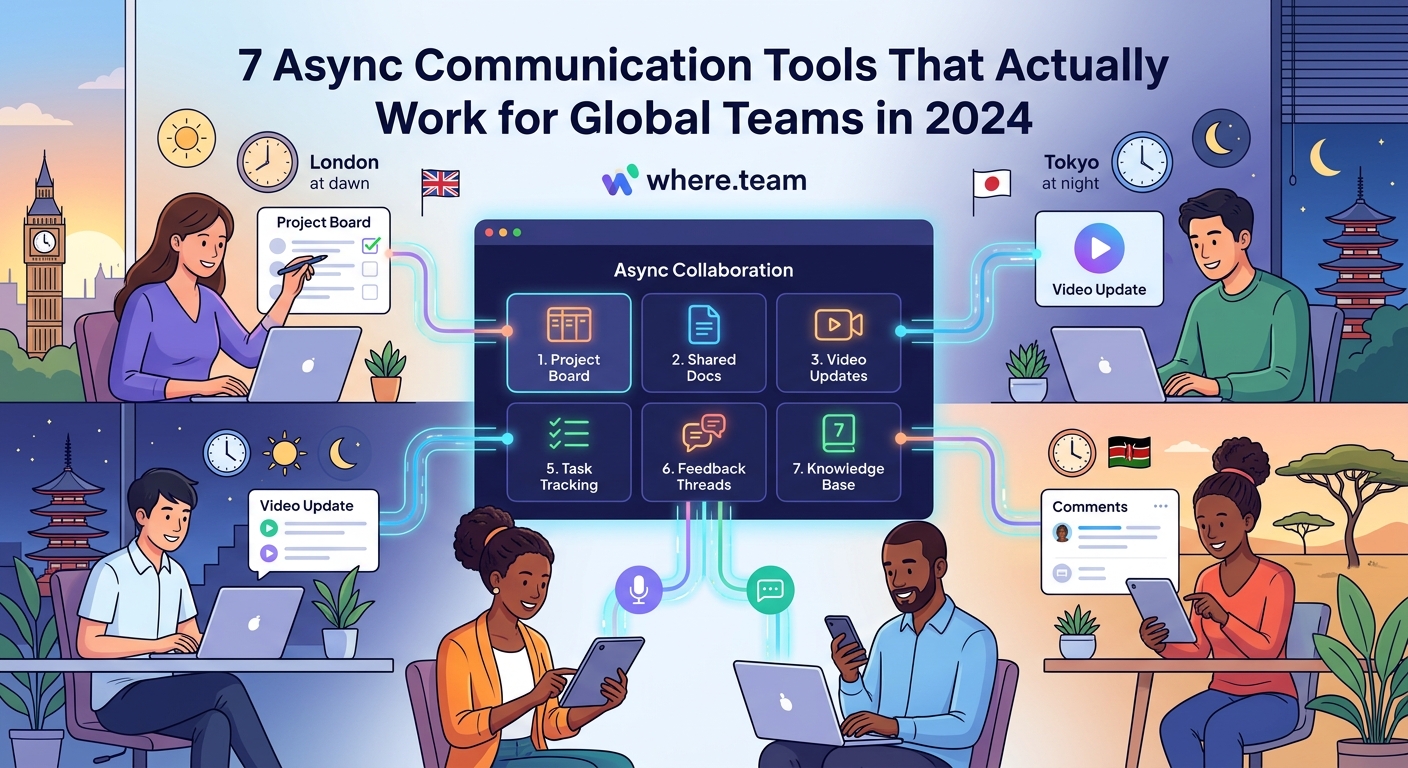
Your team spans continents. Someone is always asleep when decisions need to happen.
The traditional solution? Schedule meetings that work for nobody. Your London team joins at 8pm. Your Austin team starts at 6am. Everyone is miserable.
Real-time communication creates several problems for distributed teams:
Meeting fatigue compounds across time zones. When half your team sacrifices sleep or family time for every sync, burnout accelerates. Why your remote meetings feel exhausting isn’t just about Zoom. It’s about forcing synchronous collaboration on asynchronous teams.
Decisions wait for the next all-hands. Important discussions stall because key stakeholders are offline. Projects slow down. Momentum dies.
Knowledge lives in people’s heads. When conversations happen in real-time calls, nothing gets documented. New team members can’t catch up. Context disappears when people leave.
Interruptions destroy deep work. Constant Slack messages and meeting invites fragment your team’s focus. Nobody gets uninterrupted time to actually build things.
Async tools solve these problems by making time zones irrelevant.
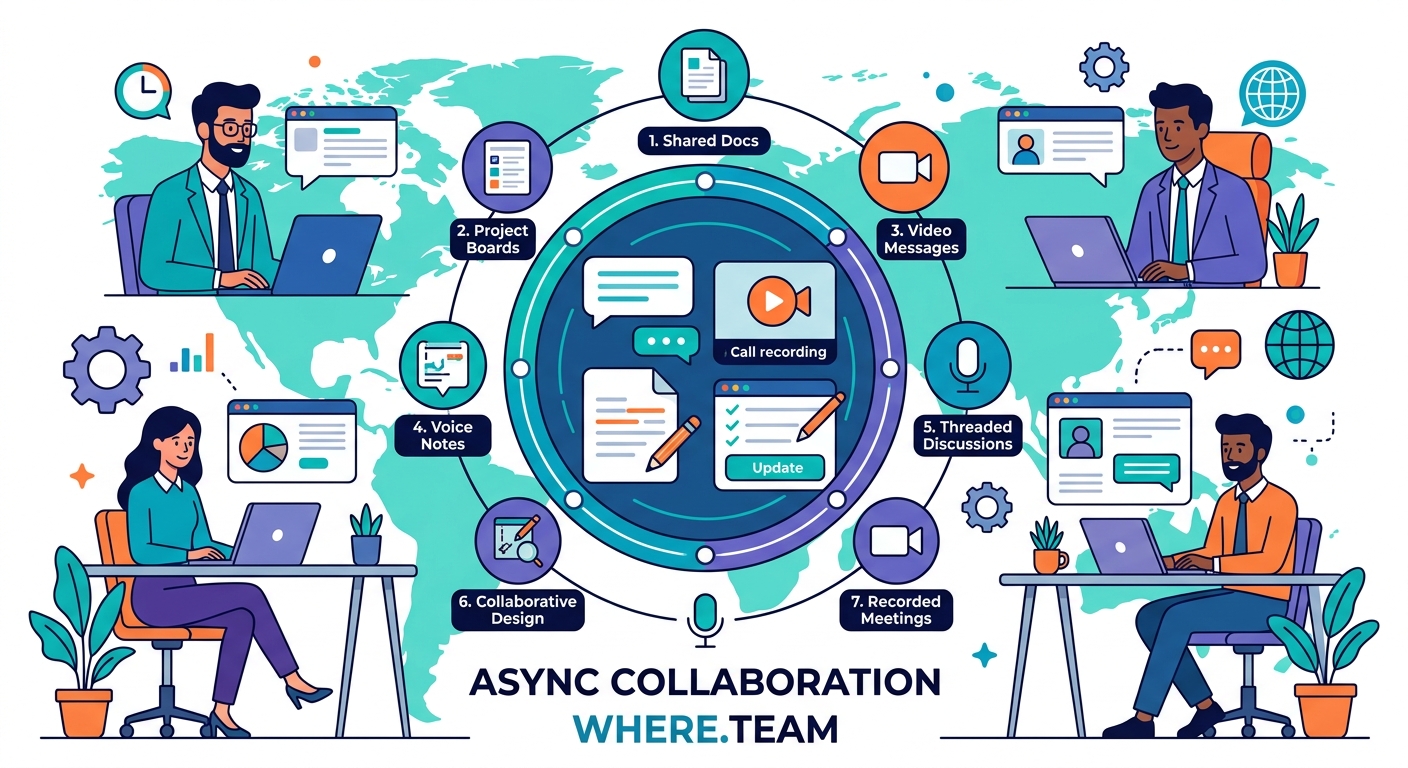
The seven async communication patterns that actually work
Before reviewing specific tools, understand how successful distributed teams use async communication.
1. Written standups replace morning meetings
Instead of gathering everyone for a 15-minute standup call, team members post written updates when they start their day.
Each person shares:
– What they finished yesterday
– What they’re tackling today
– Where they’re blocked
Everyone reads updates on their own schedule. Managers spot blockers without interrupting deep work. The written record creates automatic documentation.
2. Recorded video updates replace status meetings
Some updates need more nuance than text provides. Screen recordings with voiceover work perfectly.
Your designer records a 3-minute walkthrough of new mockups. Your developer records a 5-minute demo of the new feature. Teammates watch when convenient and leave timestamped comments.
3. Threaded discussions replace brainstorming calls
Long-form threaded conversations let ideas develop over hours or days instead of forcing immediate reactions.
Someone proposes a new pricing model. Team members add thoughts as they have time to think through implications. The best ideas emerge from reflection, not whoever talks loudest in a meeting.
4. Shared documents replace presentation meetings
Instead of scheduling a meeting to present a proposal, write it in a shared document. Set a deadline for feedback. Collect comments asynchronously.
This pattern respects that people process information differently. Some need time to think. Others want to research before responding. Async documents accommodate both.
5. Office hours replace constant availability
Set specific times when you’re available for real-time discussion. Outside those windows, everything goes async.
This creates protected focus time while still offering synchronous support when truly needed.
6. Decision logs replace verbal agreements
When decisions happen asynchronously across multiple threads, document them in a central log.
Record what was decided, who decided it, why, and when. Future team members can understand context without asking someone to remember a conversation from six months ago.
7. Automated summaries replace recap emails
The best async tools automatically generate summaries of discussions. Nobody needs to manually write recaps. The system handles it.
“We cut our weekly meeting time by 60% after switching to async standups and threaded discussions. The time savings matter, but the bigger win is having a searchable record of every decision we’ve made.” – Sarah Chen, Engineering Manager at a 40-person SaaS company
Comparing async communication approaches
Different situations call for different async strategies. Here’s when to use each approach:
| Situation | Best Async Method | Why It Works |
|---|---|---|
| Daily team updates | Written standups | Fast to write, easy to scan, creates automatic log |
| Design reviews | Recorded video + comments | Visual context with timestamp feedback |
| Strategic decisions | Long-form threaded discussion | Allows research and reflection before responding |
| Project proposals | Shared documents with deadline | Structured feedback in one place |
| Urgent blockers | Office hours or designated sync time | Some problems need real-time resolution |
| Onboarding new hires | Searchable knowledge base | Self-service access to team history and decisions |
How to implement async tools without chaos
Switching to async communication requires more than installing new software. You need clear processes.
Step 1: Audit your current meeting load
List every recurring meeting your team has. For each one, ask:
– Could this be a written update instead?
– Could this be a recorded video?
– Could this be a threaded discussion?
– Does this actually need everyone present?
Most teams find 40-60% of meetings can go async immediately.
Step 2: Choose your core async platform
Pick one primary tool for async communication. Don’t scatter conversations across five platforms.
Evaluate tools based on:
– How well they handle threaded conversations
– Search functionality
– Integration with your existing tools
– Mobile experience for global teams
– Pricing for your team size
Step 3: Set response time expectations
Async doesn’t mean ignoring messages for days. Establish clear norms:
- Standard questions: respond within 24 hours
- Urgent issues: respond within 4 hours or escalate to sync
- Strategic discussions: respond within 48 hours
- Feedback requests: respond by stated deadline
Post these expectations somewhere visible. New team members need to know async doesn’t mean unresponsive.
Step 4: Create templates for common updates
Standardize formats for recurring async communications:
Standup template:
Yesterday: [accomplishments]
Today: [planned work]
Blockers: [what's stopping progress]
Decision template:
Context: [why we're deciding this]
Options: [choices we're considering]
Recommendation: [what I think we should do]
Deadline: [when we need to decide]
Templates make async communication faster and more consistent.
Step 5: Train your team on async best practices
Most people learned to work synchronously. Async communication requires different skills:
- Write clear, complete first messages (no “hey, you there?”)
- Use formatting to make long messages scannable
- Provide context so people don’t need to ask follow-ups
- Mark truly urgent items clearly
- Respect that people respond on their schedule
Run a workshop on async communication. Practice writing good async messages. Review examples of what works and what doesn’t.
Step 6: Protect sync time for what matters
Async tools work best when you still meet synchronously for specific purposes:
- Team bonding and relationship building
- Complex negotiations requiring real-time discussion
- Brainstorming that benefits from live energy
- Onboarding new team members
- Quarterly team retreats for strategic planning
Designing a hybrid work schedule means being intentional about when you’re async and when you’re sync.
Common mistakes teams make with async tools
Mistake 1: Treating async tools like instant messaging
Just because you can get notifications doesn’t mean you should. Turn off most alerts. Check async platforms on your schedule, not when your phone buzzes.
Mistake 2: Skipping the context
“Can we change the pricing?” is a terrible async message. It generates five follow-up questions.
“I’m proposing we change our basic plan from $29 to $39 per month. Our competitor just raised their prices, and our customer research shows our target market would pay more for the features we offer. Here’s the data: [link]. Thoughts?” gets useful responses.
Mistake 3: Waiting for everyone to respond
Set clear deadlines. “I need feedback by Friday at 5pm ET. If I don’t hear from you, I’ll assume you’re comfortable with the proposal.”
Async communication respects people’s time, but projects still need to move forward.
Mistake 4: Never going synchronous
Some conversations genuinely benefit from real-time discussion. Don’t force everything async just because you can.
If a thread generates 30+ messages with no resolution, schedule a call. Solve it synchronously, then document the decision asynchronously.
Mistake 5: Forgetting to build relationships
Async tools handle work efficiently. They’re terrible for building human connections.
Balance async work communication with intentional relationship building. Virtual coffee chats. Team retreat activities. Casual conversation channels.
Your team needs both productivity and connection.
Building a documentation-first culture
Async communication only works when your team values written documentation. Every conversation becomes a searchable record. Every decision gets captured.
This requires a cultural shift for teams used to verbal communication.
Start by building a documentation-first culture where writing things down is the default, not an afterthought.
Key practices include:
Write proposals before meetings. Even if you’re meeting synchronously, write the proposal first. The meeting discusses what’s written, not what’s in someone’s head.
Document decisions immediately. Right after deciding something, write down what you decided and why. Don’t wait until later when details get fuzzy.
Make documentation easy to find. The best documentation is useless if nobody can locate it. Organize clearly. Use consistent naming. Make search work well.
Reward good documentation. Recognize team members who write clear updates, helpful guides, and thorough proposals. Make documentation a valued skill, not a chore.
Update docs when things change. Outdated documentation is worse than no documentation. Assign owners to keep important docs current.
Making async work across different team functions
Different departments use async tools differently.
Engineering teams benefit from written technical discussions that let people research before responding. Code reviews work perfectly async. Standups capture progress without interrupting flow state.
Design teams use recorded walkthroughs with timestamp comments. Async design critiques often generate better feedback than live meetings where people feel pressured to respond immediately.
Sales teams need more synchronous communication for customer calls, but can handle forecasting, deal reviews, and strategy discussions asynchronously.
Customer success teams use async tools to share customer insights, document common issues, and coordinate responses without constant meetings.
Marketing teams review creative work, plan campaigns, and coordinate launches largely asynchronously, saving sync time for creative brainstorming.
The key is adapting async patterns to each function’s needs rather than forcing one approach on everyone.
Measuring whether async communication is working
Track these metrics to know if your async transition is succeeding:
Meeting hours per week. This should decrease significantly. If you’re just adding async on top of existing meetings, you’re doing it wrong.
Response times. Are people responding within your established norms? Consistently late responses signal unclear expectations or tool problems.
Decision velocity. Are decisions happening faster or slower? Good async speeds things up by removing scheduling delays.
Employee satisfaction. Survey your team. Do they feel less interrupted? More productive? Less stressed about time zones?
Knowledge retention. Can new team members find answers in your async history? Or do they still need to ask someone?
If async is working, you should see fewer meetings, faster decisions, better documentation, and happier team members.
Balancing async with occasional in-person time
Even the most async-friendly teams benefit from occasional face-to-face time.
Planning your first company retreat becomes more important when your daily work is asynchronous. Those in-person gatherings build trust and relationships that make async collaboration smoother.
Consider quarterly or biannual meetups where your distributed team gathers in person. Use that time for:
- Strategic planning that benefits from whiteboarding together
- Team building and relationship strengthening
- Complex discussions that have stalled in async threads
- Celebrating wins and building culture
Between meetups, async tools handle daily collaboration. The in-person time makes the async time more effective.
When to stay synchronous instead
Async communication isn’t always the answer. Some situations genuinely need real-time interaction:
Crisis management. When your site is down or a major customer is upset, you need immediate coordination. Don’t try to handle emergencies asynchronously.
Sensitive conversations. Delivering difficult feedback, discussing performance issues, or having emotionally charged discussions work better synchronously where you can read body language and adjust in real time.
Complex negotiations. Some discussions benefit from the back-and-forth of live conversation. Know when to schedule a call instead of forcing it into async threads.
First-time collaborations. When working with someone new, a synchronous kickoff call builds rapport and alignment faster than async messages.
The best teams know when to use each mode. Ditching real-time meetings doesn’t mean eliminating them entirely. It means being selective about when synchronous time is worth the coordination cost.
Setting up your workspace for async success
Your physical environment matters even when communication is asynchronous.
Building a home office that boosts productivity helps you focus during your deep work blocks between async check-ins.
For teams that occasionally gather in person, choosing between day passes and monthly memberships at coworking spaces gives you flexibility for those times when face-to-face collaboration makes sense.
The goal is creating an environment that supports both focused individual work and occasional collaborative sessions.
How async tools change over time
Your async communication needs will evolve as your team grows.
A 10-person team can get away with informal async practices. Everyone knows everyone. Context is shared.
A 50-person team needs more structure. Clear channels for different topics. Better search. Stronger documentation norms.
A 200-person team requires systematic approaches. Defined processes. Training programs. Dedicated documentation roles.
Plan to revisit your async tools and processes every six months. What worked at your last size probably needs adjustment at your current size.
Your async communication strategy starts now
You don’t need to overhaul everything tomorrow. Start small.
Pick one recurring meeting. Turn it async this week. See how it goes.
Choose one type of update that’s currently happening in Slack messages. Create an async template for it.
Set response time expectations for one team or project.
Small changes compound. Your team will gradually shift from constant real-time pressure to thoughtful asynchronous collaboration.
The goal isn’t eliminating all synchronous communication. It’s being intentional about when you need everyone present and when async tools work better.
Your global team deserves to work in their own time zones without sacrificing collaboration. The right asynchronous communication tools for teams make that possible.
