
Managing a team split between home offices and conference rooms feels like conducting an orchestra where half the musicians can’t see your baton. You’re juggling Slack threads, email chains, shared docs, and video calls while trying to make sure nobody misses critical updates. The right hybrid team collaboration tools can turn that chaos into a coordinated system where everyone stays aligned, regardless of where they’re working.
Hybrid team collaboration tools must bridge the gap between remote and in-office workers through asynchronous communication, transparent task management, and seamless video integration. The best platforms combine project tracking, documentation, and real-time communication without creating notification overload. Successful implementation requires clear protocols, consistent adoption across all team members, and regular evaluation of what’s actually working for your specific workflow patterns.
Why generic software fails hybrid teams
Traditional project management software was built for offices where everyone sat within shouting distance. Those tools assume synchronous work, immediate responses, and shared context from hallway conversations.
Hybrid teams operate differently.
Your remote workers need detailed context because they can’t tap someone on the shoulder for clarification. Your in-office staff needs to remember that half the team isn’t seeing the whiteboard sketches or overhearing client call debriefs.
The gap creates three major problems:
- Information silos where remote workers miss crucial decisions made during in-person conversations
- Duplicate work when team members can’t see what others are already handling
- Frustration from constant context switching between multiple disconnected tools
The solution isn’t adding more software. It’s choosing platforms specifically designed for distributed coordination.
What makes collaboration tools actually work for hybrid setups
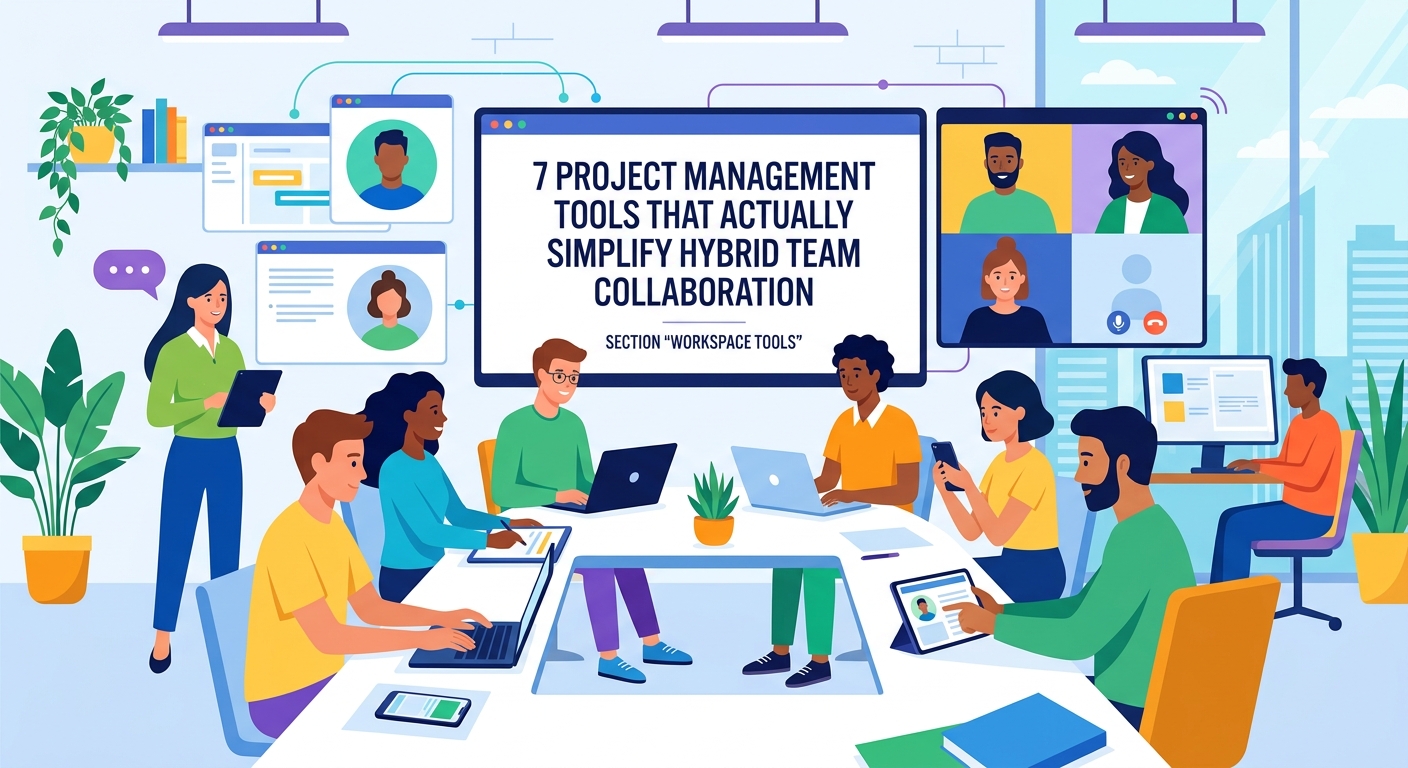
Effective hybrid team collaboration tools share specific characteristics that generic software lacks.
Asynchronous-first design means the platform assumes people work at different times. Updates, decisions, and progress happen in written form that anyone can review later. Building a documentation-first culture becomes natural rather than forced.
Transparent task visibility lets everyone see who’s working on what without scheduling a meeting. Project boards, task assignments, and progress updates live in a central location accessible to the entire team.
Integrated communication reduces tool switching. Comments attach directly to tasks, files, or project milestones instead of scattering across email, chat, and meeting notes.
Smart notification controls prevent alert fatigue. Team members can customize what triggers immediate notifications versus what waits for their next check-in.
“The best collaboration tool is the one your team actually uses consistently. A perfect platform that only half your team adopts creates more problems than it solves.” – Sarah Chen, Operations Director at distributed design agency
Essential features your platform needs
Not every feature matters equally. Focus on these core capabilities:
| Feature | Why It Matters | Common Mistake |
|---|---|---|
| Task dependencies | Shows how delays impact other work | Treating all tasks as isolated items |
| File versioning | Prevents “final_final_v3” chaos | Relying on file names for version control |
| @mention controls | Directs attention without spam | Overusing mentions for everything |
| Search functionality | Finds past decisions instantly | Burying important info in chat threads |
| Mobile access | Supports flexible work locations | Assuming everyone works at a desk |
| Permission levels | Protects sensitive client data | Giving everyone access to everything |
Your platform should make it easier to find information than to ask someone directly. That shift reduces interruptions and respects different working schedules.
Evaluating tools for your specific team
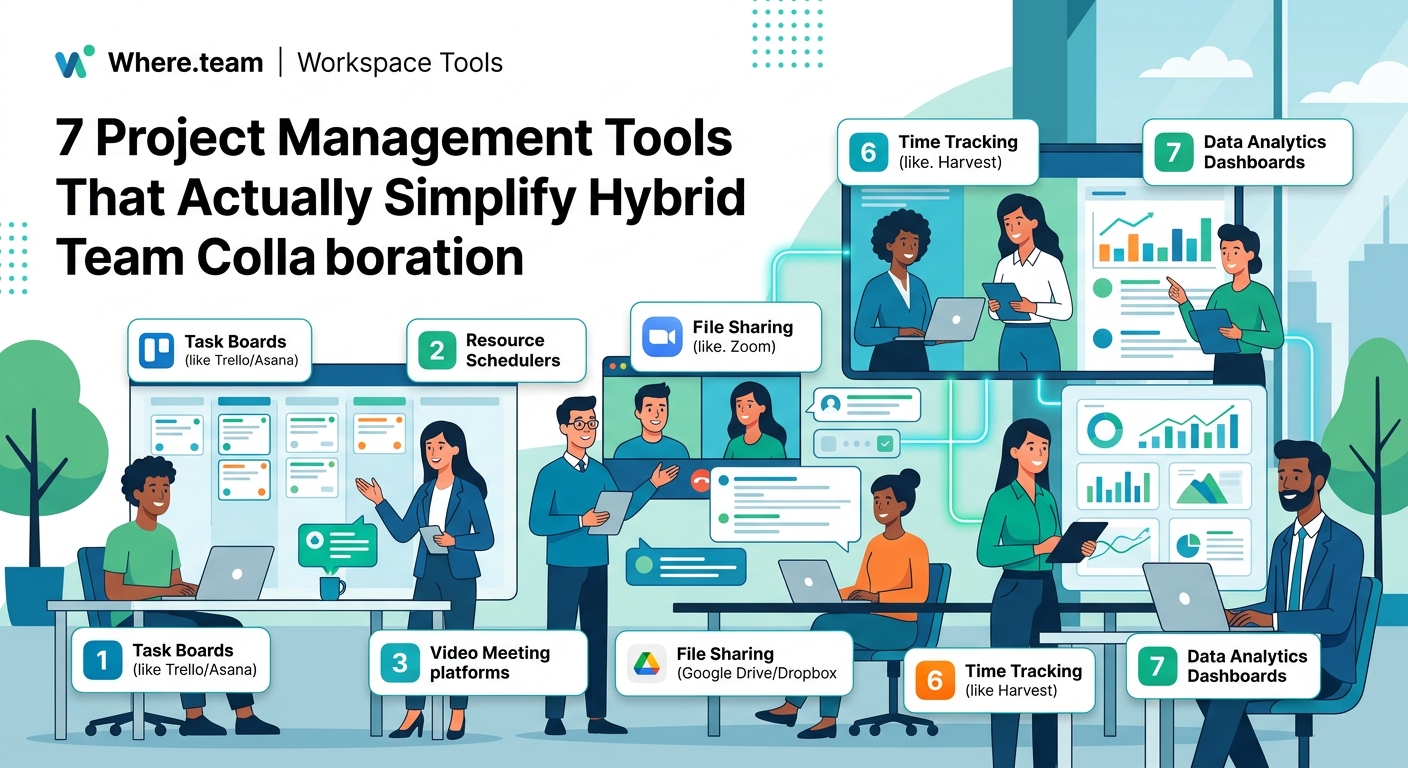
Every team has different collaboration patterns. A creative agency needs different features than a software development team or a sales organization.
Start by mapping your current workflow:
- List every regular activity your team coordinates (sprint planning, client reviews, budget approvals, content publishing)
- Identify where information currently gets lost or duplicated
- Note which team members struggle most with current tools
- Document your must-have features versus nice-to-have additions
- Set a realistic budget including per-user costs and integration expenses
Test finalist platforms with a small pilot group before rolling out company-wide. Choose team members who represent different work styles and locations. Run the pilot for at least two full project cycles to see how the tool handles real work, not just setup tasks.
Watch for adoption resistance. If your most organized team members struggle with a platform, your entire team will likely reject it.
Implementation that actually sticks
Buying software is easy. Getting your team to use it consistently is hard.
Create clear migration timelines. Don’t run old and new systems in parallel indefinitely. Set a firm cutoff date when the old tool becomes read-only.
Assign platform champions in each department who become the go-to experts. These aren’t IT staff but regular team members who learn the tool deeply and help colleagues troubleshoot.
Build templates for common workflows. Pre-configure project boards, task checklists, and documentation structures so team members don’t start from scratch every time.
Schedule regular check-ins during the first month to address confusion before it becomes frustration. A 15-minute weekly session where people share tips and ask questions prevents silent struggling. Running effective standup meetings helps maintain momentum.
Document your team’s specific conventions. Does your team use labels for priority levels or project phases? Do you @mention for urgent items only? Write it down so new hires and forgetful veterans can reference it.
Avoiding notification overload
Collaboration tools can quickly become productivity killers if notifications spiral out of control.
Set organization-wide notification standards:
- Urgent items requiring same-day response get @mentions
- Regular updates use task comments without mentions
- FYI information goes in project descriptions or documentation
- After-hours notifications pause unless explicitly enabled
Most platforms let individuals customize their notification preferences, but having team-wide defaults prevents the common problem where some people get buried in alerts while others miss critical updates.
Consider implementing “notification-free focus blocks” where the team agrees not to expect immediate responses during certain hours. This gives everyone permission to work deeply without constant interruptions.
Measuring whether your tools actually help
Track these metrics three months after implementation:
- Average time to find project information (should decrease)
- Number of “where is that file” messages (should drop significantly)
- Meeting frequency for status updates (should reduce)
- Project completion rates (should improve or stay steady)
- Team satisfaction scores (should increase)
If metrics aren’t improving, your problem might not be the tool itself. Look at adoption rates, training gaps, or workflow mismatches.
Some teams discover they need to adjust their processes before any tool can help. Designing a hybrid work schedule that aligns with your collaboration patterns often matters more than which specific platform you choose.
Integration with your existing tech stack
Your collaboration platform doesn’t exist in isolation. It needs to connect with your calendar, email, file storage, and specialized tools.
Priority integrations include:
- Calendar syncing so deadlines appear in everyone’s schedule
- Cloud storage connections for seamless file access
- Time tracking if you bill clients hourly
- Communication platforms your team already uses
- Customer relationship management for client-facing teams
Native integrations work better than third-party connectors. They’re more reliable, update faster, and usually don’t require separate subscriptions.
Test integrations during your pilot phase. A platform that looks perfect in isolation might create friction if it doesn’t play well with your existing tools.
When in-person work needs digital support
Hybrid teams often gather periodically for planning sessions, workshops, or team building. Your collaboration tools should support these in-person events, not compete with them.
Use your platform to:
- Capture whiteboard sketches and share them with remote attendees
- Document decisions made during face-to-face discussions
- Create action items with clear owners and deadlines
- Record meeting summaries for team members who couldn’t attend
Choosing the right coworking space with strong technology infrastructure ensures your tools work seamlessly during in-person gatherings.
The goal is making in-person time more valuable by handling documentation and follow-up digitally, not trying to replicate office dynamics through software.
Handling the human side of tool adoption
Technology problems are usually people problems in disguise.
Some team members will resist new tools because they’ve mastered the old ones. Others feel overwhelmed by learning curves. A few will ignore the new platform entirely and keep working their old way.
Address resistance directly:
- Acknowledge that change is genuinely disruptive
- Highlight specific pain points the new tool solves
- Celebrate early adopters who share helpful tips
- Provide one-on-one coaching for struggling team members
- Be willing to adjust implementation based on feedback
Building trust in hybrid teams requires showing that leadership values efficiency over control. If you implement collaboration tools primarily for surveillance rather than coordination, your team will sense it and resist accordingly.
Security and compliance considerations
Collaboration platforms store sensitive company information, client data, and strategic plans. Security can’t be an afterthought.
Verify these protections:
- Two-factor authentication for all users
- Granular permission controls for sensitive projects
- Data encryption both in transit and at rest
- Compliance certifications relevant to your industry
- Regular security audits and penetration testing
- Clear data retention and deletion policies
If you work with regulated data (healthcare, finance, legal), confirm the platform meets your specific compliance requirements. Recording meeting policies become particularly important when collaboration tools automatically capture conversations.
Cost structures that scale with your team
Collaboration tools use different pricing models that significantly impact your long-term costs.
Per-user monthly pricing works well for stable teams but gets expensive as you grow. Watch for minimum user commitments that lock you into paying for seats you don’t need.
Tiered feature access means basic plans lack critical capabilities. Calculate costs at the tier you actually need, not the attractive entry-level price.
Usage-based pricing charges for storage, API calls, or active projects. This can be cost-effective for small teams but unpredictable as usage grows.
Annual contracts offer discounts but reduce flexibility if the tool doesn’t work out. Start with monthly billing during your evaluation period.
Factor in hidden costs like training time, integration development, and potential productivity dips during transition periods.
Future-proofing your collaboration infrastructure
Choose platforms with clear product roadmaps and active development. Stagnant tools fall behind as work patterns evolve.
Look for:
- Regular feature updates and improvements
- Active user community sharing tips and solutions
- Responsive customer support that actually helps
- API access for custom integrations
- Export capabilities so you’re not locked in
Avoid platforms that seem perfect today but lack the flexibility to adapt as your team grows or changes focus.
Making hybrid collaboration feel natural
The best collaboration tools fade into the background. Your team stops thinking about “using the platform” and just gets work done.
That invisibility comes from consistent use, clear conventions, and tools that match how your team actually works. It takes time to reach that point.
Give your team at least three months to build new habits. Resist the urge to switch tools at the first sign of friction. Most collaboration challenges stem from process issues, not platform limitations.
Start with one tool, implement it thoroughly, and expand gradually rather than deploying five new platforms simultaneously and hoping something sticks.
Your hybrid team deserves tools that make distributed work easier, not harder. Choose thoughtfully, implement intentionally, and adjust based on what your team actually needs rather than what vendors promise.
