
Managing hybrid teams feels like running two separate operations at once. Your in-office staff has one rhythm, your remote workers have another, and somehow you’re supposed to keep everyone aligned, productive, and feeling like they’re part of the same team. The challenge isn’t just about technology or scheduling. It’s about creating systems that genuinely work for people in different locations without making anyone feel like a second-class team member.
Successfully managing hybrid teams requires intentional communication systems, equitable meeting practices, and clear documentation standards. The most effective hybrid managers create explicit norms that prevent proximity bias, establish regular check-ins that work across locations, and invest in both physical and virtual spaces where all team members can contribute equally. Trust grows when systems are predictable and fair.
Why Hybrid Teams Break Down
Most hybrid team problems stem from invisible advantages. The people in the office get casual hallway conversations. They see when someone looks stressed. They get invited to impromptu lunch discussions where decisions happen.
Remote workers miss all of that. They only see what gets formally communicated. They can’t read the room during video calls the same way. They don’t know about the parking lot conversation that changed the project direction.
This creates two tiers of access to information. Not because anyone is malicious, but because proximity creates natural information flow. Your job as a manager is to make that flow explicit and available to everyone.
The other major issue is meeting equity. When half your team sits around a conference table and the other half appears on a screen, the remote participants become spectators. Audio quality suffers. Body language gets lost. Side conversations happen that remote workers can’t hear.
These aren’t small annoyances. They erode trust over months until your team splits into an us-versus-them dynamic.
Building Communication Systems That Actually Work
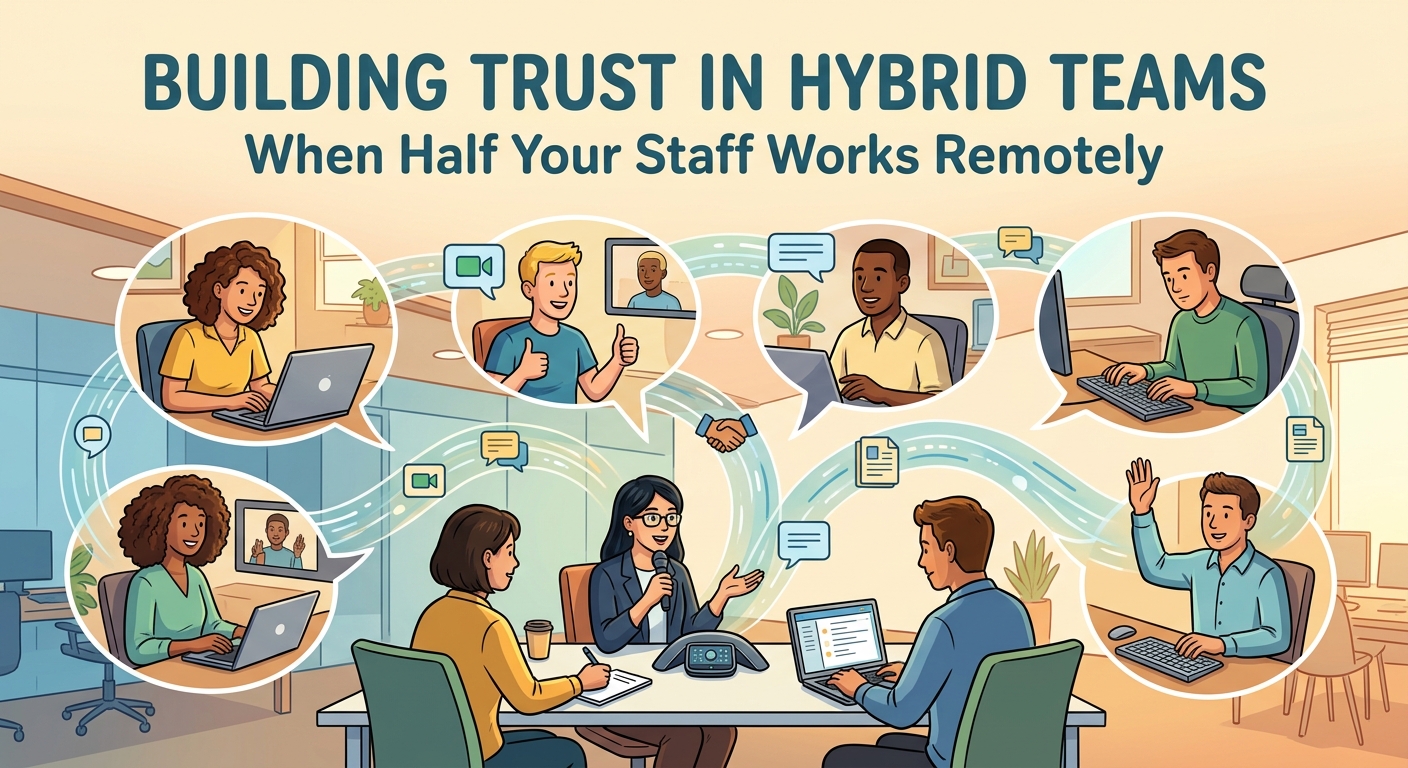
Your first priority is making all important communication asynchronous and documented. If it matters, it goes in writing where everyone can access it.
This means shifting away from “let me just ask Sarah” culture to “let me check the project doc” culture. It feels slower at first. But it prevents the constant knowledge gaps that plague hybrid teams.
Here’s what this looks like in practice:
- Create a single source of truth for each project using shared documents or wikis
- Require meeting notes with action items posted within two hours of any discussion
- Use threaded channels for project updates instead of direct messages
- Record decisions in a searchable format, not buried in chat history
- Set clear response time expectations for different communication channels
The goal is that someone who was offline for two days can catch up completely in 20 minutes. If they can’t, your documentation system has gaps.
Building a documentation-first culture takes deliberate effort, but it pays off in reduced confusion and fewer repeated questions.
Running Meetings That Don’t Exclude Anyone
The default hybrid meeting setup creates second-class participants. You need to level the playing field deliberately.
Meeting format options that work:
- All-remote meetings where everyone joins from their own device, even if some people are in the office
- Dedicated meeting rooms with professional camera and microphone systems that capture everyone equally
- Rotating facilitators who specifically monitor and invite remote participant input
- Structured turn-taking that ensures remote voices get heard, not talked over
The all-remote approach is often the most equitable. When everyone is a Brady Bunch square on the screen, nobody has proximity advantage. It feels awkward if people are sitting ten feet apart in the same office, but it genuinely improves participation balance.
If you do in-person meetings with remote participants, invest in proper equipment. A laptop webcam pointed at a conference table doesn’t cut it. You need cameras that show everyone’s faces clearly and microphones that pick up the whole room without echo.
“The single biggest complaint from remote workers is being in meetings where they can’t hear half the conversation and nobody remembers they’re there. Fix your audio setup before you worry about anything else.” – Remote work consultant
Addressing meeting fatigue is also critical for keeping your remote team members engaged and productive.
Creating Predictable Rhythms
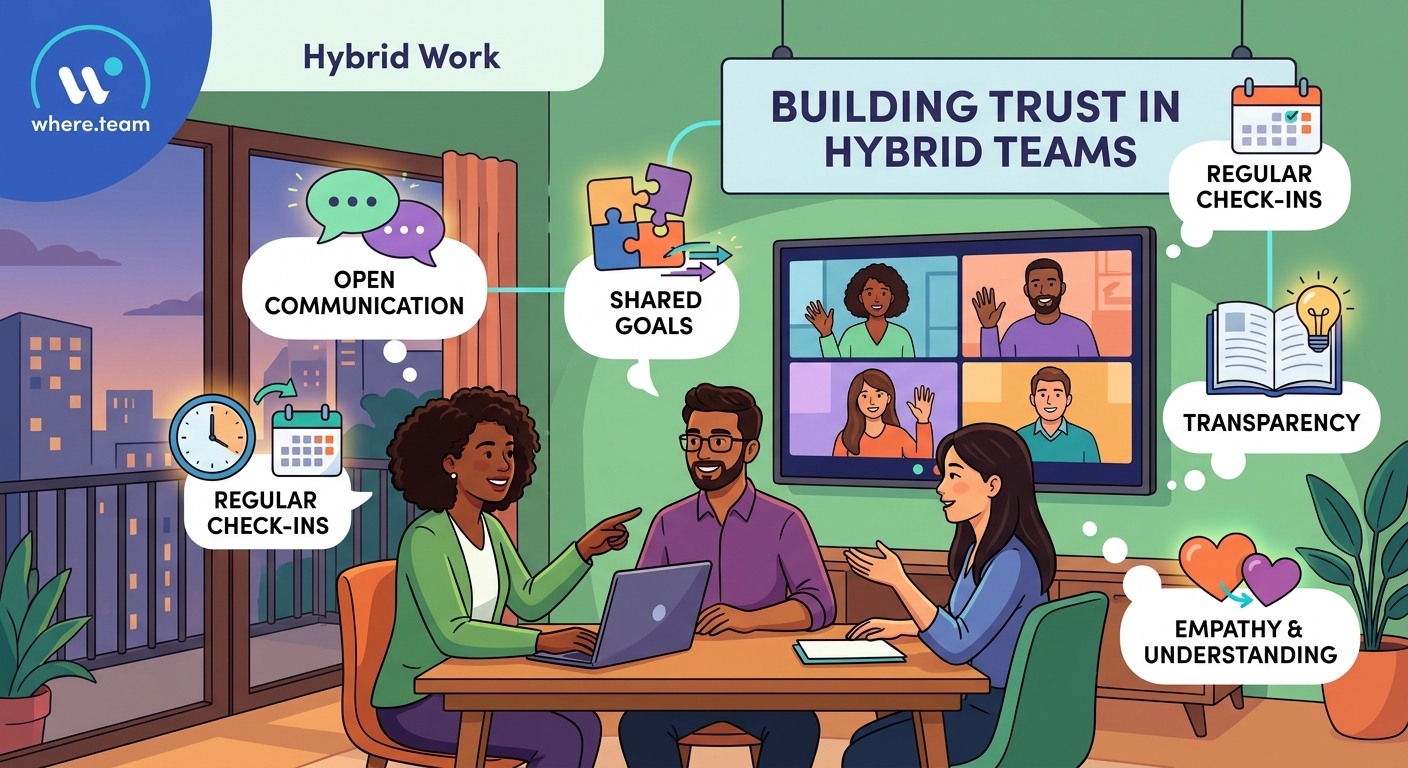
Hybrid teams need more structure than fully co-located or fully remote teams. The variation in working contexts means you can’t rely on ambient awareness.
Establish these regular touchpoints:
- Daily stand-ups at a consistent time using a structured format
- Weekly team meetings with published agendas 24 hours in advance
- Monthly one-on-ones with every team member, scheduled weeks ahead
- Quarterly in-person gatherings for relationship building
The predictability matters more than the specific frequency. People need to know when they’ll have access to you and to each other. Surprises create anxiety in hybrid settings because remote workers can’t just walk over to your desk.
Your calendar should be visible to your team. Block focus time, but make it clear when you’re available for questions. Remote workers need to see that you’re accessible, not just assume you’re busy with the office crew.
Preventing Proximity Bias
Proximity bias is the tendency to favor people you see in person. It’s unconscious and incredibly common. You need active countermeasures.
Track your interactions. Are you having more casual conversations with in-office staff? Do you know more about their personal lives? Do you think of them first for interesting projects?
If yes, you have proximity bias. Here’s how to counter it:
Deliberate equity practices:
- Rotate project leadership between remote and in-office team members
- Schedule dedicated one-on-one time with remote workers, not just when problems arise
- Share opportunities and interesting work through documented channels, not hallway chats
- Celebrate wins publicly in written channels, not just in-office high-fives
- Review promotion and raise decisions with location data to spot patterns
Consider also where you’re investing in workspace quality. In-office employees get ergonomic chairs and good monitors by default. Are you providing equivalent home office support for remote workers?
Hybrid work budgets should account for equipment and space needs across both locations.
Designing Your Hybrid Schedule
Not all hybrid schedules are created equal. The pattern you choose shapes how your team functions.
| Schedule Type | Best For | Common Pitfalls |
|---|---|---|
| Fixed days (e.g., Monday/Wednesday in office) | Teams needing regular collaboration time | Remote workers miss spontaneous decisions on office days |
| Flexible individual choice | Mature teams with strong documentation | Hard to plan collaborative work, meetings become all-virtual by default |
| Team-synchronized (whole team in on same days) | Project-based work with intense collaboration periods | Requires significant office space, may not suit all roles equally |
| Role-based (some roles remote, some in-office) | Teams with distinct functional areas | Creates permanent in-group/out-group dynamics |
The team-synchronized approach often works best for building cohesion. When everyone is in the same mode on the same days, you avoid the split-attention problem.
Whatever pattern you choose, document it clearly and review it quarterly. What works for your team in March might not work in September as projects and people change.
Designing a schedule that works requires input from your team, not just management preferences.
Making In-Person Time Count
When you do gather in person, make it worth the commute. Don’t waste precious co-located time on status updates that could happen asynchronously.
Reserve in-person time for:
- Relationship building and informal connection
- Complex problem-solving that benefits from whiteboarding
- Strategic planning and big-picture discussions
- Skills training and hands-on learning
- Team activities that build trust
The worst use of in-person time is sitting silently on video calls with remote colleagues. If that’s happening, your schedule design needs work.
For teams that are mostly remote, consider quarterly meetups at coworking spaces with good meeting facilities rather than requiring regular office attendance. The concentrated face time often builds stronger relationships than scattered partial-team office days.
Team retreat activities can accelerate trust-building during these gatherings.
Handling Performance and Accountability
Managing performance in hybrid teams requires output-focused metrics, not presence monitoring. You can’t see who’s working hard, so you need clear deliverables.
Define what good looks like for each role:
- Specific outcomes expected weekly or monthly
- Quality standards that are measurable
- Response time requirements for different communication types
- Collaboration expectations and how to demonstrate them
Then measure against those standards consistently, regardless of location. The person who comes to the office every day but misses deadlines isn’t performing better than the remote worker who delivers early.
Be careful about using activity metrics like messages sent or hours logged. These measure motion, not progress. They also tend to favor in-office workers who have more ambient interaction.
When performance issues arise, address them the same way regardless of location. Don’t assume remote workers are slacking or that in-office workers are just having a rough patch. Apply the same standards and support.
Technology That Bridges the Gap
Your tech stack either enables hybrid work or undermines it. You need tools that work equally well for everyone.
Essential technology categories:
- Video conferencing with good mobile apps and calendar integration
- Async communication platforms that organize conversations by topic
- Shared document systems with real-time collaboration
- Project management tools with clear ownership and status tracking
- Recording capabilities for meetings so people can catch up
Avoid tools that only work well in person. Whiteboards are great, but if remote workers can’t participate meaningfully, you need digital alternatives.
Also consider the physical setup. In-office meeting rooms need quality cameras and microphones. Remote workers need stipends for proper desk setups and good headphones.
Technology equity matters. If in-office workers get better tools by default, remote workers feel the difference.
Recognizing When Your Approach Isn’t Working
Watch for these warning signs that your hybrid model has problems:
- Remote workers consistently quiet in meetings while in-office staff dominates
- Important decisions made during in-person conversations that remote workers learn about later
- Remote employees leaving at higher rates than in-office staff
- Two separate social groups forming along location lines
- Remote workers expressing feeling out of the loop or less valued
If you see these patterns, your systems need adjustment. Don’t wait for the annual survey. Course-correct as soon as you notice inequity.
Regular check-ins specifically about the hybrid experience help catch issues early. Ask directly: “Do you feel like you have the same access to information and opportunities as people in the office?” The answers might surprise you.
Common policy failures often stem from not listening to these concerns.
The Real Work of Hybrid Management
Managing hybrid teams well requires more intentional effort than managing co-located teams. You can’t rely on proximity to build relationships or transfer information. Everything that happened naturally in an office needs a deliberate system.
But the payoff is significant. Hybrid teams that work well combine the flexibility and focus time of remote work with the relationship building and collaborative energy of in-person time. Your best people get to work in ways that suit their lives while still feeling connected to something bigger.
The key is consistency. Your systems need to work the same way every time so people can trust them. Your equity practices need to be visible and measurable so everyone knows they’re real. Your communication needs to be thorough enough that location doesn’t determine access to information.
Start with one area where you know you have gaps. Maybe it’s meeting equity, or documentation, or how you distribute interesting projects. Fix that first. Then move to the next issue. Hybrid management is a practice, not a destination. You’ll keep refining your approach as your team and work evolve.
The managers who succeed at this aren’t the ones with perfect systems from day one. They’re the ones who keep adjusting based on what their team actually needs, not what looks good in a policy document.
