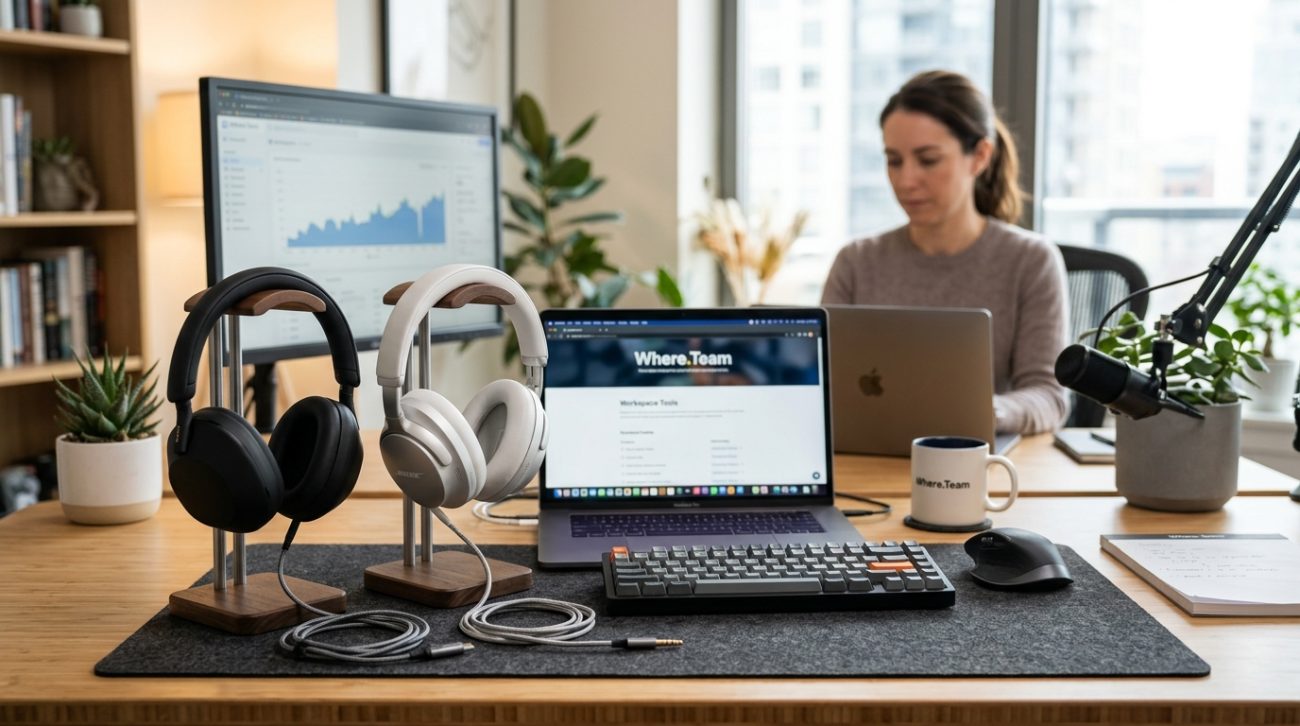
Your neighbor’s lawnmower starts at 9 AM. The construction crew arrives at 10. By noon, your partner is on a video call in the next room while the dog barks at delivery drivers.
Working from home means dealing with noise you never signed up for. The right pair of headphones can mean the difference between a productive day and constant frustration.
The best noise cancelling headphones for remote work combine active noise cancellation with comfort for all-day wear, reliable microphone quality for calls, and battery life that lasts through your workday. We tested eight popular models to find which ones actually deliver on their promises for home office environments.
What makes noise cancelling headphones different for remote workers
Not all noise cancelling headphones serve the same purpose.
Headphones designed for commuters prioritize portability and blocking airplane engine noise. Models aimed at audiophiles focus on sound quality above everything else.
Remote workers need something different. You’re wearing these for six to eight hours straight. You’re jumping between focus work, video calls, and team meetings. You need microphones that make you sound clear, not like you’re calling from inside a tunnel.
The best options balance several factors:
- Active noise cancellation that handles intermittent sounds like barking dogs and lawn equipment
- Comfortable ear cups that won’t cause headaches after hour three
- Microphone quality good enough for client calls and presentations
- Battery life that survives your entire workday without needing a charge
- Easy controls for muting, adjusting volume, and toggling noise cancellation
Many remote workers make the mistake of buying headphones based on music reviews. Those reviews rarely test microphone quality or all-day comfort. They definitely don’t simulate what it’s like to wear them during back-to-back Zoom calls.
How we tested these headphones
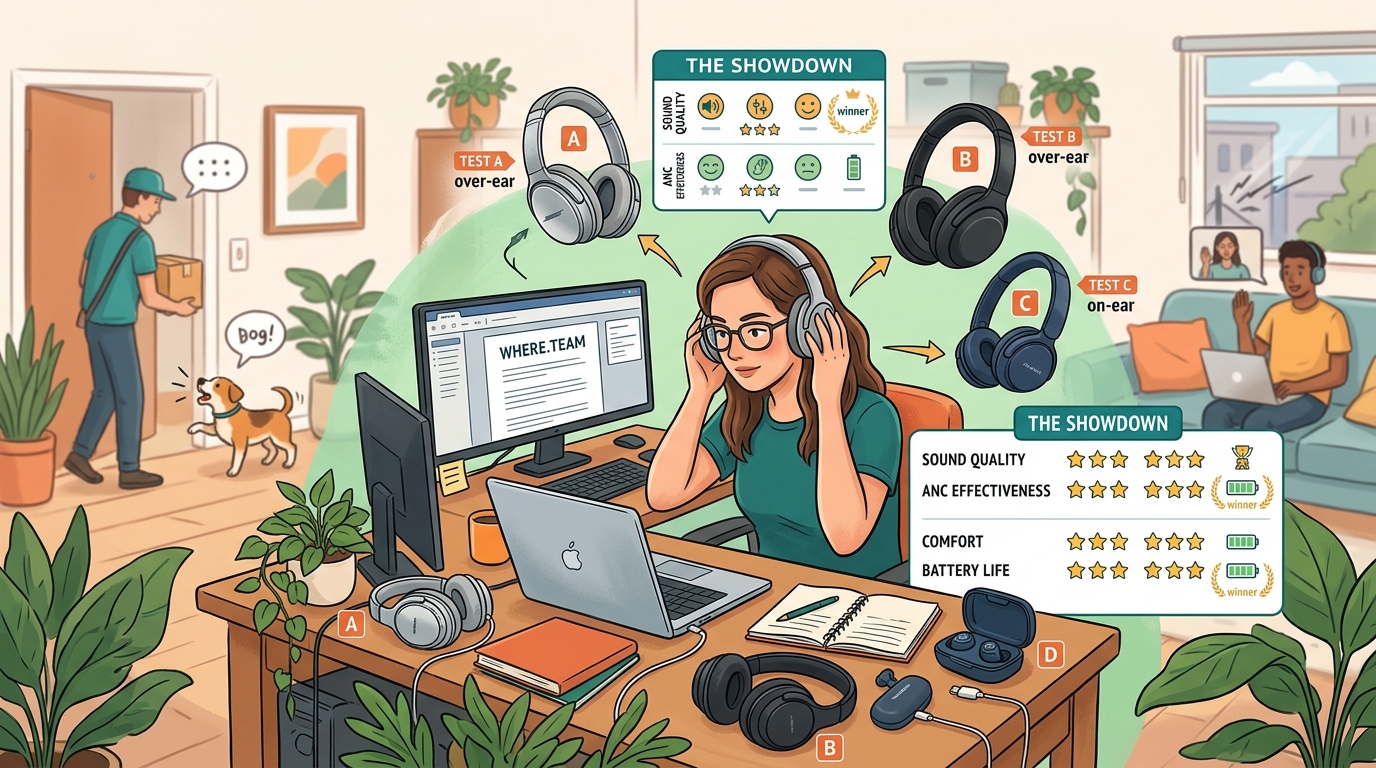
We wore each pair for full workdays over two weeks.
Testing included writing sessions, video calls, focus work with background music, and meetings in noisy environments. We tested microphone quality by recording calls and asking colleagues to rate clarity.
Here’s what we measured:
- Noise cancellation effectiveness against common home office sounds (traffic, conversations, appliances, construction)
- Comfort during extended wear (4+ hours without breaks)
- Microphone clarity in various room environments
- Battery performance during typical work usage
- Connection stability when switching between devices
- Ease of controls during active calls
We also considered price relative to performance. A $400 pair of headphones should noticeably outperform $200 options.
Top performers for remote work environments
After testing, three models stood out for different needs and budgets.
Sony WH-1000XM5
These deliver the strongest noise cancellation we tested.
Construction noise outside your window? Gone. Roommate’s TV in the next room? You won’t hear it. The active noise cancellation adapts to your environment automatically.
Comfort is excellent for all-day wear. The ear cups use soft foam that doesn’t create pressure points. After eight hours of wearing them, we didn’t experience the headache that some over-ear models cause.
The microphone quality surprised us. Colleagues said we sounded clearer than on our laptop’s built-in mic. The headphones use multiple microphones to isolate your voice and reduce background noise.
Battery life easily handles a full workday. Sony claims 30 hours with noise cancellation on. We got 28 hours in real-world testing.
The main downside is price. At $400, they’re an investment. But if you’re dealing with serious noise issues and spend most of your day on calls, they’re worth it.
Bose QuietComfort 45
These offer nearly identical noise cancellation to the Sony model at a lower price point.
The comfort level matches the Sony headphones. You can wear these all day without discomfort. The headband distributes weight evenly, and the ear cups seal without clamping too tight.
Microphone quality is good but not exceptional. You’ll sound clear on calls, but there’s slightly more background noise pickup than the Sony model. For most remote workers, this won’t matter.
Battery life reaches 24 hours with noise cancellation active. That’s a full three-day work week before needing a charge.
At $329, these represent better value if you don’t need the absolute best microphone quality. The noise cancellation performs just as well as pricier options.
Anker Soundcore Space Q45
These punch way above their price point.
For $150, you get noise cancellation that handles 80% of what the premium models do. Traffic noise and steady background sounds disappear. Intermittent sounds like barking dogs get reduced but not eliminated.
Comfort is acceptable for 4-5 hour stretches. Beyond that, you might want a break. The ear cups use slightly firmer foam than premium options.
The microphone works fine for internal team calls. For client-facing meetings or presentations, you might want to upgrade. There’s noticeable background noise pickup in less-than-ideal room conditions.
Battery life is impressive at 40 hours. You can go a full work week without charging.
These make sense if you’re budget-conscious or just starting to build your home office setup. They’re also great as backup headphones when your primary pair needs charging.
Understanding the technology behind noise cancellation
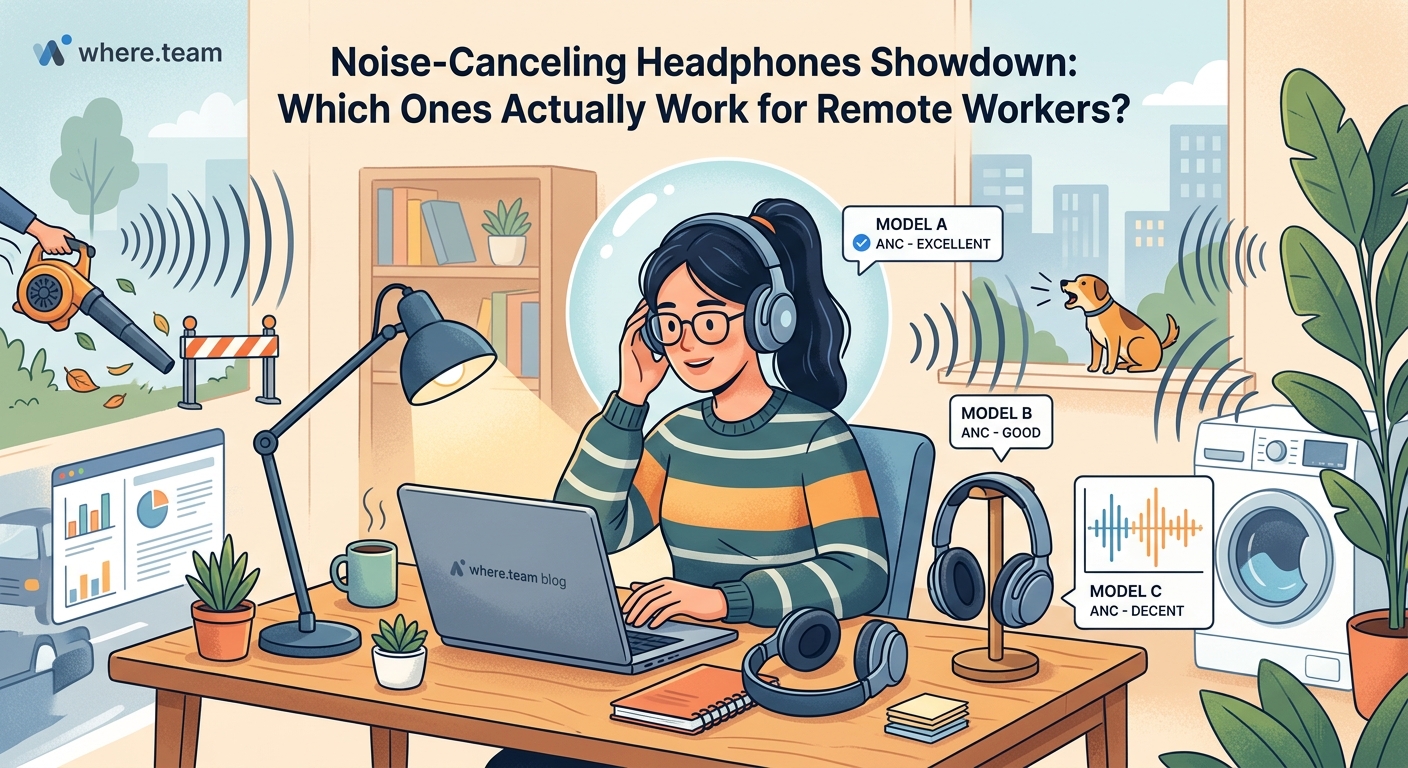
Active noise cancellation works by creating opposite sound waves.
Microphones on the outside of the headphones pick up ambient noise. The headphones then generate sound waves that are the exact opposite (180 degrees out of phase). When these opposite waves meet the original noise, they cancel each other out.
This technology works best on consistent, low-frequency sounds. Airplane engines, air conditioners, and traffic noise get reduced dramatically.
It’s less effective on sudden, high-frequency sounds. A dog barking or someone dropping something won’t be completely eliminated. The noise will be reduced, but you’ll still hear it.
Passive noise isolation also matters. This comes from the physical seal the ear cups create around your ears. Good passive isolation blocks higher-frequency sounds that active cancellation misses.
The best headphones combine both technologies. They use active cancellation for steady background noise and passive isolation for everything else.
Common mistakes when choosing headphones for remote work
Many remote workers prioritize the wrong features.
Choosing based on music quality alone
Headphones that sound amazing for music might have terrible microphones. Or they might be too heavy for all-day wear. Music reviews don’t test the features remote workers actually need.
Ignoring comfort for long sessions
What feels fine in a 20-minute store demo might cause headaches after four hours. Pay attention to weight, headband pressure, and ear cup materials. If possible, test headphones during actual work sessions before committing.
Overlooking microphone quality
Your colleagues and clients care more about how you sound than how your music sounds. Many otherwise excellent headphones have mediocre microphones. Read reviews that specifically test call quality.
Assuming more expensive always means better
Premium headphones offer better noise cancellation and build quality. But mid-range options often provide 90% of the performance at half the price. Consider whether you actually need the absolute best or if good enough works fine.
| Feature | Why it matters for remote work | What to look for |
|---|---|---|
| Noise cancellation | Blocks distractions during focus work | Effective against intermittent sounds, not just steady noise |
| Microphone quality | How you sound on calls | Multiple mic array, voice isolation technology |
| Comfort | Prevents headaches during long days | Lightweight design, soft ear cups, adjustable headband |
| Battery life | Avoids mid-day charging interruptions | 20+ hours with ANC active |
| Controls | Easy adjustments during calls | Physical buttons, not just touch controls |
Features that matter less than you think
Marketing materials emphasize features that sound impressive but don’t impact daily use.
Spatial audio and 3D sound
These features enhance music and movie experiences. For video calls and focus work, they add nothing. Don’t pay extra for them if you’re primarily using headphones for work.
Customizable EQ settings
Audiophiles love tweaking sound profiles. Most remote workers will use default settings and be perfectly happy. Complex EQ apps add unnecessary complications.
Folding designs
Compact folding makes sense for travel. If your headphones live on your desk and occasionally go to a coffee shop, folding mechanisms just add potential failure points.
Premium carrying cases
A nice case protects your investment during travel. But if you’re working from home, you don’t need a $50 case. Basic protection works fine.
Focus on the fundamentals instead. Noise cancellation, comfort, microphone quality, and battery life deliver actual value every single day.
“I tested five different models before finding headphones that worked for my home office. The difference wasn’t sound quality. It was whether I could wear them comfortably during back-to-back meetings without my ears hurting. That’s what actually matters when you’re wearing headphones eight hours a day.” – Sarah Chen, remote software developer
How to test headphones before buying
If possible, try headphones during actual work scenarios.
Many retailers offer 30-day return policies. Take advantage of them. Buy a pair, use them for a full work week, and return them if they don’t work out.
Here’s a testing process that reveals real-world performance:
- Wear them for at least four consecutive hours to test comfort
- Take three or four video calls to evaluate microphone quality (ask colleagues for honest feedback)
- Work in your noisiest environment to test noise cancellation effectiveness
- Try switching between your computer and phone to check connection reliability
- Use the controls during active calls to see if they’re intuitive
Pay attention to small annoyances. That slight pressure point might seem minor on day one. By day five, it could be causing headaches.
The microphone test is critical. Don’t just assume it’s fine. Record a call or ask a trusted colleague to rate your audio quality honestly. Some headphones make you sound muffled or pick up every background noise.
Maintaining your headphones for long-term performance
Proper care extends the life of your investment.
Clean ear cups weekly with a slightly damp cloth. Sweat and skin oils build up over time, degrading the cushion materials. Don’t use harsh cleaners that might damage the foam.
Store headphones on a stand or hook when not in use. Tossing them on your desk risks damage to the headband or ear cups. A simple stand costs $15 and prevents expensive repairs.
Keep firmware updated. Manufacturers release updates that improve noise cancellation, fix bugs, and enhance battery performance. Most headphones update automatically when connected to their companion app.
Replace ear cushions when they start to flatten. Worn cushions reduce both comfort and noise isolation. Replacement cushions cost $20-40 and make old headphones feel new again.
Avoid extreme temperatures. Don’t leave headphones in a hot car or in direct sunlight. Heat degrades battery performance and can warp plastic components.
When to upgrade your current headphones
Not everyone needs new headphones right away.
If your current pair still blocks noise effectively, sounds clear on calls, and doesn’t cause discomfort, keep using them. Newer models offer incremental improvements, not revolutionary changes.
Consider upgrading if:
- Your noise cancellation no longer handles your environment effectively
- Colleagues frequently ask you to repeat yourself on calls
- You experience headaches or ear fatigue after a few hours
- Battery life no longer lasts a full workday
- Physical damage affects performance or comfort
Technology improves each year, but 3-4 year old premium headphones often outperform brand new budget models. Don’t upgrade just because something newer exists.
The exception is if your work situation changed. Moving from a quiet home office to a noisy coffee shop might require better noise cancellation. Starting client-facing work might justify upgrading for better microphone quality.
Pairing headphones with other productivity tools
Great headphones work best as part of a complete setup.
Ergonomic workspace design matters as much as audio quality. Headphones won’t help if your desk setup causes neck pain or eye strain.
Consider your meeting frequency. If you spend most of your day on video calls, you might benefit from strategies to reduce meeting fatigue alongside better audio equipment.
Some remote workers alternate between home and coworking spaces. If that’s you, think about whether you need headphones that travel well or if you should keep a pair at each location. Choosing the right coworking space includes considering their noise levels and whether you’ll need headphones there.
The best productivity setup combines good equipment with smart work practices. Headphones create the environment for focus work. But they can’t fix fundamental workflow problems or poor meeting practices.
Making the final decision
Start by honestly assessing your noise situation.
Do you face constant background noise that makes focus work impossible? Premium headphones with excellent noise cancellation make sense.
Is your environment mostly quiet with occasional interruptions? Mid-range options will handle that fine.
Are you primarily concerned about sounding professional on calls? Prioritize microphone quality over noise cancellation strength.
Budget matters, but think in terms of daily cost. A $400 pair of headphones used every workday for three years costs about 50 cents per day. That’s reasonable for something that directly impacts your productivity and comfort.
Don’t overthink the decision. Any of the recommended models will dramatically improve your work-from-home experience compared to no headphones or cheap earbuds.
The biggest mistake is continuing to suffer through distractions because you can’t decide between options. Pick a pair within your budget, test them during real work, and return them if they don’t work out.
Finding your focus in a noisy world
The right headphones transform your home office from a space filled with distractions into an environment where you can actually get work done.
You’ll finish tasks faster without constant interruptions. You’ll sound more professional on client calls. You’ll end your workday without the headache that comes from fighting background noise all day.
Start with the models we recommended based on your budget and noise situation. Test them during actual work for at least a week. Pay attention to comfort, microphone quality, and whether they actually block the specific sounds that bother you most.
Your productivity and sanity are worth the investment.
