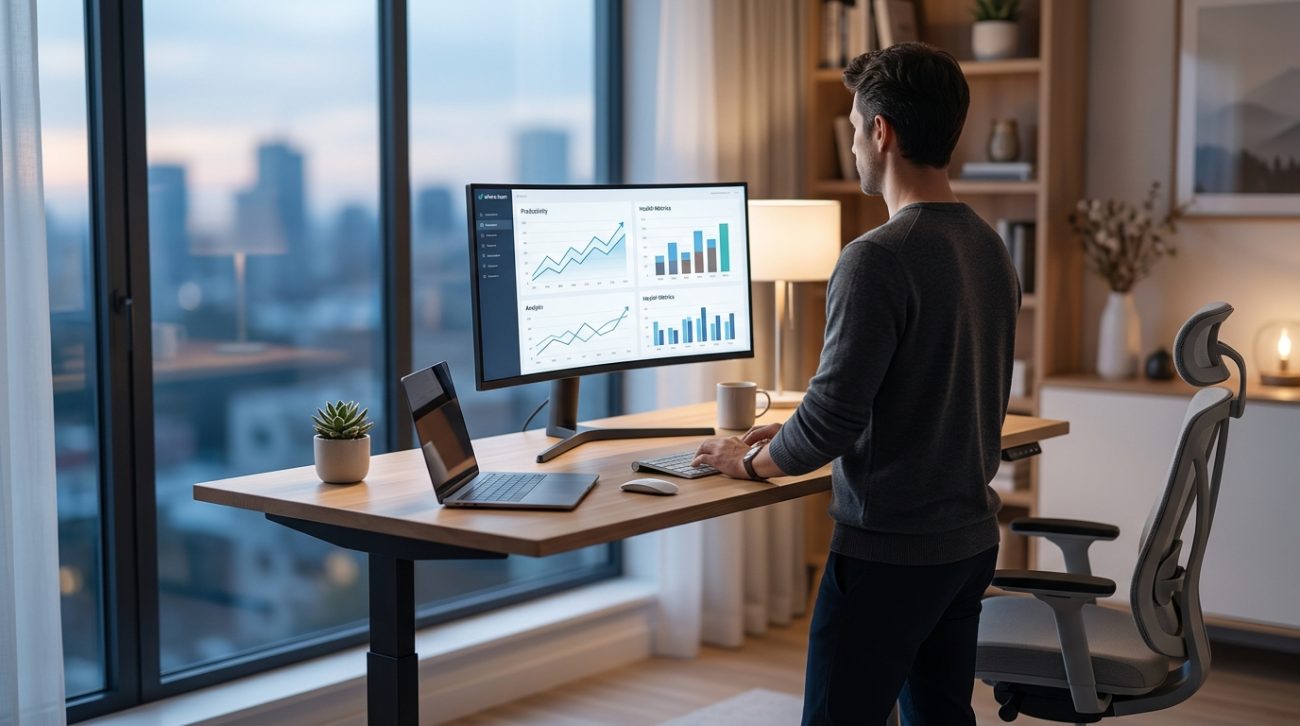
You’ve been staring at that standing desk ad for three weeks now. The price tag hovers around $400, and you’re wondering if it’s just another work-from-home fad or something that’ll actually make a difference in your daily routine.
Standing desks can reduce back pain and boost energy levels, but only when used correctly. The research shows benefits peak when you alternate between sitting and standing every 30 to 60 minutes, not by standing all day. Most remote workers see value within 2 to 3 weeks of proper use, making the investment worthwhile for those committed to changing their work habits.
What the Research Actually Shows About Standing Desks
Let’s cut through the marketing hype and look at what peer-reviewed studies tell us.
A 2018 study published in the British Medical Journal tracked 146 office workers over 12 months. Those who used sit-stand desks reported 32% less lower back pain compared to those who sat all day. That’s significant.
But here’s the catch: standing all day isn’t better than sitting all day.
The same research found that workers who stood for more than 2 hours without breaks experienced leg discomfort and fatigue. The sweet spot? Alternating positions throughout your workday.
Another study from Texas A&M measured productivity among call center employees. Workers with standing desks were 46% more productive than their seated counterparts over a six-month period. They took more calls and reported feeling more engaged.
The data paints a clear picture. Standing desks work, but only when you use them as intended: as a tool for movement, not a replacement for one static position with another.
The Real Costs Beyond the Price Tag
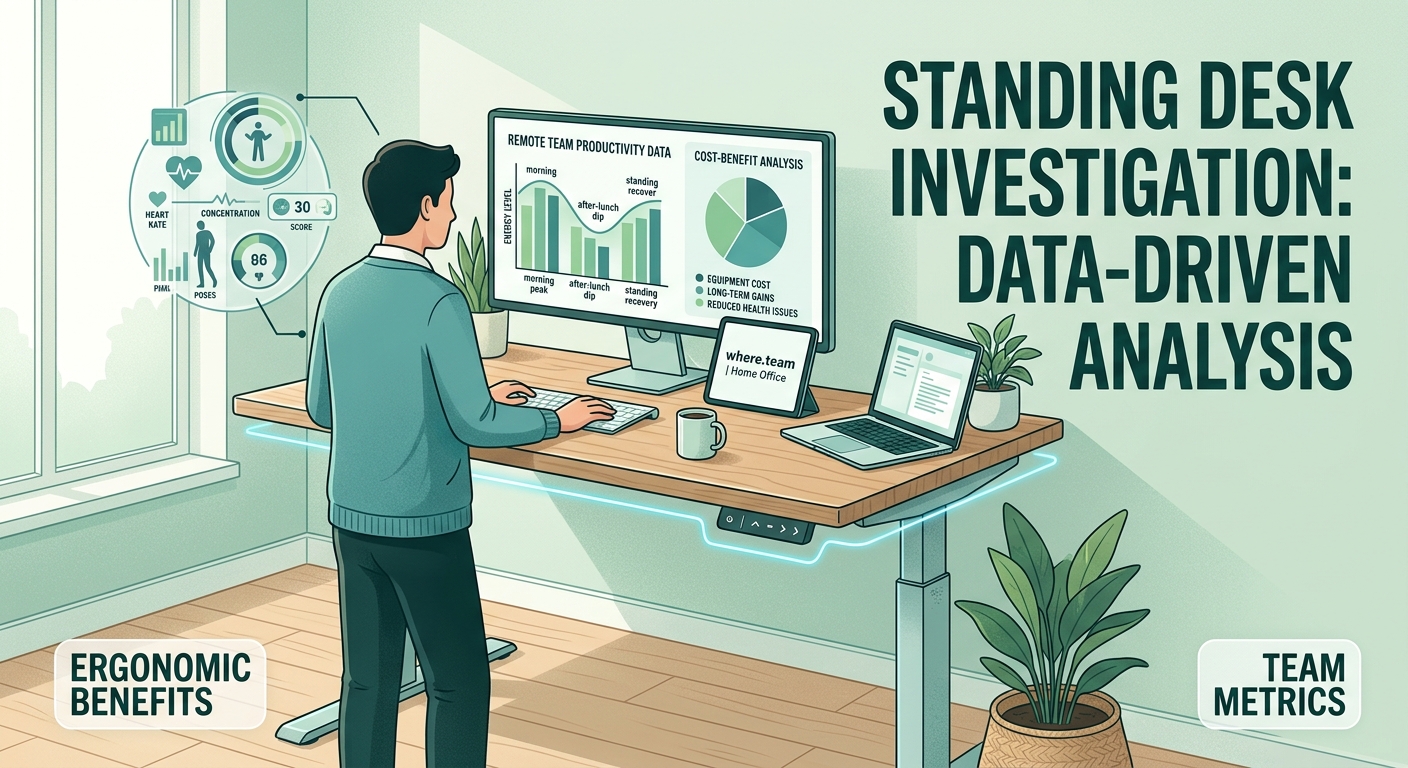
Before you click “buy now,” let’s talk about what you’re actually spending.
Entry-level electric standing desks start around $300. Mid-range options with better motors and stability run $500 to $800. Premium models with memory presets and advanced features can hit $1,200 or more.
But the desk itself is just the beginning.
You’ll likely need:
- An anti-fatigue mat ($30 to $100)
- A monitor arm to maintain proper eye level ($50 to $200)
- A balance board or footrest ($40 to $80)
- Cable management solutions ($20 to $50)
Total investment? You’re looking at $440 to $1,630 depending on your choices.
Now compare that to the cost of chronic back pain. The American Chiropractic Association estimates that Americans spend $50 billion annually on back pain treatment. If a standing desk prevents even one round of physical therapy (averaging $150 per session), it pays for itself.
How Standing Desks Actually Improve Your Workday
The benefits extend beyond just reducing pain. Here’s what changes when you start alternating between sitting and standing.
Energy levels stabilize. That 2 PM crash? It gets less severe. Standing increases blood flow and oxygen circulation, which helps maintain alertness during long video calls or deep work sessions.
Posture improves naturally. When you stand, you’re more aware of your body position. You’re less likely to slouch or crane your neck forward, especially during video meetings that already drain your energy.
Movement becomes easier. Standing makes it simpler to shift your weight, stretch, or take a few steps. You’re not locked into one position for hours.
Focus shifts happen faster. Need to switch from email to a creative task? The physical act of changing positions can help your brain transition between different types of work.
“The biggest mistake people make is treating a standing desk like a magic solution. It’s a tool that enables better habits. You still need to move, stretch, and take breaks.” – Dr. Alan Hedge, Cornell University ergonomics professor
Setting Up Your Standing Desk the Right Way
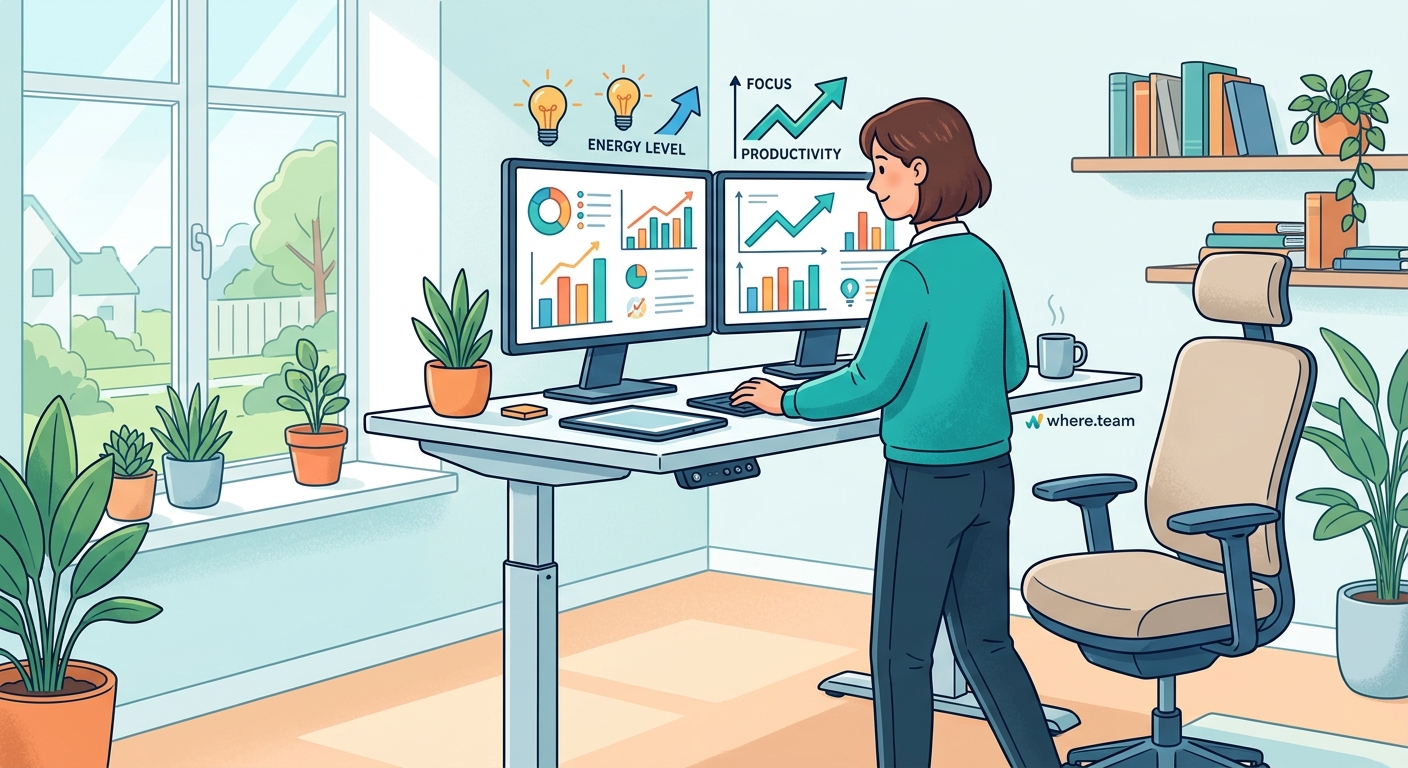
Buying the desk is step one. Using it correctly is what actually matters.
Follow this sequence to get your setup right:
-
Set your standing height first. Your elbows should be at 90 degrees when your hands rest on the keyboard. Most people set their desk too high initially.
-
Position your monitor. The top of your screen should be at or slightly below eye level. You shouldn’t tilt your head up or down to see your work.
-
Place an anti-fatigue mat. Put it where you’ll stand most often. This reduces stress on your feet and encourages subtle movements.
-
Program memory presets. If your desk has them, save your sitting and standing heights. This removes friction from switching positions.
-
Set transition reminders. Use your phone or computer to remind you to change positions every 30 to 60 minutes.
The goal isn’t to stand all day. It’s to build a rhythm that keeps you moving.
Common Mistakes That Waste Your Investment
Even people who buy quality standing desks often use them wrong. Here’s what to avoid.
| Mistake | Why It Hurts | Better Approach |
|---|---|---|
| Standing all day | Causes leg fatigue and doesn’t improve health markers | Alternate every 30-60 minutes |
| Wrong monitor height | Leads to neck strain and headaches | Top of screen at eye level |
| Wearing the wrong shoes | Creates foot and back pain | Supportive shoes or standing barefoot on mat |
| No anti-fatigue mat | Increases joint stress and discourages standing | Invest in quality mat from day one |
| Ignoring sitting ergonomics | Negates benefits during seated time | Optimize both positions equally |
The biggest mistake? Giving up after the first week. Your body needs time to adapt. The first few days of standing will feel tiring. That’s normal. Most people adjust within 10 to 14 days.
Who Actually Benefits Most from Standing Desks
Standing desks aren’t equally valuable for everyone. Let’s get specific about who sees the biggest returns.
You’ll benefit most if you:
- Spend 6+ hours daily at your desk
- Experience regular lower back pain
- Feel sluggish during afternoon work sessions
- Have a history of sitting-related health issues
- Work in a home office where you control your setup
You might want to reconsider if you:
- Already move frequently throughout your day
- Have knee or hip problems that make standing painful
- Work primarily on a laptop without external monitors
- Share your workspace and can’t leave a desk set up
- Have balance issues or conditions that make standing risky
For remote workers building out a productive home office setup, a standing desk often makes sense as a long-term investment in your health and comfort.
Alternatives Worth Considering
Maybe you’re not ready to commit $400+ to a standing desk. Fair enough. Here are other options that address similar problems.
Desk converters ($150 to $350) sit on top of your existing desk and raise your monitor and keyboard. They’re less stable than full desks but work well for testing whether you’ll actually use a standing option.
Manual crank desks ($200 to $400) cost less than electric versions but require physical effort to adjust. If you only change positions a few times daily, they’re fine. For frequent switching, the inconvenience often leads to less use.
Treadmill desks ($500 to $2,000) let you walk slowly while working. They’re excellent for movement but noisy and impractical for video calls. Not ideal for most remote workers.
Balance boards and standing mats ($40 to $150) used with a fixed-height standing desk converter can provide similar benefits at lower cost. You lose the flexibility to sit comfortably, though.
The best alternative? A high-quality desk converter paired with a good anti-fatigue mat. Total cost around $250, and you can test the concept before investing in a full desk.
Making the Transition Stick
You’ve bought the desk. You’ve set it up correctly. Now comes the hardest part: actually changing your habits.
Start with just 15 minutes of standing in the morning. That’s it. Don’t try to stand for half your day in week one. Your body will revolt and you’ll give up.
Add 10 to 15 minutes each week. By week four, you should comfortably stand for 60 to 90 minutes spread throughout your day.
Use natural transition points as standing triggers. Stand during:
- Morning email review
- Team stand-up meetings
- Phone calls that don’t require note-taking
- Afternoon task planning
- End-of-day wrap-up
These activities already exist in your routine. You’re just changing your position during them.
Track your standing time for the first month. Not obsessively, just awareness. Most people think they stand more than they actually do. A simple tally mark system on a notepad works fine.
The Verdict on Value
So are standing desks worth it? For most remote workers who sit for extended periods, yes.
The research supports measurable benefits in pain reduction, energy levels, and productivity. The investment pays for itself if it prevents even minor health issues or improves your work output by a few percentage points over a year.
But the desk alone won’t fix anything. It’s a tool that enables better habits. You need to commit to using it correctly, alternating positions regularly, and being patient while your body adapts.
If you’re serious about improving your work-from-home setup and willing to actually change how you work, a standing desk is one of the most valuable investments you can make. Just don’t expect it to work magic on its own.
Your Next Move
The data is clear. Standing desks deliver real benefits when used as part of a broader approach to workplace ergonomics.
Start by assessing your current setup. How many hours do you sit without moving? Do you experience back pain or afternoon energy crashes? Are you willing to build new habits around position changes?
If those answers point toward yes, begin researching specific models that fit your budget and space. Look for stability, smooth height adjustment, and a weight capacity that handles your equipment.
Then commit to the transition period. Give yourself a full month of gradually increasing standing time before deciding whether it works for you. Most people who stick with it wonder why they waited so long to make the switch.
Your home office should support your health and productivity for years to come. A standing desk, used correctly, does exactly that.
