
Your marketing director just hit “record” on a company-wide Zoom call without asking. Two employees are in California. One is in Germany. Your legal team doesn’t know it happened yet. This scenario plays out thousands of times every day, and the consequences can range from awkward to expensive.
Recording remote meetings requires explicit consent in most jurisdictions, clear documentation of your recording policy, secure storage with limited access, and regular compliance audits. Laws vary dramatically by location, making a standardized global policy essential for distributed teams. Violations can result in lawsuits, regulatory fines, and damaged employee trust that takes years to rebuild.
Understanding the legal landscape for recording remote meetings
The legal requirements for recording remote meetings privacy compliance depend heavily on where your participants are located. Not where your company is headquartered.
Two-party consent states like California, Florida, and Pennsylvania require everyone on the call to agree before you hit record. One-party consent states only need one person (often the recorder) to agree. But here’s the catch: if even one participant is in a two-party consent jurisdiction, you need everyone’s permission.
International laws add another layer of complexity. GDPR in Europe treats recordings as personal data requiring explicit consent and clear retention policies. Canada’s PIPEDA has similar requirements. Australia requires notification before recording in most circumstances.
The safest approach? Always get consent from everyone, regardless of location.
“We treat every meeting recording as if our most privacy-conscious participant is in the most restrictive jurisdiction. It’s simpler than tracking 50 different state laws and international regulations.” – Compliance Director at a Fortune 500 company
Creating a compliant meeting recording policy
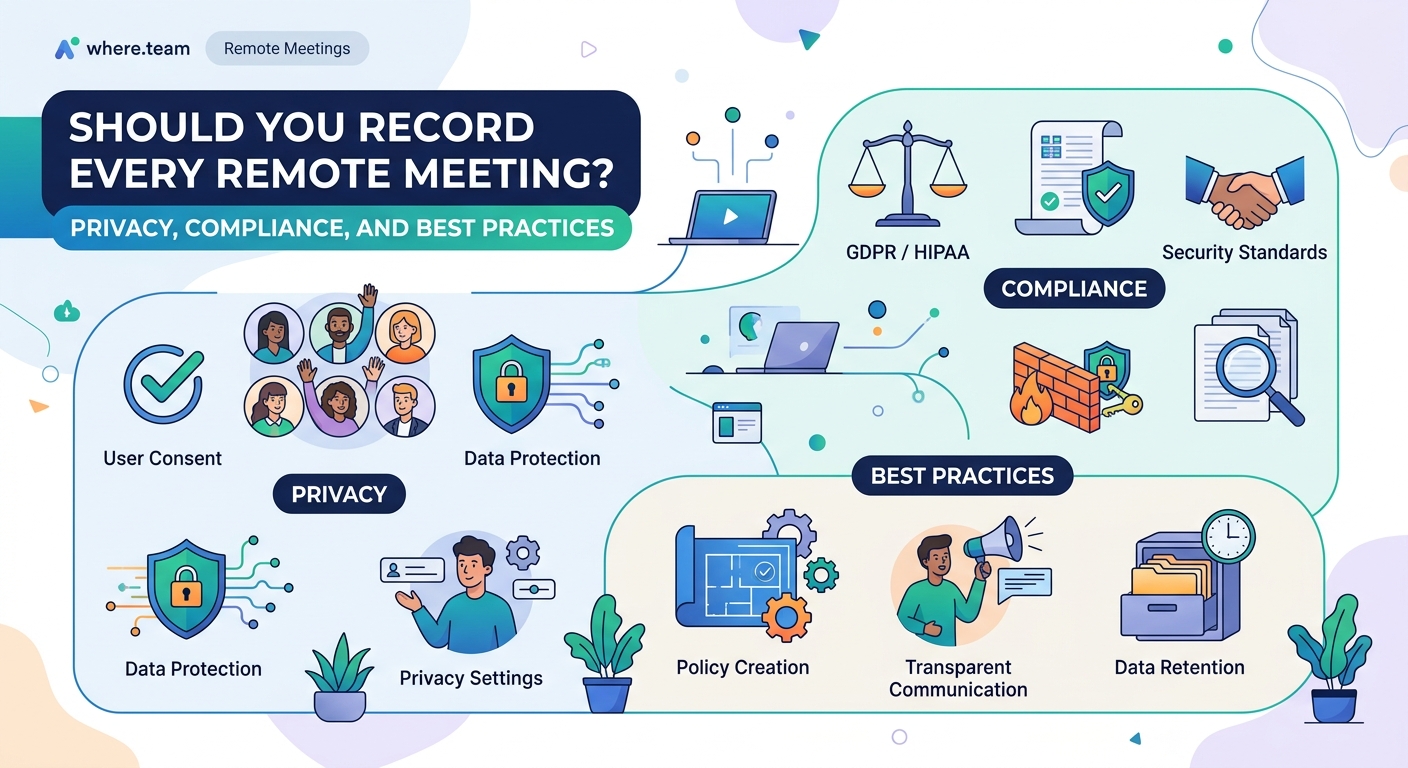
Your policy needs to answer five fundamental questions before anyone hits record.
Who can authorize recordings? Limit this to specific roles. Not every team lead needs recording privileges. HR, legal, and senior leadership should control access to recording features.
What types of meetings can be recorded? Training sessions and client presentations might be fine. Performance reviews and sensitive HR discussions probably aren’t. Create clear categories.
Where will recordings be stored? Cloud storage needs encryption at rest and in transit. Access logs should track who viewed what and when. Retention periods must align with legal requirements and business needs.
When must recordings be deleted? GDPR requires you to delete personal data when it’s no longer needed for its original purpose. Set automatic deletion schedules. Thirty days for routine meetings. Longer for compliance or training content.
How will you notify participants? Automated notifications when recording starts aren’t always enough. Include recording policies in meeting invitations. Add it to your employee handbook. Make it part of onboarding.
Step-by-step process for legally recording meetings
Follow these steps every single time you plan to record a remote meeting.
-
Add recording notice to the calendar invitation. Include a clear statement that the meeting will be recorded and how the recording will be used. Give people the option to decline if they’re uncomfortable.
-
Enable platform-specific consent features. Zoom, Teams, and Google Meet all have built-in consent notifications. Configure them to require acknowledgment before joining.
-
Verbally announce recording at the start. Don’t assume everyone read the invitation. State clearly that recording is starting and give people a chance to object or leave.
-
Document consent in meeting notes. Note who was present when recording started and whether anyone objected. This documentation protects you later.
-
Stop recording for sensitive discussions. If the conversation shifts to performance issues or personal matters, pause the recording. You can always restart it later.
-
Process recordings within 24 hours. Review, trim unnecessary content, add metadata for searchability, and move to secure storage immediately.
-
Send follow-up notification with access details. Tell participants where the recording lives, who can access it, and when it will be deleted.
Common recording mistakes and how to avoid them
| Mistake | Why It’s Risky | Better Approach |
|---|---|---|
| Recording every meeting by default | Creates massive compliance liability and storage costs | Only record when there’s a documented business need |
| Storing recordings in personal cloud accounts | No access controls or audit trails | Use enterprise platforms with proper security |
| Keeping recordings indefinitely | Violates data minimization principles | Set automatic deletion schedules based on content type |
| Sharing recordings via public links | Anyone with the link can access sensitive content | Require authentication and limit sharing permissions |
| Not documenting the business purpose | Can’t justify retention if audited | Tag each recording with category and retention reason |
| Ignoring participant location | Different laws apply based on where people are | Collect location data during meeting registration |
Technical safeguards for recorded content
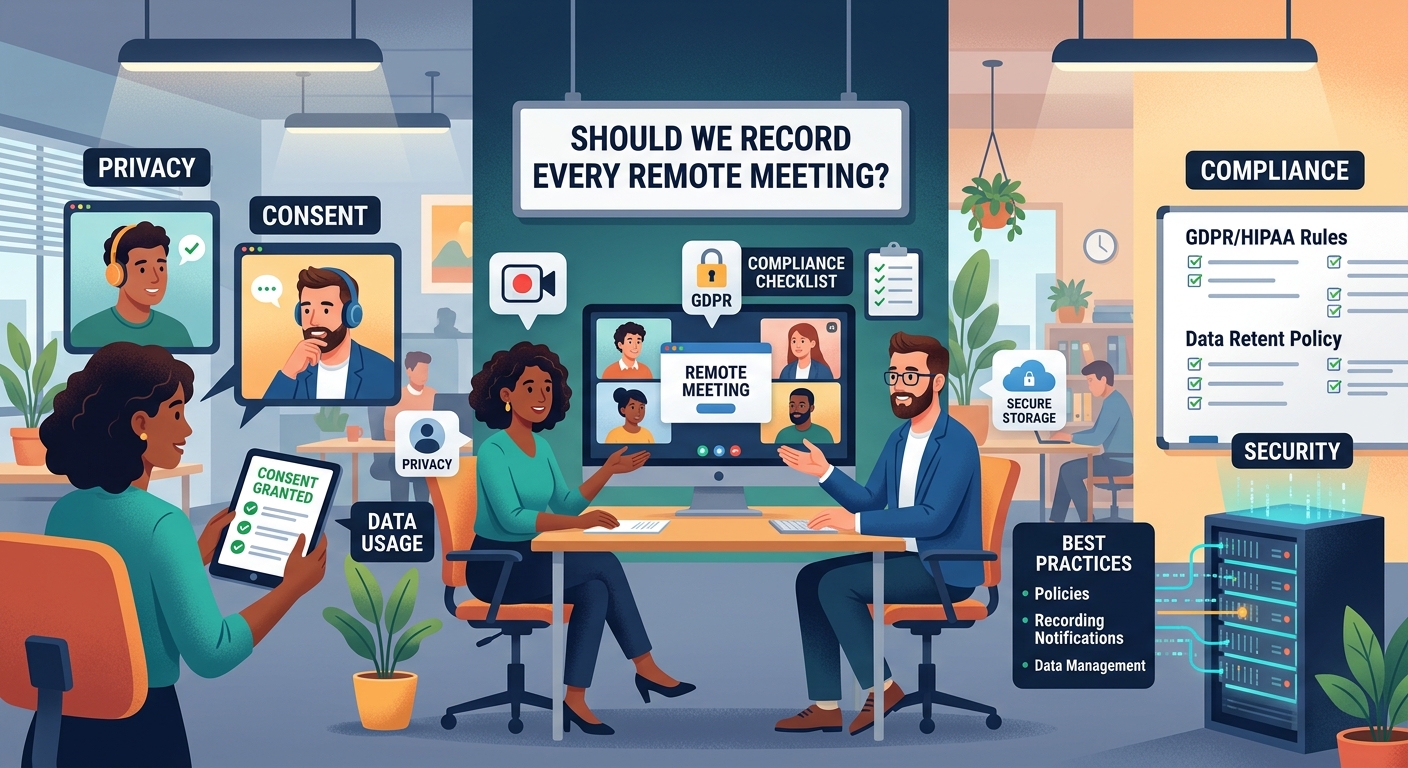
Compliance isn’t just about legal checkboxes. You need technical controls to back up your policies.
Encryption matters more than you think. Recordings contain voices, faces, and often sensitive business information. Use AES-256 encryption for stored files. Require TLS 1.2 or higher for transmission.
Access controls should be granular. Not everyone who attended the meeting needs access to the recording. Implement role-based permissions. HR can access HR meetings. Sales can access sales calls. Cross-department access requires approval.
Audit logs track accountability. Every view, download, and share should be logged with timestamps and user IDs. Review these logs quarterly at minimum. Monthly is better.
Watermarking discourages leaks. Embed participant names or IDs into video recordings. It won’t prevent all leaks, but it creates accountability.
Automatic transcription adds searchability. But it also creates another compliance artifact. Transcripts are discoverable in legal proceedings. They need the same protection as the recording itself.
Building consent workflows that actually work
Getting consent sounds simple until you try to implement it across a 200-person distributed team.
Start with your video conferencing platform settings. Most platforms let you require consent before joining a recorded meeting. Enable this feature globally. No exceptions.
Create pre-meeting checklists for hosts. Before scheduling any meeting that might be recorded, hosts should confirm the business need, identify sensitive topics that shouldn’t be recorded, and verify participant locations if possible.
For recurring meetings, refresh consent regularly. Just because someone agreed to recording in January doesn’t mean they consent in June. Re-confirm quarterly for ongoing meeting series.
External participants need extra attention. Clients, vendors, and contractors may have their own policies about being recorded. Ask before the meeting. Include recording policies in your standard meeting agreements.
Some people will say no. Have a plan for that. Can they participate without being recorded? Can you take detailed notes instead? Building a documentation-first culture helps reduce dependence on recordings.
Special considerations for different meeting types
Not all meetings carry the same risk profile. Adjust your approach accordingly.
All-hands and training sessions are usually low-risk. These are meant to be shared. Still get consent, but you can be more relaxed about retention and access.
Client meetings require written agreements about recording. Include recording terms in your standard contracts. Some clients will prohibit recording entirely. Respect that.
Performance reviews and disciplinary meetings are high-risk. Many employment lawyers recommend against recording these at all. If you must record, limit access to HR and legal only. Delete promptly after any appeal period expires.
Brainstorming and strategy sessions create intellectual property. These recordings need protection from competitors, but also clear ownership documentation. Who owns ideas shared in the meeting?
One-on-ones between managers and reports rarely need recording. The presence of a recording changes the dynamic. People are less candid. Take notes instead.
Storage and retention best practices
Where you keep recordings matters as much as whether you record at all.
Choose a platform that meets your industry’s compliance standards. Healthcare needs HIPAA compliance. Financial services need SOC 2. Government contractors need FedRAMP.
Separate storage by sensitivity level. Public webinars can live in standard cloud storage. Executive strategy sessions need isolated environments with restricted access.
Set retention schedules before you record. Training content might stay for years. Routine team meetings should auto-delete after 30 days. Performance discussions might need to stick around until the next review cycle.
Implement legal holds when needed. If litigation starts, you need to preserve relevant recordings immediately. Your platform should support litigation hold features.
Regular audits catch problems early. Review access logs monthly. Check storage against retention policies quarterly. Conduct full compliance audits annually.
Training your team on recording compliance
Your policy is only as good as your team’s understanding of it.
Include recording compliance in new hire onboarding. Make it part of the same training that covers harassment policies and data security. It’s that important.
Create role-specific training. Meeting hosts need detailed instruction on consent workflows. Participants need to understand their rights. IT needs to know the technical requirements.
Use real examples from your industry. Generic compliance training puts people to sleep. Show them what went wrong at similar companies and what it cost.
Make it easy to do the right thing. Provide templates for meeting invitations that include recording notices. Create decision trees for when recording is appropriate. Build checklists into your meeting scheduling workflow.
Refresh training annually. Laws change. Your tools change. Remote meeting fatigue is real, and compliance fatigue is too. Keep training sessions focused and practical.
What to do when something goes wrong
Despite your best efforts, someone will eventually record a meeting they shouldn’t have.
Immediate containment comes first. Stop the recording if it’s still in progress. Restrict access to the file immediately. Don’t delete it yet, that could look like destruction of evidence.
Assess the damage. Who was on the call? What sensitive information was captured? Which jurisdictions were participants in? Is this a reportable breach under GDPR or other privacy laws?
Notify affected parties. If personal data was recorded without proper consent, you may be legally required to notify participants. Even if not required, transparency builds trust.
Document everything. Write down what happened, when you discovered it, what you did about it, and how you’ll prevent it in the future. This documentation protects you if regulators or lawyers get involved.
Update your controls. Every incident reveals a gap in your process. Maybe someone had recording permissions who shouldn’t have. Maybe your training wasn’t clear enough. Fix the gap.
Consider legal counsel. For serious violations, especially those involving multiple jurisdictions or sensitive personal information, talk to a lawyer before taking action. The wrong response can make things worse.
Balancing productivity and privacy
Recording meetings can genuinely help distributed teams. New hires can watch training sessions they missed. Remote stand-ups can be reviewed by team members in different time zones. Client agreements get documented clearly.
But the productivity benefits don’t justify cutting corners on compliance.
The good news? Most productivity use cases work fine within a compliant framework. You just need to be intentional about when and why you record.
Ask yourself: is recording the best solution, or just the easiest? Sometimes detailed meeting notes work better. Sometimes asynchronous communication eliminates the need for the meeting entirely.
For meetings that genuinely benefit from recording, follow the process. Get consent. Store securely. Delete promptly. Your team will adapt.
The alternative is one lawsuit or regulatory fine that costs more than a decade of careful compliance.
Making recording compliance part of your culture
Compliance works best when it’s invisible. When doing the right thing is also the easiest thing.
Build recording policies into your meeting tools. Use platform features that enforce consent. Set up automatic retention schedules. Make secure storage the default option.
Celebrate good examples. When someone handles a tricky recording situation well, share it in team meetings. Make compliance heroes visible.
Connect it to values people already hold. Most people instinctively understand that recording someone without permission feels wrong. Frame your policy as respecting that instinct, not just checking legal boxes.
Make it a team responsibility, not just an HR problem. Everyone who hosts meetings needs to understand the basics. Everyone who joins meetings should know their rights.
Review and update regularly. Your team grows. Your tools change. New laws pass. Set a calendar reminder to review your recording policy every six months.
Your next steps for compliant meeting recordings
Start with an audit of your current practices. How many meetings are being recorded right now? Who has access? Where are they stored? How long are you keeping them?
You’ll probably find some surprises. That’s okay. The goal isn’t perfection. The goal is continuous improvement.
Pick one area to fix first. Maybe it’s getting proper consent workflows in place. Maybe it’s setting up automatic deletion. Maybe it’s training your team leads.
Document your policy clearly. Write it in plain language. Make it accessible. Include examples.
Then communicate it widely. Add it to your employee handbook. Include it in meeting invitation templates. Make it part of onboarding.
Recording remote meetings privacy compliance isn’t just about avoiding fines. It’s about building trust with your team. When people know their privacy is protected, they participate more openly. They share ideas more freely. They build stronger connections, even across screens and time zones.
That trust is worth more than any recording.
