
Your team is scattered across three continents. Someone is always starting their day while another person is wrapping up. Yet you still need everyone aligned, blockers surfaced, and progress visible. That’s where the remote stand up meeting becomes your most valuable 15 minutes of the day.
A remote stand up meeting keeps distributed teams synchronized through daily check-ins that surface blockers, share progress, and maintain accountability. When run properly with clear structure, time limits, and asynchronous options, these meetings prevent isolation and keep projects moving forward without draining energy or creating [why your remote meetings feel exhausting and how to fix zoom fatigue](https://where.team/why-your-remote-meetings-feel-exhausting-and-how-to-fix-zoom-fatigue/) for your team members.
What makes remote standups different from in-person ones
Walking into a conference room and gathering around a whiteboard creates natural focus. Everyone arrives at the same time. Body language is clear. Side conversations happen organically after the meeting ends.
Remote standups lack these built-in advantages.
Your team members join from bedrooms, coffee shops, and coworking spaces. Video delays create awkward pauses. People multitask because they think no one notices. Time zones mean someone is always groggy or rushing to their next commitment.
These challenges don’t make remote standups impossible. They just require different tactics.
The best distributed teams treat their daily standup as a structured ritual, not a casual chat. They set clear expectations about participation, create space for async updates, and ruthlessly protect the meeting from scope creep.
Setting up your remote stand up meeting structure
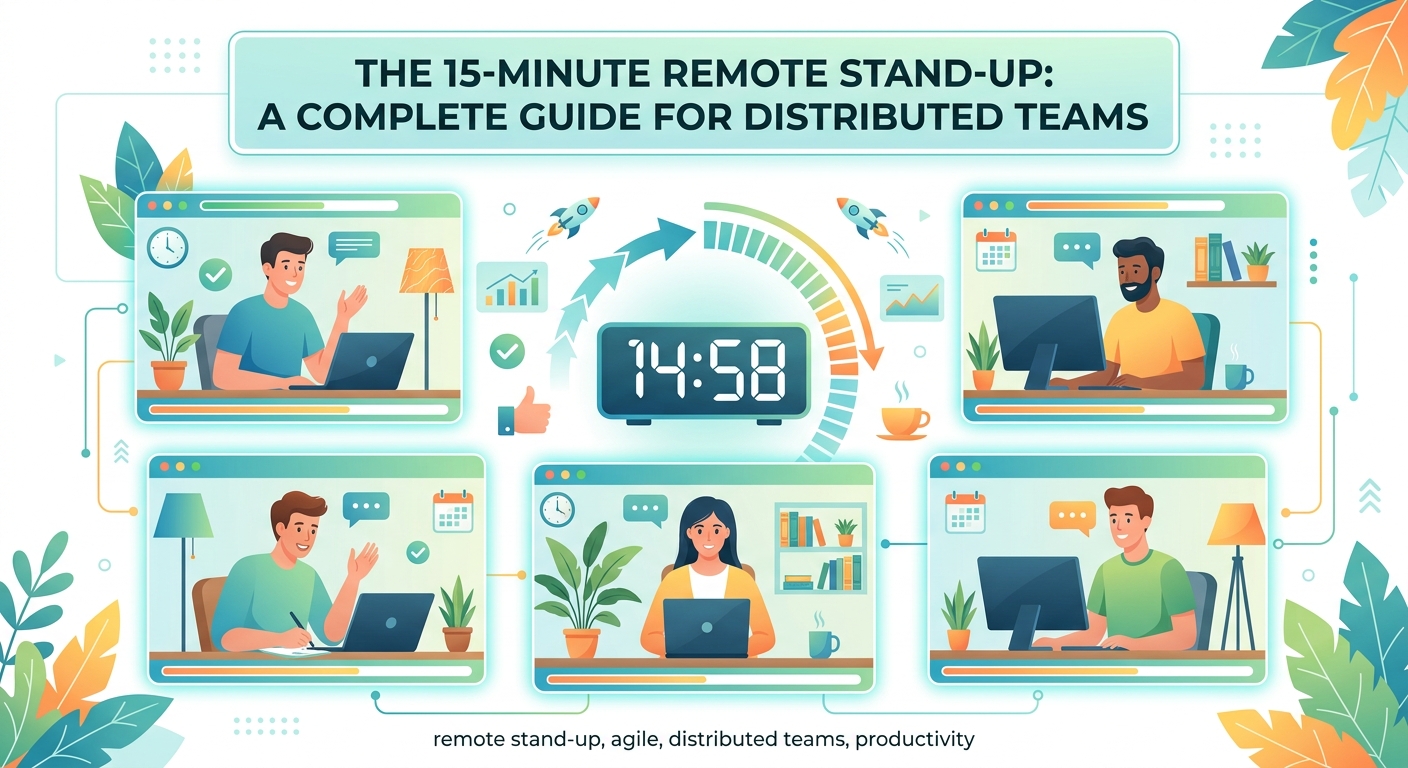
Structure prevents your standup from becoming a rambling status report or a problem-solving session that drags on for 45 minutes.
Here’s the framework that works for most distributed teams:
-
Pick a consistent time that rotates fairly. If your team spans multiple time zones, rotate the meeting time monthly so the burden of early mornings or late evenings gets shared. Document the rotation schedule so everyone knows what to expect.
-
Use a strict 15-minute timer. Set a visible countdown timer that everyone can see. When it hits zero, the meeting ends even if someone hasn’t shared yet. This creates urgency and trains people to be concise.
-
Follow the three-question format. Each person answers: What did I complete yesterday? What am I working on today? What’s blocking my progress? Nothing else.
-
Establish a parking lot for detailed discussions. When someone starts explaining a technical problem or debating an approach, the facilitator moves it to the parking lot. Interested parties stay after the standup ends.
-
Require cameras on for accountability. Seeing faces builds connection and reduces multitasking. Make this a team norm, not a suggestion.
The structure feels rigid at first. That rigidity is the point. It protects everyone’s time and creates predictability.
Running the meeting without losing energy
Even well-structured standups can drain your team if you don’t manage the human elements.
Start with a brief personal moment. Not a forced icebreaker, but a genuine 30-second check-in. Someone mentions their kid’s first day of school. Another person shares they’re testing a new coffee shop. These micro-connections matter when you’re not sharing an office.
Then move into updates using a consistent order. Alphabetical by first name works. So does following your project board columns. Randomizing the order every day wastes mental energy.
Pay attention to who’s struggling to articulate blockers. Some people minimize problems or don’t want to sound like they’re complaining. A good facilitator notices hesitation and asks follow-up questions: “That sounds frustrating. Do you need help from anyone here?”
End with a clear summary. The facilitator recaps major blockers and confirms who’s following up on what. This takes 30 seconds and prevents the “wait, what did we decide?” confusion later.
If your team is showing signs of meeting fatigue, consider whether you need to ditch real-time meetings and use async updates instead for some days.
Choosing between synchronous and asynchronous standups
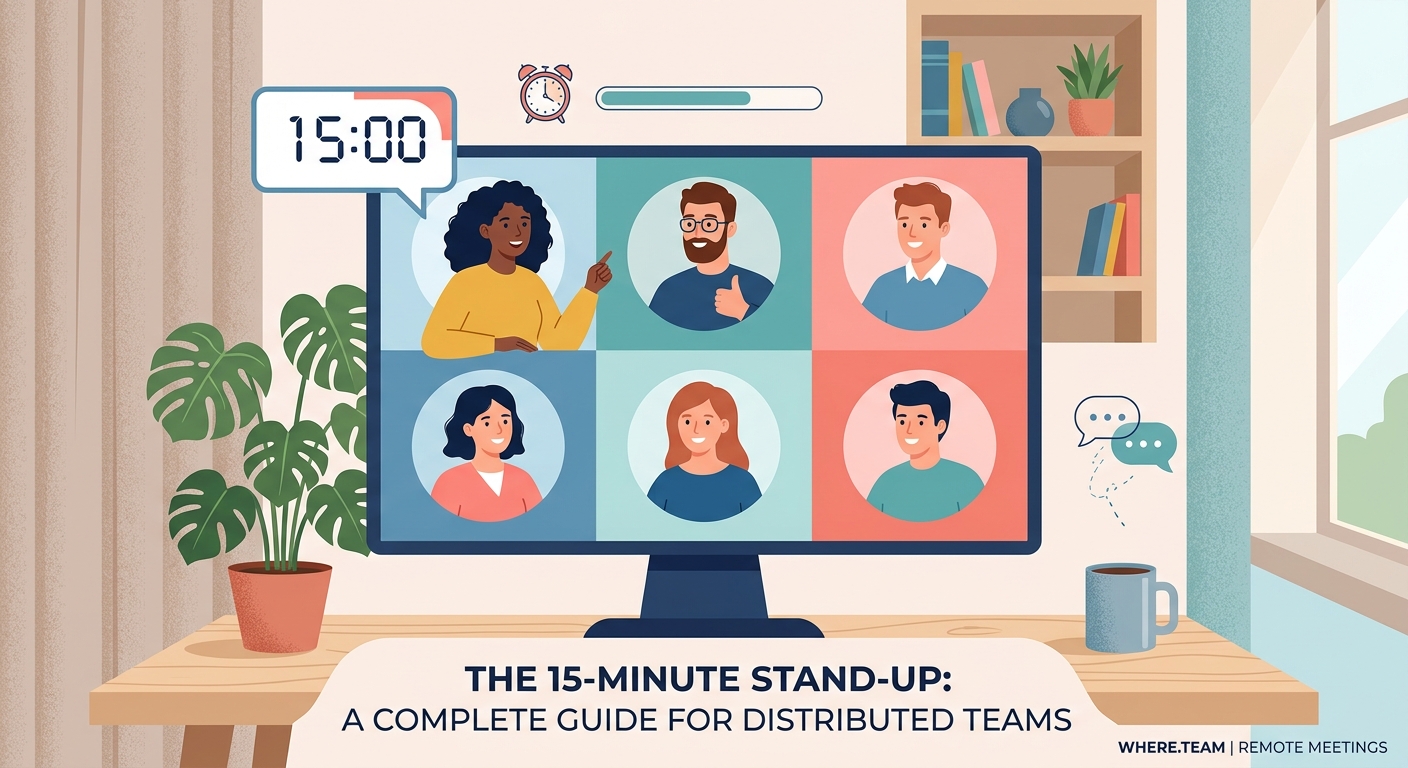
Not every team needs a live video call every single day.
Asynchronous standups work well when your team spans more than six time zones, when your work is mostly independent, or when you’re dealing with maker schedules that need long blocks of uninterrupted time.
The async format typically uses a Slack channel, a dedicated standup tool, or a shared document. Team members post their three answers by a specific deadline, usually 9 AM in the company’s primary time zone.
Benefits of async standups:
- No one loses sleep or stays late
- Written updates create automatic documentation
- People can read and respond when they have context
- Introverts often share more thoughtfully in writing
Drawbacks of async standups:
- Harder to build team cohesion
- Blockers might not surface until hours later
- Easy to skip when things get busy
- Nuance gets lost without voice and facial expressions
Many teams use a hybrid approach. Three async standups per week, two live sessions. Or async updates required, with an optional live sync for those who want face time.
The right choice depends on your team’s work style and distribution. A team of six people across two time zones should probably meet live. A team of 20 people across five continents needs async as the default.
Common mistakes that kill remote standup effectiveness
| Mistake | Why it happens | How to fix it |
|---|---|---|
| Updates directed at the manager | Team sees it as status reporting | Facilitator reminds people to speak to teammates, not leadership |
| Problem-solving during standup | Someone asks a clarifying question that spirals | Use the parking lot ruthlessly and cut conversations after 60 seconds |
| People join late or skip randomly | No accountability or consequences | Track attendance and address patterns privately |
| Updates too vague or too detailed | No clear expectations set | Share examples of good updates and coach people individually |
| Same blockers mentioned for weeks | No follow-through after standup | Assign explicit owners to each blocker and check progress |
The facilitator role matters more in remote settings than in-person ones. Rotate this responsibility weekly so it doesn’t burn anyone out, but make sure whoever has it understands they’re protecting the team’s time.
Tools and technology that actually help
You don’t need expensive software to run effective remote standups. But a few tools make the process smoother.
Video conferencing basics:
Your platform needs reliable audio, screen sharing for showing work, and a gallery view so everyone sees each other. Zoom, Google Meet, and Microsoft Teams all work fine. The platform matters less than your team’s comfort with it.
Standup-specific tools:
Apps like Geekbot, Standuply, and Daily Bot automate async standups by prompting team members at set times and collecting responses in Slack or Teams. They’re worth trying if you’re going the async route.
Shared boards:
Displaying your project board (Trello, Asana, Jira, Linear) during standup gives visual context. People can point to cards as they talk. This helps remote team members who process information visually.
Timer apps:
A visible countdown timer keeps things moving. Time Timer, Clockify, or even a simple browser timer works. Share your screen so everyone sees the clock ticking down.
Consider your team’s existing home office setup and productivity tools when choosing standup technology. Adding another tool only helps if it solves a real problem.
Adapting standups for different team sizes
A five-person team can run standups differently than a 30-person department.
Small teams (3 to 7 people):
Go around the “room” with everyone sharing. The intimacy allows for more personal updates and easier conversation flow. You can afford to be slightly less rigid with timing.
Medium teams (8 to 15 people):
Split into smaller groups by project or function. Each group runs its own standup. Have a weekly all-hands standup where representatives from each group share high-level updates.
Large teams (16+ people):
Async becomes almost mandatory. Use written updates as the default, with small pod standups for people working closely together. Leadership gets a digest of blockers rather than attending every standup.
Team size also affects your hybrid work schedule and coworking space needs. Larger distributed teams often benefit from quarterly in-person gatherings to strengthen relationships that daily standups maintain.
Handling time zones without burning anyone out
Time zones are the hardest part of remote standups. Someone always gets the short end.
Be transparent about this reality. Acknowledge that 7 AM Pacific is brutal for your San Francisco engineer, while 6 PM Central European Time means your Berlin designer is mentally done for the day.
Rotation strategies that work:
Rotate the meeting time every month or quarter. One month it’s friendly for Americas, the next month it favors Europe and Africa, then Asia-Pacific gets a good slot. Everyone suffers sometimes, but the pain is distributed.
Record every standup and post it immediately. People who can’t attend live watch the recording and post their updates in writing. They’re still part of the team rhythm.
Create regional standup pods when your distribution allows it. Americas team meets at 9 AM Eastern. Europe/Africa team meets at 9 AM GMT. Asia-Pacific meets at 9 AM Singapore time. A weekly cross-regional sync keeps everyone connected.
Some teams abandon the daily standup entirely for truly global distribution. They use async updates Monday through Thursday, then hold a single weekly live meeting at a rotating time for relationship building.
“The worst remote standup is one where the same three people always join at 2 AM their time while everyone else is comfortable. Rotate the pain or go async. Those are your only fair options.” — Distributed team consultant
Making standups valuable for everyone, not just managers
Your team members should leave standup feeling more connected and less blocked, not like they just reported to a supervisor.
Encourage peer-to-peer offers of help. When someone mentions a blocker, pause for three seconds. Let teammates volunteer assistance before moving on. This builds collaboration and takes pressure off leadership to solve everything.
Celebrate small wins. Someone fixed a gnarly bug, shipped a feature, or got positive customer feedback. Spend 15 seconds acknowledging it. Remote workers miss the hallway high-fives and lunch celebrations that happen naturally in offices.
Use standups to surface knowledge gaps. If three people are blocked on the same type of problem, that’s a signal you need documentation or training. The standup reveals the pattern.
Protect maker time around the standup. Don’t schedule it right in the middle of the morning, splitting focus time in half. Put it at the start of the day or right after lunch.
Teams that meet in person occasionally find their remote standups improve afterward. The team retreat activities and face time create relationships that make daily video calls feel warmer.
Measuring whether your standup is actually working
You can feel when a standup is working. People show up on time. Updates are crisp. Blockers get resolved. Energy is neutral to positive, not draining.
But feelings aren’t enough. Track some basic metrics:
- Attendance rate: Are the same people consistently missing? That’s a red flag.
- Duration: Are you consistently running over 15 minutes? Your format needs tightening.
- Blocker resolution time: How long do blockers stay blockers? Track this in your project management tool.
- Participation balance: Is everyone talking roughly the same amount, or do two people dominate?
Run a monthly retrospective on the standup itself. Ask three questions: What’s working? What’s not? What should we try differently?
Some teams find their standup has outlived its usefulness. Projects have changed, the team has grown, or work patterns have shifted. That’s fine. Change the format or frequency. The standup serves the team, not the other way around.
When to skip the standup entirely
Some days you should cancel standup.
Major holidays where most of the team is out. The day after your company retreat when everyone is traveling home. During a critical incident when the team is in firefighting mode and standup would just add noise.
Canceling occasionally is healthy. It reminds everyone that the standup is a tool, not a sacred ritual. It also prevents the zombie standup where three people show up and mumble through updates no one needs.
Consider whether your team would benefit from a documentation-first culture that reduces reliance on synchronous meetings altogether.
Making remote standups stick for the long term
The first week of standups feels awkward. People are learning the rhythm, testing boundaries, figuring out how much detail to share.
Give it a month before judging whether your format works.
After that initial period, make small adjustments based on feedback. Maybe you need cameras-optional Fridays. Maybe async works better on Mondays when people are catching up from the weekend. Maybe your timer should be 12 minutes instead of 15.
The teams with the best remote standups treat them as living practices. They evolve the format as the team grows, as projects change, as new people join with different communication styles.
Your remote stand up meeting becomes valuable when it helps your team work better together, not when it checks a box on an agile methodology checklist. Keep that purpose front and center, and the rest will follow.
