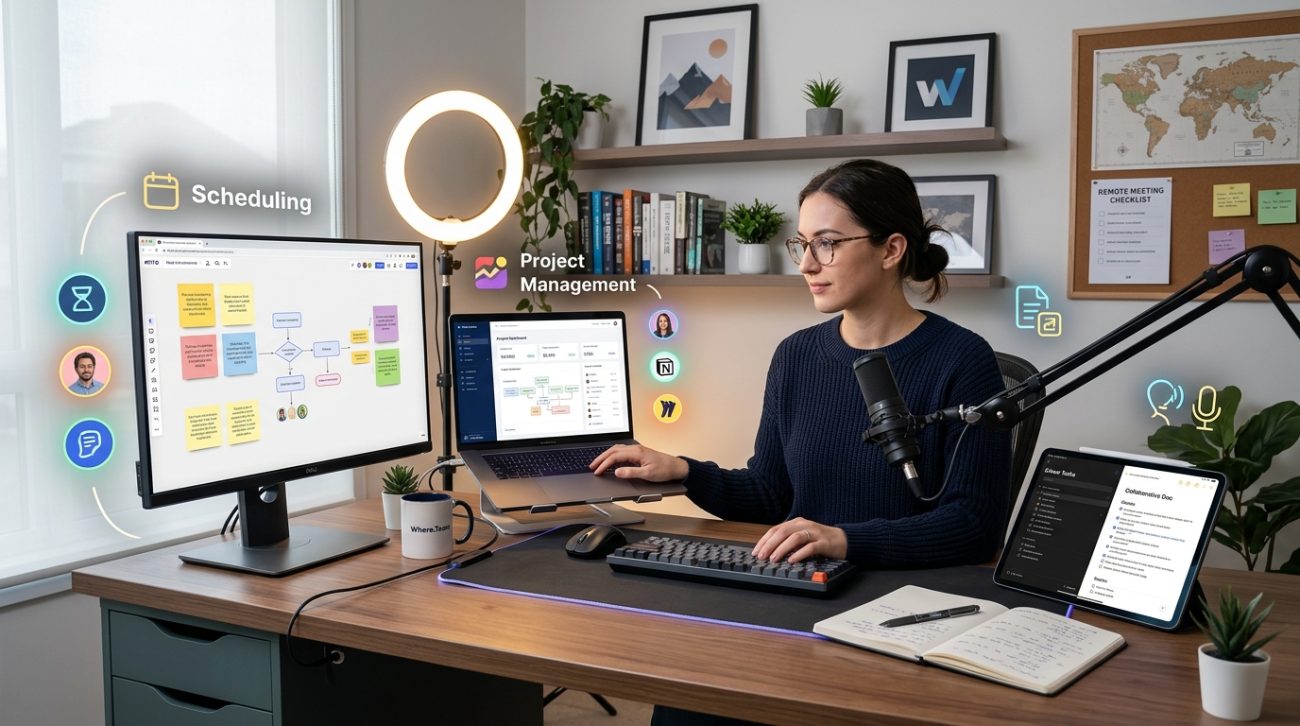
You’ve nailed down your video platform. Your team can see each other on screen. Great.
But if that’s your entire remote work tech stack, you’re running a distributed team with one hand tied behind your back.
Most managers think remote infrastructure stops at video calls. They’re wrong. The real productivity gains come from the tools that support collaboration when cameras are off. The platforms that keep work moving across time zones. The systems that prevent information from disappearing into chat threads.
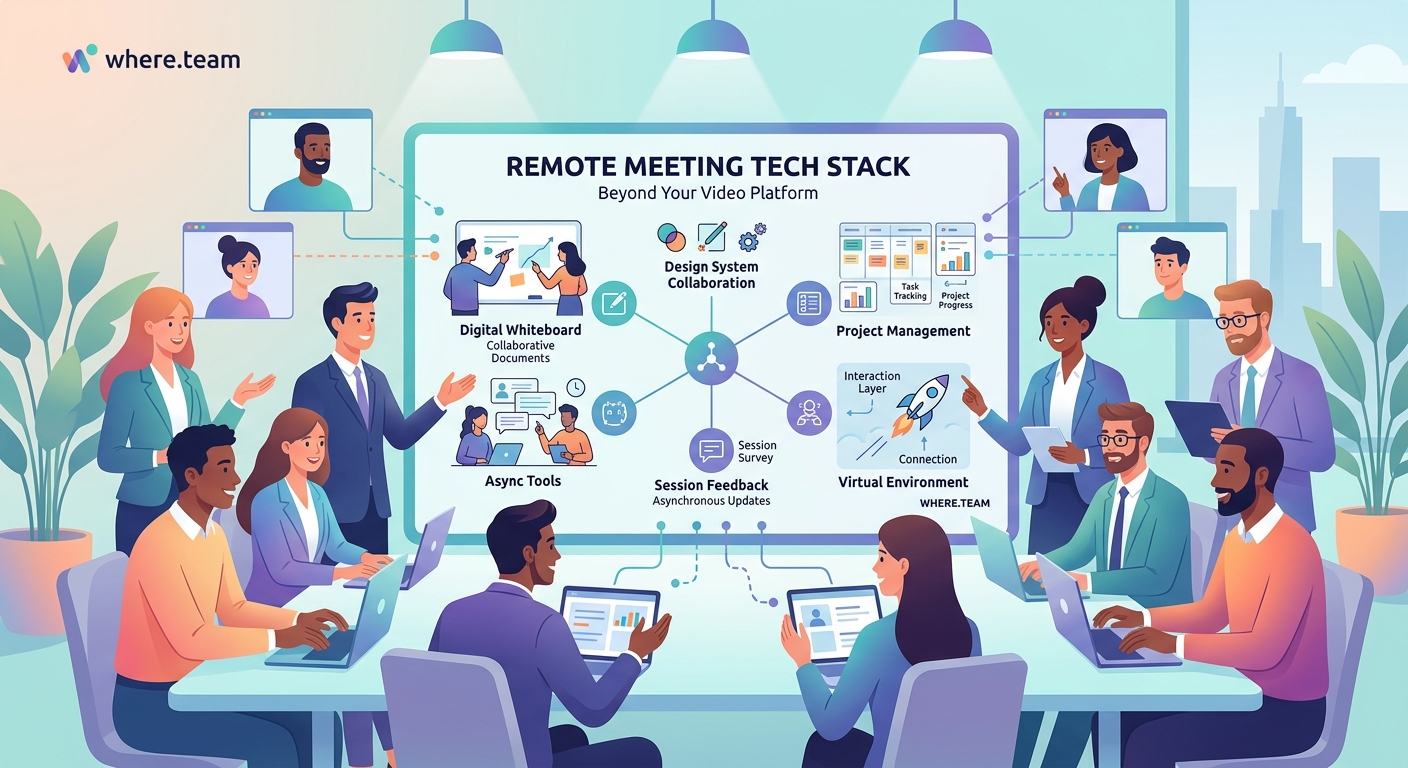
A complete remote work tech stack includes five core layers: asynchronous communication, project management, documentation, security, and team culture tools. Video conferencing is just one piece. Teams that invest in async-first tools, robust documentation platforms, and secure collaboration systems consistently outperform those relying primarily on real-time meetings. The right stack reduces meeting fatigue while improving productivity across time zones.
Why Your Video Platform Isn’t Enough
Video calls solve one problem: face-to-face interaction.
They don’t solve documentation. They don’t handle project tracking. They create meeting fatigue instead of preventing it.
A study of 2,000 remote workers found that teams relying heavily on synchronous video calls reported 40% higher burnout rates than teams with balanced async workflows. The problem isn’t video itself. It’s treating video as the primary collaboration mode.
Your remote work tech stack needs to support how distributed teams actually work. That means tools for every collaboration scenario, not just the ones that happen live.
The Five Layers of a Complete Remote Work Tech Stack
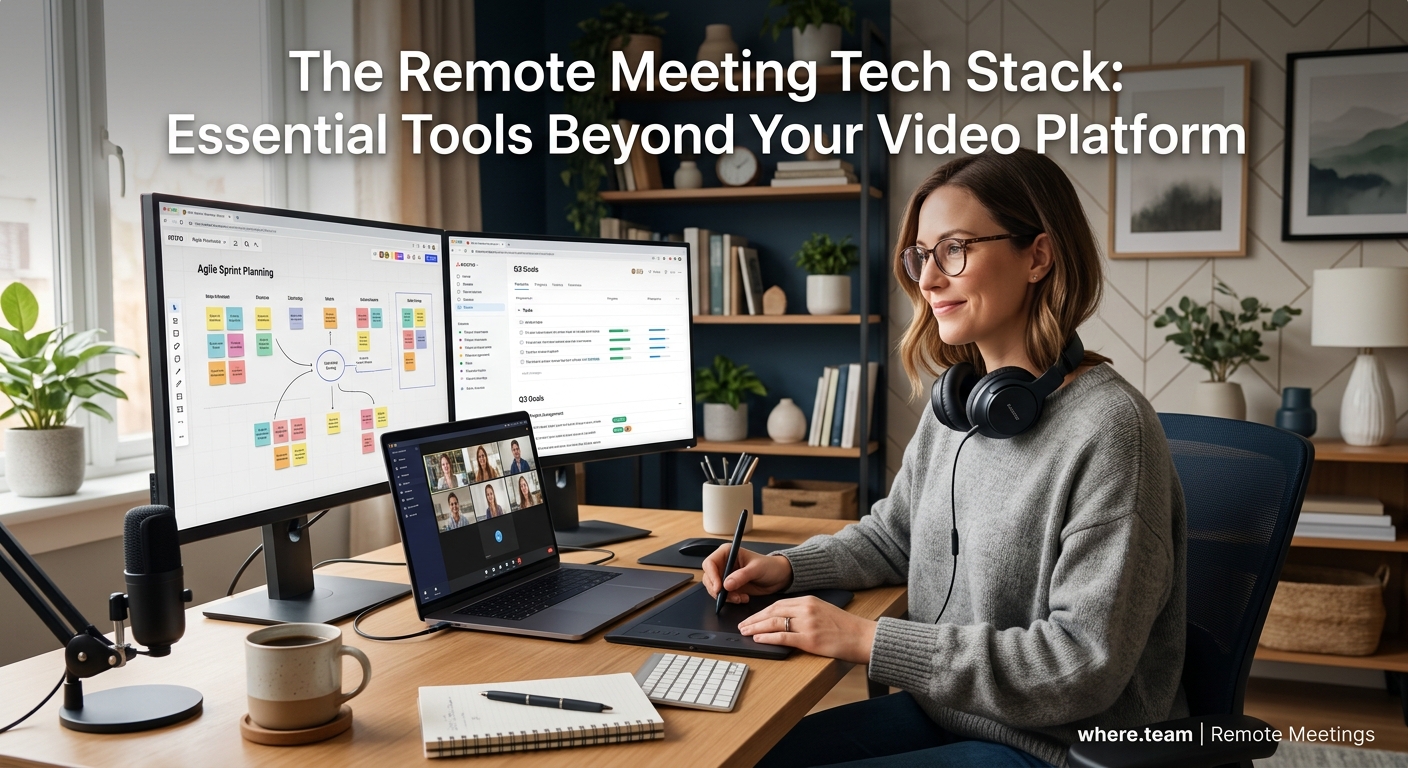
Think of your infrastructure in layers. Each one serves a different function.
Layer 1: Asynchronous Communication
This is where most of your team’s actual work happens.
Slack and Microsoft Teams dominate this space, but they’re designed for real-time chat. That creates pressure to respond immediately. For teams spread across multiple time zones, that’s exhausting.
Better options include:
- Twist: Organizes conversations by thread, reducing notification overload
- Basecamp: Combines async messaging with project management
- Loom: Enables video messages that teammates can watch on their own schedule
The goal is communication that doesn’t demand instant responses. Team members in Tokyo shouldn’t wait for colleagues in New York to wake up before making progress.
Why your remote team needs to ditch real-time meetings covers this shift in detail.
Layer 2: Project and Task Management
You need visibility into who’s doing what without constant status meetings.
| Tool Type | Best For | Key Feature |
|---|---|---|
| Asana | Complex projects with dependencies | Timeline view for planning |
| Monday | Visual workflow tracking | Customizable dashboards |
| Linear | Engineering teams | GitHub integration |
| ClickUp | Teams wanting all-in-one solutions | Built-in docs and goals |
| Notion | Knowledge work and documentation | Flexible database structure |
The right choice depends on your team’s workflow. Engineers often prefer Linear’s speed and simplicity. Marketing teams lean toward Monday’s visual boards. Startups love Notion’s flexibility.
Pick one and commit. Tool sprawl kills productivity faster than choosing the “wrong” platform.
Layer 3: Documentation and Knowledge Management
This is the layer most teams skip. It’s also the most important.
When information lives only in chat messages or meeting recordings, it disappears. New team members can’t find it. Decisions get relitigated. Work gets duplicated.
Strong documentation platforms include:
- Notion: Best for teams that want flexibility in structure
- Confluence: Ideal if you’re already using Atlassian products
- Coda: Combines docs with interactive elements
- GitBook: Perfect for technical documentation
- Slite: Designed specifically for team knowledge bases
The platform matters less than the habit. Building a documentation-first culture requires buy-in from leadership and consistent enforcement.
“The best remote teams document everything by default. Meeting notes, decisions, processes, even casual brainstorms. If it’s not written down, it didn’t happen.” – Remote work consultant with 15 years of distributed team experience
Layer 4: Security and Access Management
Remote work expands your attack surface. Team members work from home networks, coffee shops, and coworking spaces. Each location is a potential vulnerability.
Essential security tools:
- 1Password or Bitwarden: Password management for the entire team
- Tailscale or Twingate: Zero-trust network access
- Vanta or Drata: Compliance automation for SOC 2, ISO 27001
- Cloudflare Access: Secure access to internal tools
Don’t skip this layer. One compromised account can expose customer data, intellectual property, or financial information.
Layer 5: Team Culture and Connection
Remote teams need intentional culture building. It doesn’t happen by accident.
Tools in this category include:
- Donut: Randomly pairs team members for virtual coffee chats
- Range: Check-ins and team health monitoring
- Gather: Virtual office spaces for casual interaction
- Icebreaker: Automated team-building prompts
These tools feel less critical than project management or security. But teams that invest in connection tools report higher retention and job satisfaction.
Virtual icebreakers that don’t make your team cringe offers practical ideas for building connection without forced fun.
How to Build Your Stack Without Breaking the Bank
Here’s the reality: you can’t implement everything at once.
Start with these three priorities:
- Fix async communication first: Move away from real-time dependency
- Establish documentation standards: Create a single source of truth
- Secure your infrastructure: Protect against basic vulnerabilities
Everything else can wait.
For a 10-person team, expect to spend $200-400 per month on core tools. That includes:
- Async communication platform: $80/month
- Project management: $100/month
- Documentation: $80/month
- Password manager: $40/month
- Security basics: $100/month
Scale those numbers based on team size. Most tools charge per user, so a 50-person team might spend $1,500-2,000 monthly.
That sounds expensive until you calculate the cost of poor collaboration. One duplicated project or security breach costs far more.
Common Tech Stack Mistakes That Kill Productivity
Teams make predictable errors when building their infrastructure.
Mistake 1: Tool sprawl
Every problem doesn’t need a new tool. Consolidate where possible. If your project management platform has built-in docs, use them instead of adding another tool.
Mistake 2: Ignoring integration
Tools that don’t talk to each other create information silos. Check integration capabilities before committing. Zapier and Make can bridge gaps, but native integrations work better.
Mistake 3: Choosing tools before defining workflows
Figure out how you want to work, then find tools that support that workflow. Not the other way around.
Mistake 4: Skipping training
New tools fail because teams don’t know how to use them. Budget time for onboarding and ongoing training.
Mistake 5: No documentation standards
Having a documentation platform means nothing if no one documents consistently. Create templates. Set expectations. Make it part of the workflow.
What About Hardware?
Your remote work tech stack isn’t just software.
Team members need proper equipment to do their jobs. That includes:
- Reliable laptop or desktop
- External monitor (or two)
- Quality webcam
- Professional microphone
- Ergonomic chair and desk
The best video conferencing cameras for remote teams covers hardware recommendations in depth.
Some companies provide full hardware stipends. Others offer partial reimbursement. At minimum, ensure everyone has the basics for professional video calls and ergonomic work.
Standing desk setups and proper lighting make a measurable difference in productivity and health.
Adapting Your Stack as You Grow
What works for a 5-person startup breaks at 50 people.
Early-stage companies can get away with minimal tools. Everyone knows what everyone else is doing. Information flows naturally.
Growth changes everything. You need formal processes. Structured documentation. Clear ownership.
Plan for transitions at these inflection points:
- 10 people: Add dedicated project management
- 25 people: Implement formal documentation standards
- 50 people: Invest in security and compliance automation
- 100+ people: Consider enterprise solutions with advanced admin controls
Don’t prematurely optimize. But don’t wait until chaos forces your hand either.
Making It Work Across Time Zones
Time zone differences expose weaknesses in your tech stack.
If your tools assume everyone works simultaneously, you’ll struggle with distributed teams. Running brainstorming sessions across 6 time zones requires async-friendly platforms.
Look for these features:
- Thread-based conversations instead of chronological chat
- Video recording and transcription for meetings
- Status updates that don’t require real-time check-ins
- Clear ownership and accountability in project tools
Async standup meetings work better than daily video calls for globally distributed teams.
When to Use Synchronous vs Asynchronous Tools
Not everything belongs in async mode.
Real-time communication works best for:
- Urgent issues requiring immediate attention
- Complex discussions with multiple stakeholders
- Brainstorming and creative collaboration
- Sensitive conversations about performance or conflict
- Team building and social connection
Async communication handles:
- Status updates and progress reports
- Documentation and knowledge sharing
- Feedback on work in progress
- Decision-making with clear options
- Planning and strategy discussions
The best remote work tech stack supports both modes. But it defaults to async unless synchronous is clearly better.
Building Redundancy Into Your Stack
What happens when your primary tool goes down?
In 2023, Slack experienced a 4-hour outage affecting millions of users. Teams without backup communication channels were stuck.
Build redundancy for critical functions:
- Primary and backup communication platforms
- Offline access to documentation
- Local copies of important files
- Alternative meeting platforms
This doesn’t mean duplicating everything. Just ensure you can keep working when a tool fails.
Measuring Whether Your Stack Actually Works
Tools are worthless if they don’t improve outcomes.
Track these metrics:
- Meeting hours per week: Should decrease as async adoption increases
- Time to find information: Good documentation reduces search time
- Project completion rates: Better visibility improves delivery
- Employee satisfaction scores: The right tools reduce frustration
- Onboarding time: New hires should get productive faster
Survey your team quarterly. Ask what’s working and what’s not. Be willing to change tools that aren’t delivering value.
Your Stack Needs to Evolve With Your Team
The remote work tech stack you build today won’t be the one you use in two years.
Teams change. Tools improve. New platforms emerge. Stay flexible.
Set aside time each quarter to review your infrastructure. What’s causing friction? Where are people working around the tools instead of with them? What new capabilities would unlock better collaboration?
The goal isn’t perfection. It’s continuous improvement. A tech stack that supports your team’s actual workflow, reduces unnecessary meetings, and keeps information accessible across time zones.
Start with the basics. Build documentation habits. Invest in async communication. Add security before you need it.
Your video platform is important. But it’s just the beginning.
