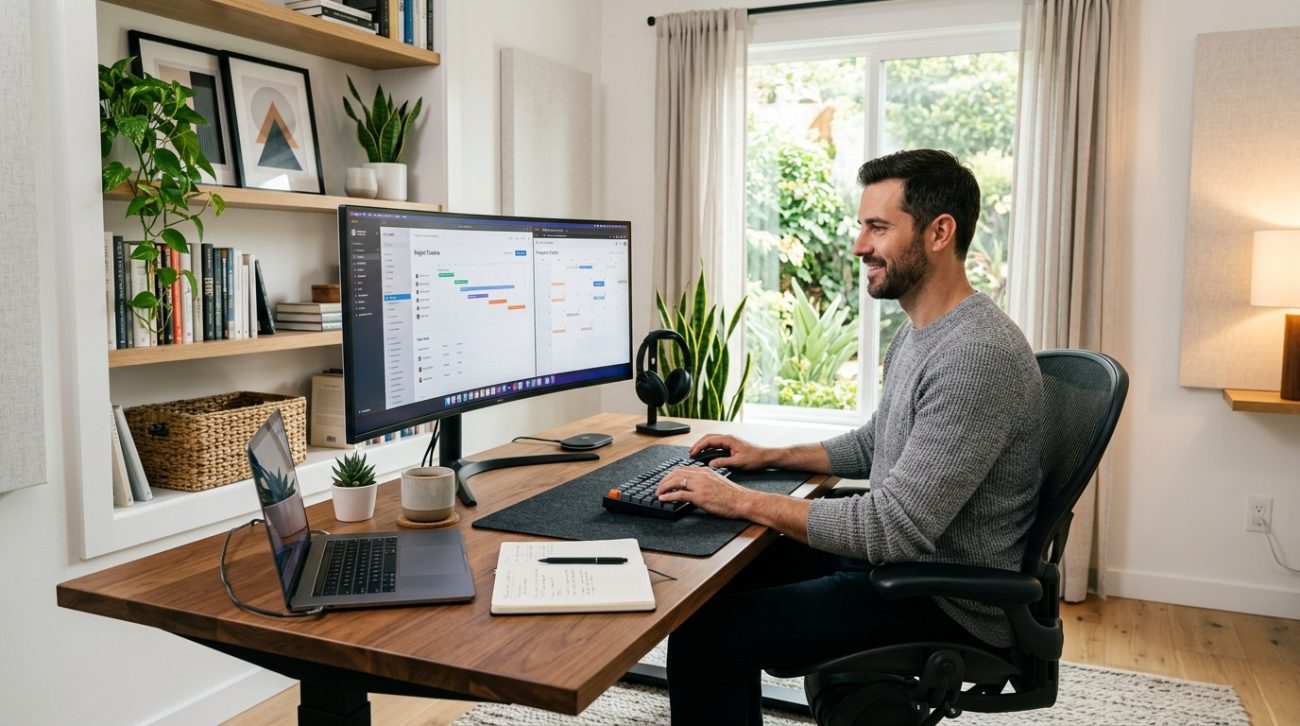
Your home office is more than a desk with a laptop on it. It’s where you spend 40-plus hours a week, where you take video calls with clients, and where you need to actually get work done without the distractions of home life creeping in.
Most remote workers throw together a workspace in whatever corner is available, then wonder why they feel scattered, tired, or unproductive by 2 p.m. The truth is that a thoughtfully designed home office can transform how you work, how you feel, and how much you accomplish each day.
A productive home office requires intentional design choices around location, lighting, ergonomics, and organization. This guide walks through selecting the right space, choosing essential equipment, optimizing your desk setup, managing cables and clutter, and creating boundaries that help you focus. Small adjustments to your workspace can dramatically improve concentration, reduce physical strain, and make remote work sustainable long term.
Choose Your Space Strategically
Location matters more than you think.
A home office tucked into a guest bedroom with a door beats a corner of the kitchen table every time. Privacy, noise control, and the ability to separate work from home life all hinge on where you set up.
Look for a space with natural light if possible. Rooms with windows reduce eye strain and improve mood. Avoid spaces that double as high-traffic areas. You don’t want family members walking through your frame during video calls or interrupting deep work sessions.
If you don’t have a dedicated room, consider these alternatives:
- A section of your bedroom with a room divider or bookshelf creating a visual boundary
- A converted closet with the doors removed and a desk installed
- A corner of a living room or dining room that you can “close off” with a folding screen
The goal is to create a zone that signals “this is where work happens.” Your brain will start to associate that space with focus and productivity.
Set Up Your Desk for Comfort and Efficiency
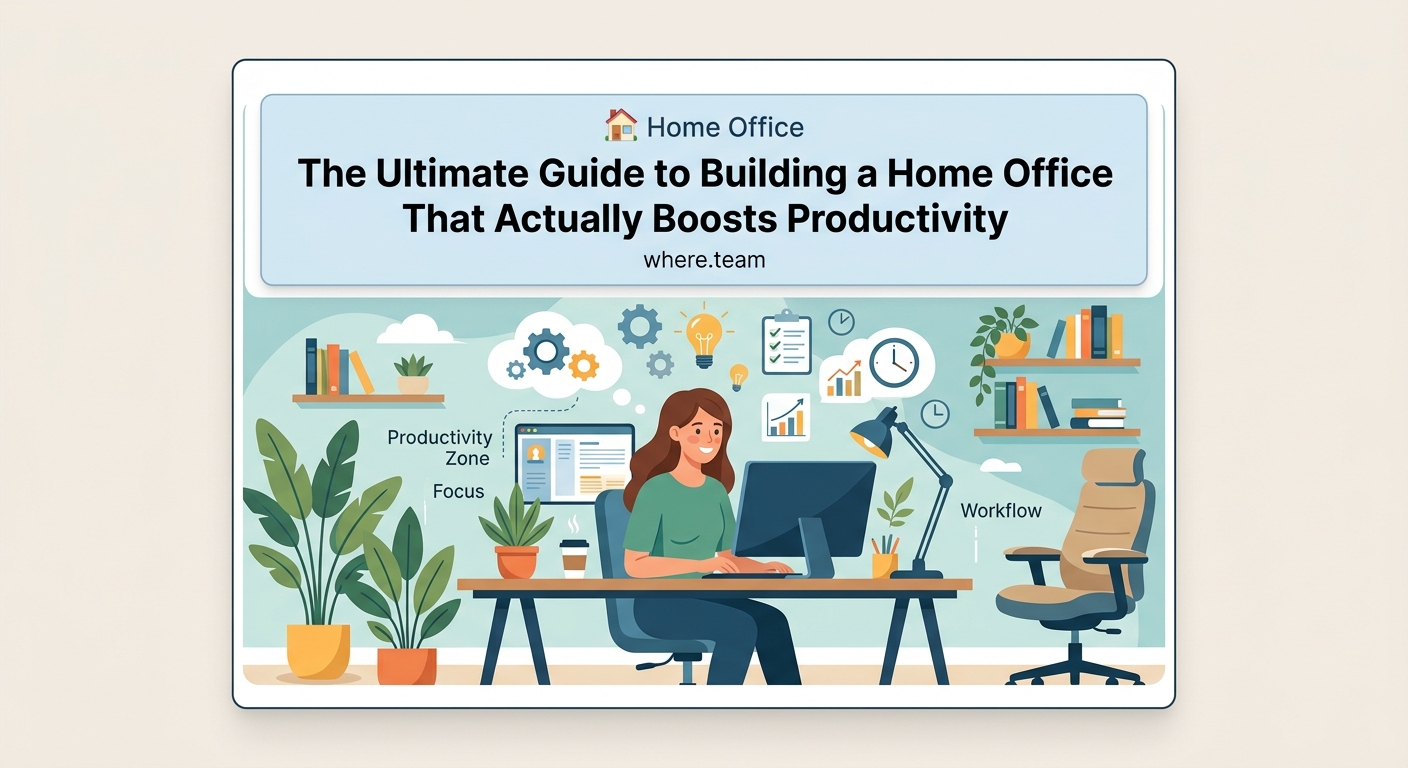
Your desk is the foundation of your entire setup.
Height matters. When you sit, your elbows should rest at a 90-degree angle when typing. Your wrists should stay neutral, not bent up or down. If your desk is too high or too low, you’ll develop wrist pain, shoulder tension, or neck strain within weeks.
Consider an adjustable standing desk if your budget allows. Alternating between sitting and standing throughout the day reduces fatigue and keeps your energy levels steady. You don’t need to stand all day. Even 20 minutes every few hours makes a difference.
Desk size depends on your work style. If you use multiple monitors, sketch on paper, or spread out documents, aim for at least 60 inches wide. If you work primarily on a laptop, a smaller surface works fine.
“The best desk setup is one you can maintain all day without discomfort. If you’re constantly shifting positions or rubbing your neck, something needs to change.”
Position your desk so you’re not facing a wall if possible. Facing a window or into the room feels less claustrophobic and gives your eyes somewhere to rest during breaks.
Invest in a Chair That Supports Your Body
You’ll spend more time in your office chair than almost any other piece of furniture you own.
Cheap chairs lead to back pain, poor posture, and decreased focus. You don’t need a $1,000 executive chair, but you do need proper lumbar support, adjustable height, and a seat that doesn’t compress after a few months.
Look for these features:
- Adjustable seat height and armrests
- Lumbar support that fits the curve of your lower back
- A seat cushion that stays comfortable after hours of sitting
- Breathable fabric or mesh that doesn’t trap heat
Test chairs in person if you can. Sit for at least 10 minutes. Lean back. Adjust the settings. Make sure it fits your body, not just the average person.
If a quality chair isn’t in your budget right now, add a lumbar pillow to your current chair and use a footrest to improve your posture. These small adjustments help until you can upgrade.
Get Your Lighting Right
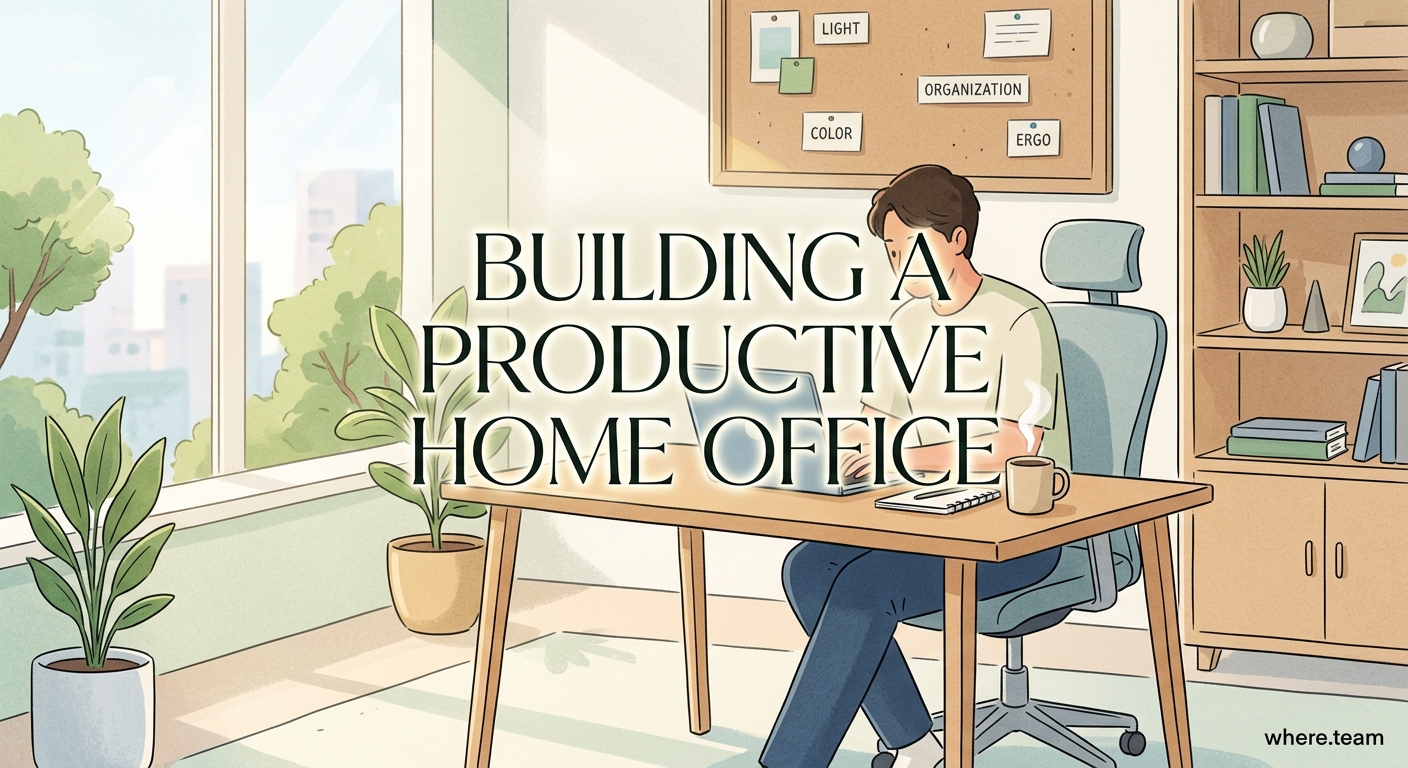
Bad lighting causes eye strain, headaches, and fatigue.
Natural light is ideal, but you need to control it. Position your desk perpendicular to windows, not facing them or with your back to them. Facing a window creates glare on your screen. Having a window behind you creates a backlit effect that makes you look dark on video calls.
Add task lighting for focused work. A desk lamp with adjustable brightness and color temperature lets you customize your lighting throughout the day. Warmer light (2700K-3000K) feels comfortable in the morning and evening. Cooler light (4000K-5000K) helps with focus during midday work sessions.
Overhead lighting should be diffused, not harsh. If your space has bright overhead lights, consider swapping bulbs for lower wattage or adding a dimmer switch.
Avoid working in the dark with only your screen glowing. The contrast strains your eyes. Keep ambient lighting on even during evening work sessions.
Select Your Equipment Thoughtfully
Your equipment choices shape your daily experience.
Start with these essentials:
- Monitor or laptop stand: Elevate your screen so the top sits at or slightly below eye level. This prevents neck strain from looking down all day.
- Keyboard and mouse: If you use a laptop, invest in an external keyboard and mouse. Laptop keyboards force awkward wrist angles. A separate setup lets you position everything ergonomically.
- Webcam and microphone: Built-in laptop cameras and mics work, but external options dramatically improve video call quality. You’ll look and sound more professional.
- Headphones: Noise-canceling headphones block distractions and improve audio quality on calls. Over-ear models are more comfortable for all-day wear than earbuds.
- Surge protector: Protect your equipment from power spikes. Choose one with enough outlets for all your devices.
You don’t need every gadget on the market. Focus on items that solve specific problems in your workflow.
If you’re spending hours each day in video meetings, upgrading your camera and microphone pays off immediately. If you rarely take calls, prioritize monitor quality and keyboard comfort instead.
Long video calls can drain your energy faster than you realize. Understanding why your remote meetings feel exhausting helps you structure your workday more effectively.
Organize Cables and Reduce Clutter
Cable chaos makes your space feel messy and unprofessional.
Use cable management solutions to keep cords out of sight:
- Cable clips attach to your desk edge and hold cords in place
- Cable sleeves bundle multiple cords together
- Cable trays mount under your desk and hide power strips
- Velcro ties keep excess cable length bundled neatly
Label your cables with tape or tags so you know which cord belongs to which device. This saves time when you need to unplug something or troubleshoot a connection issue.
Keep your desktop clear. Use desk organizers, drawers, or shelves for supplies you need regularly. Store everything else out of sight.
A clean workspace reduces visual distractions and makes it easier to focus. You’re not constantly looking at piles of papers or random objects competing for your attention.
Create Storage That Works
You need places to put things.
Vertical storage maximizes space without cluttering your desk. Wall-mounted shelves, pegboards, or floating cabinets keep supplies accessible without taking up floor space.
Use drawer organizers to separate pens, cables, notepads, and other small items. Without dividers, drawers become junk drawers where nothing is easy to find.
File important documents in labeled folders or a filing cabinet. Don’t let papers pile up on your desk. Sort them weekly and store or shred what you don’t need.
Consider these storage categories:
| Storage Type | Best For | Placement |
|---|---|---|
| Desk drawers | Daily supplies, small items | Within arm’s reach |
| Shelving | Books, binders, decorative items | On walls or behind desk |
| Filing cabinet | Important documents, contracts | Near desk but not on it |
| Baskets or bins | Cables, chargers, backup supplies | Under desk or in closet |
The easier it is to put things away, the more likely you’ll keep your space organized.
Manage Temperature and Air Quality
Physical comfort affects your ability to concentrate.
If your home office gets too hot or too cold, you’ll spend mental energy being uncomfortable instead of focusing on work.
Add a small fan or space heater depending on your climate. Position it so it doesn’t blow papers around or create noise that gets picked up on calls.
Air quality matters too. Stuffy rooms make you drowsy. Open a window when weather permits. If that’s not possible, consider an air purifier or simply opening your door to improve circulation.
Plants improve air quality and add life to your space. Choose low-maintenance varieties like pothos, snake plants, or ZZ plants if you’re not a natural gardener.
Set Boundaries Between Work and Life
One of the biggest challenges of working from home is knowing when to stop.
Physical boundaries help. If you have a door, close it at the end of your workday. If you don’t have a door, cover your monitor with a cloth or turn your chair away from your desk.
Create a shutdown ritual. This could be as simple as closing your laptop, writing tomorrow’s top three priorities, or taking a five-minute walk around your neighborhood. The ritual signals to your brain that work is over.
Communicate your work hours to people you live with. A closed door or a sign can indicate you’re in a meeting or need uninterrupted focus time.
If you’re part of a remote team, setting these boundaries becomes even more important. Sometimes ditching real-time meetings can give you back hours of focused work time each week.
Add Personal Touches That Motivate You
Your home office should feel like your space.
Add artwork, photos, or objects that make you happy. These don’t need to be work-related. A framed concert poster, a photo from a vacation, or a small sculpture you love all work.
Color affects mood. If your space feels drab, add a colorful chair cushion, desk mat, or piece of wall art. Warm colors energize. Cool colors calm.
Keep motivational items visible only if they actually motivate you. Inspirational quotes can feel cheesy if they don’t resonate with you personally. Choose what genuinely helps you feel focused and positive.
Test and Adjust Over Time
Your first setup won’t be perfect.
Pay attention to what bothers you during your workday. Do you squint at your screen? Is your chair uncomfortable after an hour? Do you lose focus because of noise from another room?
Make small changes and see what improves. Move your desk closer to the window. Swap your chair cushion. Add a white noise machine.
Your needs will change as your work changes. A setup that worked when you primarily wrote emails might not work when you start hosting daily video calls. Adjust as you go.
Common Mistakes and How to Avoid Them
Even experienced remote workers make these errors:
| Mistake | Why It Hurts | Better Approach |
|---|---|---|
| Working from the couch | Poor posture, blurred boundaries | Designate a specific work zone |
| Skipping breaks | Mental fatigue, decreased output | Set timers for movement breaks |
| Ignoring ergonomics | Physical pain that compounds over time | Adjust chair, desk, and screen height |
| Cluttered workspace | Visual distraction, wasted time searching | Organize weekly, use storage solutions |
| No natural light | Eye strain, mood dips | Position desk near windows or add full-spectrum lighting |
Recognizing these patterns early prevents long-term problems.
Budget-Friendly Setup Options
You don’t need thousands of dollars to create a functional home office.
Start with what you have. A kitchen table and a laptop work for now. Add one improvement at a time as your budget allows.
Prioritize based on what causes you the most discomfort or inefficiency. If your back hurts, invest in a better chair first. If you can’t see your screen clearly, upgrade your monitor or lighting before buying decorative items.
Look for used furniture on local marketplaces. Office chairs, desks, and filing cabinets from businesses downsizing or people moving often sell for a fraction of retail price.
DIY solutions work too. Stack books under your laptop to raise it to eye level. Use a cardboard box as a monitor stand. Build a simple desk from a door slab and filing cabinets.
The goal is functionality, not perfection.
When to Consider Coworking or Alternative Spaces
Sometimes a home office isn’t the right solution.
If you live in a small apartment with roommates, finding private space for calls can be nearly impossible. If you have young kids at home, maintaining focus during work hours might not be realistic.
Coworking spaces, coffee shops, or library work rooms offer alternatives. You get out of your house, access professional amenities, and separate your work environment from your living space.
Some remote workers split their time between home and a coworking space. Three days at home, two days in a shared office. This hybrid approach provides variety and helps prevent cabin fever.
If your team occasionally meets in person, planning those gatherings thoughtfully makes a big difference. Learning how to plan your first company retreat ensures everyone gets value from the time together.
Make Your Space Work for You
Your home office should support the work you do, not fight against it.
Start with the basics: a comfortable chair, a desk at the right height, good lighting, and a space that minimizes distractions. Build from there based on your specific needs and budget.
Small improvements compound over time. Adjusting your monitor height today prevents neck pain next month. Organizing your cables this week saves you frustration when you need to unplug something in a hurry.
Your workspace affects your productivity, your physical health, and your mental well-being. Treating it as an investment rather than an afterthought pays off every single day you work from home.
