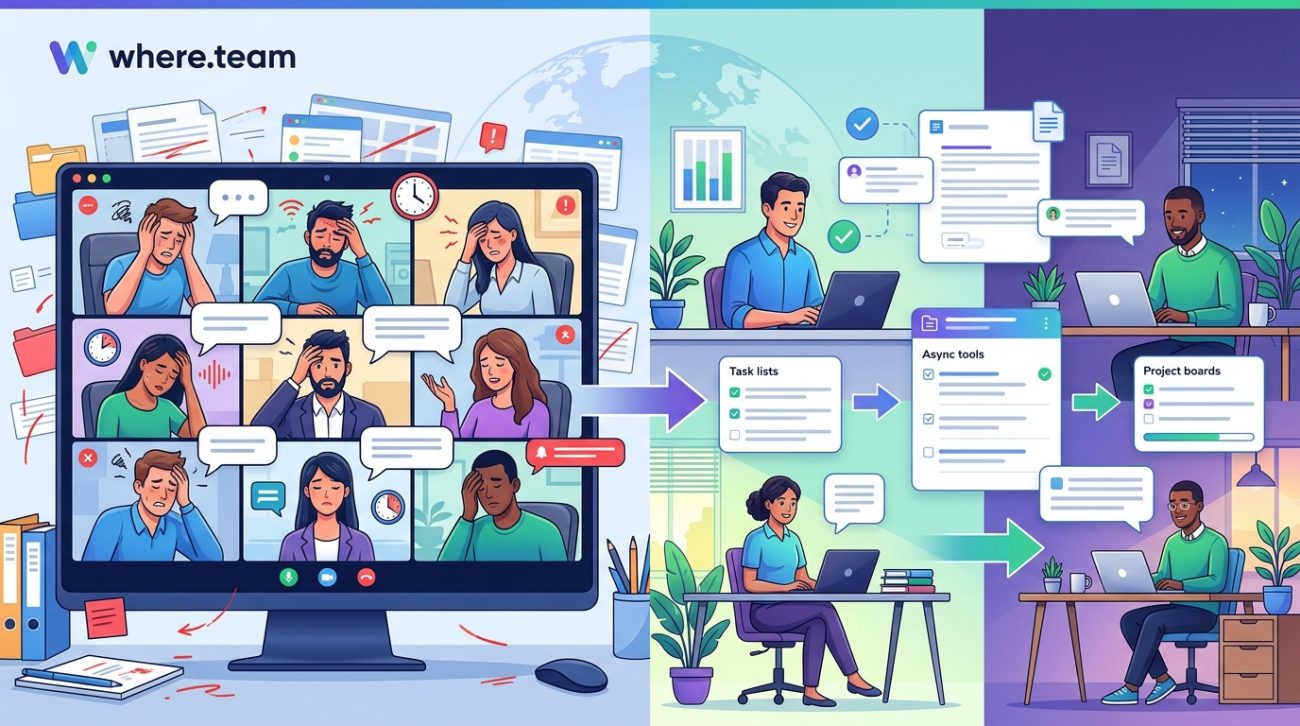
Real-time meetings are draining your remote team’s energy and productivity. Every video call adds another layer of fatigue, every synchronous check-in fragments focus time, and every status update meeting steals hours that could be spent on meaningful work. The truth is, most meetings don’t need to happen live. There’s a better way to collaborate, communicate, and keep your distributed team aligned without burning everyone out.
Remote team meeting alternatives like async video updates, collaborative documents, and threaded discussions can replace most real-time meetings. These methods respect time zones, reduce interruptions, and create documentation automatically. By shifting to asynchronous communication for updates, brainstorming, and decision-making, teams gain flexibility while maintaining alignment. Reserve synchronous time only for relationship building, complex problem solving, and urgent decisions that truly require immediate interaction.
Why most remote meetings should be asynchronous
Your team doesn’t need another hour-long video call to share status updates. That information can live in a document, a recorded video, or a threaded conversation where people respond on their own schedule.
Asynchronous communication means team members contribute when it works for their schedule and energy levels. Someone in Tokyo doesn’t need to join a 9pm call because the San Francisco office prefers morning meetings. Parents can record updates after kids go to bed. Deep work doesn’t get interrupted by back-to-back calendar blocks.
The benefits stack up fast. Documentation happens automatically because everything is written or recorded. Decisions have clear paper trails. People can reference past conversations without asking “wait, what did we decide in that meeting three weeks ago?”
Most importantly, async work respects that not everyone thinks best on the spot. Some people need time to process information, research options, and craft thoughtful responses. Real-time meetings favor whoever speaks fastest and loudest.
Async video messages replace status updates
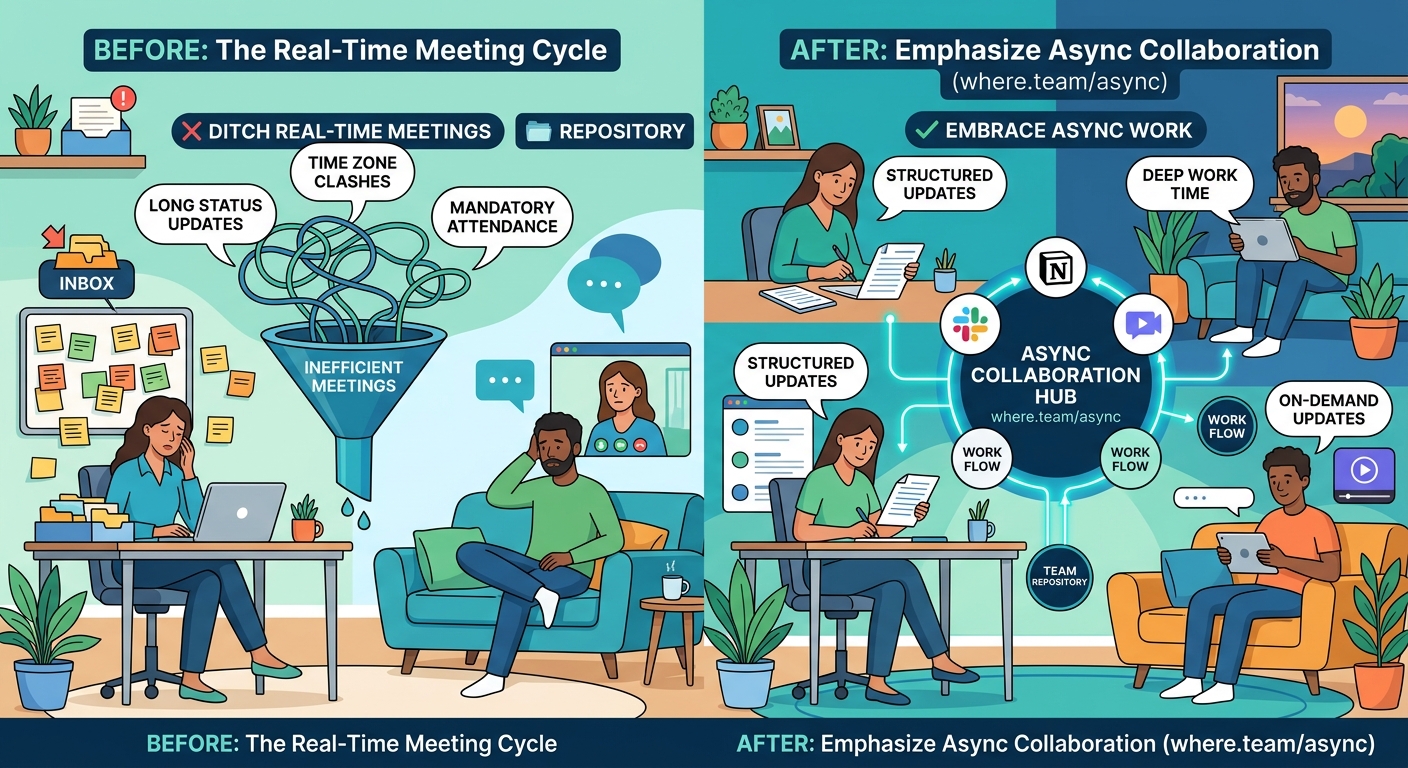
Record a two-minute video walking through your screen instead of scheduling a 30-minute meeting. Tools like Loom, Vidyard, or even simple phone recordings let you show and tell without requiring everyone’s presence at the same moment.
Here’s how to make async video work:
- Keep recordings under five minutes for maximum engagement
- Add timestamps in the description so viewers can jump to relevant sections
- Enable comments so team members can ask questions directly on the timeline
- Store videos in a searchable library organized by project or topic
- Set expectations for response time (within 24 hours is reasonable for most updates)
Your engineering lead can record a code walkthrough at midnight if that’s when they’re most productive. Your designer can narrate design decisions with screen recordings that show every iteration. Your project manager can provide weekly updates that people watch during their coffee break instead of during their peak focus hours.
The person recording gets to rehearse if needed, edit out mistakes, and deliver information clearly. The viewers get to pause, rewind, and watch at 1.5x speed if they want.
Collaborative documents beat brainstorming meetings
That hour-long video call where everyone throws out ideas? Turn it into a shared document where people add thoughts over several days.
Create a Google Doc, Notion page, or Confluence space with a clear prompt or question at the top. Team members add their ideas, build on others’ suggestions, and vote on favorites using comments or emoji reactions.
This approach produces better results than real-time brainstorming because people have time to think. Someone might read the document in the morning, let ideas percolate during a walk, then add their best thinking in the afternoon. Another person might sleep on it and contribute fresh perspective the next day.
Collaborative documents also create automatic meeting notes. The entire thought process is captured, not just the final decision. When someone asks “why did we choose this direction?” six months later, the answer lives in the document comments.
Threaded discussions keep conversations organized
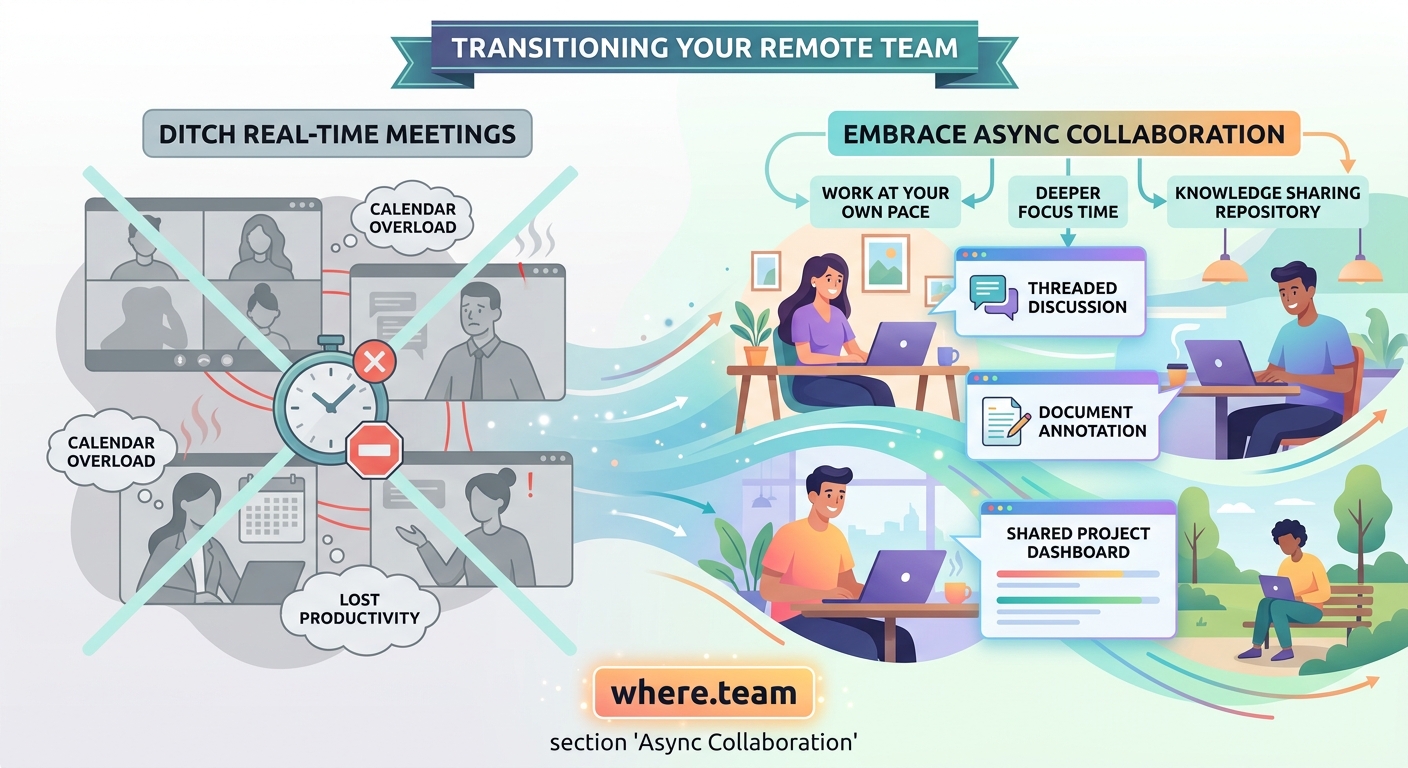
Slack threads, Microsoft Teams channels, or dedicated discussion platforms like Twist keep conversations focused without the chaos of real-time chat.
The difference between chat and threaded discussion matters. Chat moves fast, buries important information, and creates anxiety about missing messages. Threaded discussions let people catch up without scrolling through hundreds of messages about lunch plans to find the one decision about the product launch.
Start a thread with a clear subject line. Add context in the first message. Let people respond over hours or days instead of expecting immediate replies. Mark threads as resolved when decisions are made.
| Method | Best For | Response Time | Documentation Quality |
|---|---|---|---|
| Async video | Demonstrations, walkthroughs, personal updates | 24 hours | High, searchable |
| Collaborative docs | Brainstorming, planning, complex decisions | 2-3 days | Excellent, version controlled |
| Threaded discussions | Focused questions, team input, announcements | 12-24 hours | Good if well organized |
| Formal communication, external stakeholders | 48 hours | Moderate, depends on filing | |
| Project boards | Task status, workflow tracking | Ongoing | Excellent for tasks |
When you actually need real-time meetings
Some situations genuinely benefit from synchronous communication. Don’t eliminate all meetings just to prove a point.
Schedule real-time calls for:
- Building relationships with new team members
- Handling sensitive conversations that need tone and body language
- Solving complex problems that require rapid back-and-forth
- Making urgent decisions with tight deadlines
- Celebrating wins and building team culture
- One-on-one coaching and feedback sessions
Even these meetings can be shorter and more focused. A 15-minute video call with a clear agenda beats an hour of small talk and tangents.
If your remote meetings feel exhausting, you’re probably having too many of them or running them poorly. The solution isn’t better meeting techniques. The solution is having fewer meetings.
“The goal isn’t to eliminate synchronous communication. The goal is to be intentional about when synchronous time is truly valuable and protect it by handling everything else asynchronously.” – Remote work consultant
Tools that enable async collaboration
You don’t need expensive software to start working asynchronously. Many teams already have the tools but haven’t changed their habits.
For video messages:
– Loom (free tier available)
– Vidyard
– Berrycast
– CloudApp
For collaborative writing:
– Google Docs
– Notion
– Confluence
– Coda
For threaded discussions:
– Twist
– Slack (use threads properly)
– Microsoft Teams
– Basecamp
For project tracking:
– Asana
– Trello
– Linear
– Monday.com
The tool matters less than the commitment to async-first thinking. You can accomplish async work in basic email if everyone agrees to respond thoughtfully rather than immediately.
How to transition your team to async work
Switching from meeting-heavy to async-first doesn’t happen overnight. People are used to hopping on calls to solve every problem.
Start with these steps:
- Audit your recurring meetings and cancel any that share information rather than make decisions
- Create templates for common async communications (project updates, bug reports, design reviews)
- Set team norms around response times so people don’t feel pressure to reply instantly
- Lead by example by recording videos and writing detailed documents instead of calling meetings
- Celebrate when async communication works well to reinforce the behavior
Expect resistance from team members who prefer talking through problems. Some people genuinely think better in conversation. Offer office hours where anyone can drop in for synchronous discussion rather than scheduling formal meetings.
Give the transition at least three months before judging results. Old habits die hard, and people need time to develop new communication muscles.
Common mistakes when going async
Teams often sabotage their async efforts through these mistakes:
Expecting instant responses. Async only works if people have permission to respond on their schedule. If you send a message and follow up 20 minutes later asking “did you see this?”, you’ve created synchronous pressure with async tools.
Writing unclear messages. Async communication requires more context than real-time chat. You can’t read body language or ask immediate clarifying questions. Front-load your messages with background, clear questions, and expected next steps.
Forgetting to close loops. When decisions happen across multiple messages over several days, someone needs to summarize the outcome. Create a habit of posting “here’s what we decided” messages that tie up loose threads.
Using too many tools. If your team needs to check Slack, email, Notion, Asana, and Google Docs to stay updated, you’ve created async chaos. Consolidate communication channels as much as possible.
Never meeting synchronously. Some teams overcorrect and eliminate all real-time interaction. Humans need social connection. Schedule optional coffee chats or team hangouts for people who want face time.
Measuring async success
Track these metrics to see if your async transition is working:
- Total meeting hours per week (should decrease significantly)
- Response time to async communications (should stabilize around 24 hours)
- Documentation quality and searchability (should improve as more happens in writing)
- Team satisfaction scores (should increase as people gain flexibility)
- Project completion rates (should stay steady or improve)
Pay attention to who struggles with async work. Junior team members might need more guidance. People in certain roles might legitimately need more real-time collaboration. Don’t force a one-size-fits-all approach.
Some teams find that going async-first actually increases the quality of their synchronous time. When you only meet for things that truly matter, people show up more engaged and prepared.
Building an async-first culture
The biggest barrier to async work isn’t tools or techniques. It’s culture.
If leadership still schedules last-minute meetings, expects immediate responses, and rewards whoever replies fastest, your team will never truly embrace async communication. The behavior at the top sets the tone.
Model async-first behavior by:
- Turning off your status indicators so people don’t know when you’re online
- Batching your message responses instead of replying instantly
- Recording videos instead of requesting calls
- Writing detailed documents before asking for input
- Respecting others’ focus time by not expecting immediate availability
Celebrate team members who communicate clearly in writing. Recognize people who solve problems without meetings. Make async contribution as visible and valued as speaking up in video calls.
Over time, async-first becomes the default. New hires learn that thoughtful written communication is how work happens. The team develops shared language and templates that make async easier. Productivity increases because people spend time on work instead of meetings.
Making async work across time zones
Distributed teams spanning multiple time zones benefit most from async communication, but they also face unique challenges.
When your team stretches from Sydney to New York, finding meeting times that work for everyone is nearly impossible. Someone always joins at an inconvenient hour. Async communication solves this problem by removing time as a constraint.
Set clear expectations about response windows. If your team spans 12 time zones, a 24-hour response time means everyone gets to respond during their working hours. For urgent issues, identify overlap hours when most people are available and reserve those for synchronous communication.
Create documentation in shared time zones. If a decision happens while half the team sleeps, summarize it clearly so people can catch up and provide input before implementation begins.
Rotate any necessary synchronous meetings so the burden of odd hours doesn’t always fall on the same people. If you must have a monthly all-hands call, alternate between times that favor different regions.
Your next steps toward fewer meetings
You don’t need to overhaul your entire communication strategy tomorrow. Start small and build momentum.
Pick one recurring meeting this week and cancel it. Replace it with an async alternative. See what happens. If the work still gets done, cancel another meeting next week.
Record one video message instead of scheduling a call. Write one detailed document instead of gathering people for brainstorming. Start one threaded discussion instead of sending a group email that spawns 47 reply-all responses.
Pay attention to what works and what doesn’t. Adjust your approach based on your team’s needs and preferences. Some teams thrive with mostly async work punctuated by occasional synchronous connection. Others need more face time but can still reduce meetings by 50%.
The goal isn’t perfection. The goal is giving your team more time for focused work, more flexibility in when and how they contribute, and more energy for the work that actually matters. Every meeting you replace with async communication is time given back to your team for deep work, rest, or life outside work.
Start today. Your team’s productivity and sanity will thank you.
