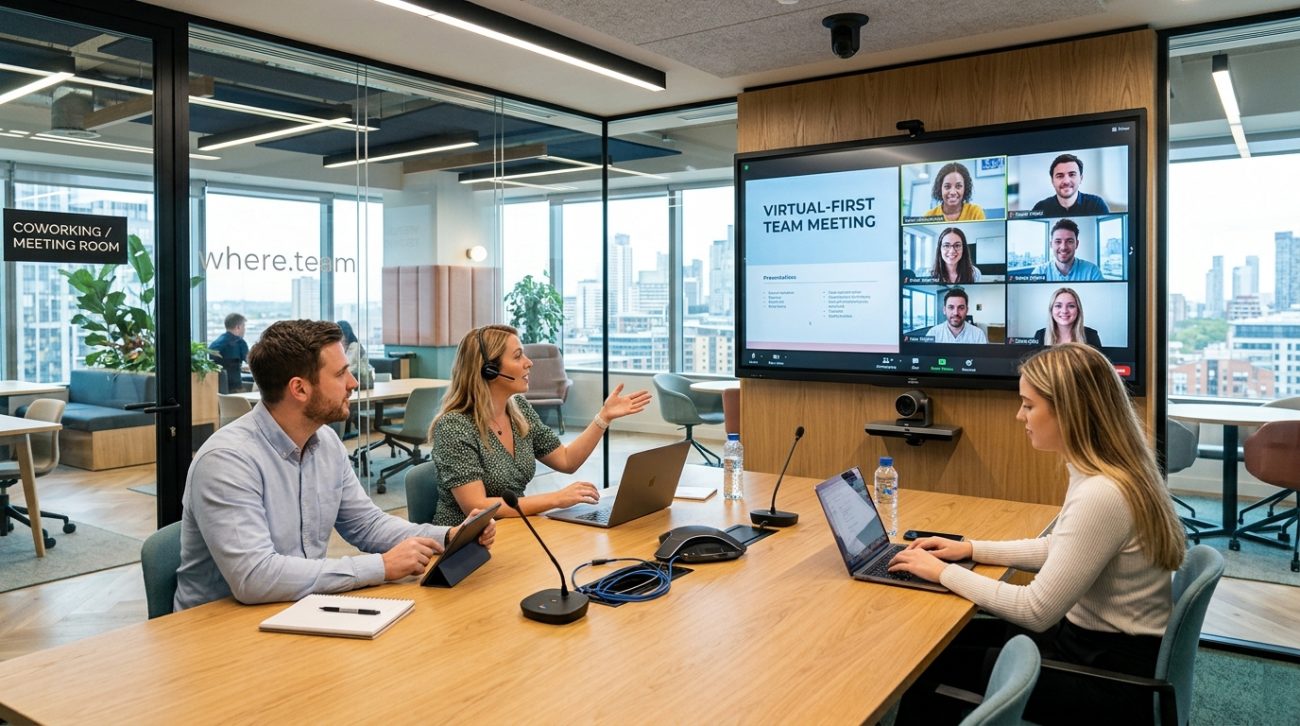
Your distributed team is spread across three time zones. You’ve finally coordinated calendars for a strategy meeting. Then someone joins from a coffee shop where the WiFi cuts out every five minutes, another team member appears as a pixelated blur, and the screen sharing feature just won’t cooperate.
Sound familiar?
The technology gap between home offices and professional meeting spaces is real. For remote team managers coordinating hybrid meetings, the right coworking space can transform chaotic video calls into productive collaboration sessions.
Coworking spaces with meeting room technology offer distributed teams professional video conferencing setups, reliable high-speed internet, and collaboration tools that home offices can’t match. The best spaces provide 4K cameras, wireless screen sharing, acoustic treatment, and flexible booking systems. Investing in proper meeting technology [reduces fatigue](https://www.who.int/), improves communication quality, and helps hybrid teams stay connected across locations.
Why Meeting Room Technology Matters for Virtual Teams
Home office setups work fine for individual work. But when you need to connect five people in a conference room with three remote participants, consumer-grade equipment falls short.
Professional meeting room technology bridges the gap between in-person and remote participants. It creates equity in meetings where some team members are physically present while others join virtually.
The difference shows up in several ways:
- Audio quality that picks up everyone in the room, not just whoever sits closest to the laptop
- Camera angles that capture the whole space instead of awkward laptop perspectives
- Screen sharing that actually works without asking “can you see my screen?” six times
- Lighting designed for video calls instead of harsh overhead fluorescents
- Internet bandwidth that doesn’t collapse when everyone turns their cameras on
These details matter more than you might think. Poor audio forces people to repeat themselves. Bad camera angles make it hard to read body language. Unreliable screen sharing derails presentations.
When you’re coordinating why your remote meetings feel exhausting, technology problems compound the challenge.
Essential Technology Features to Look For
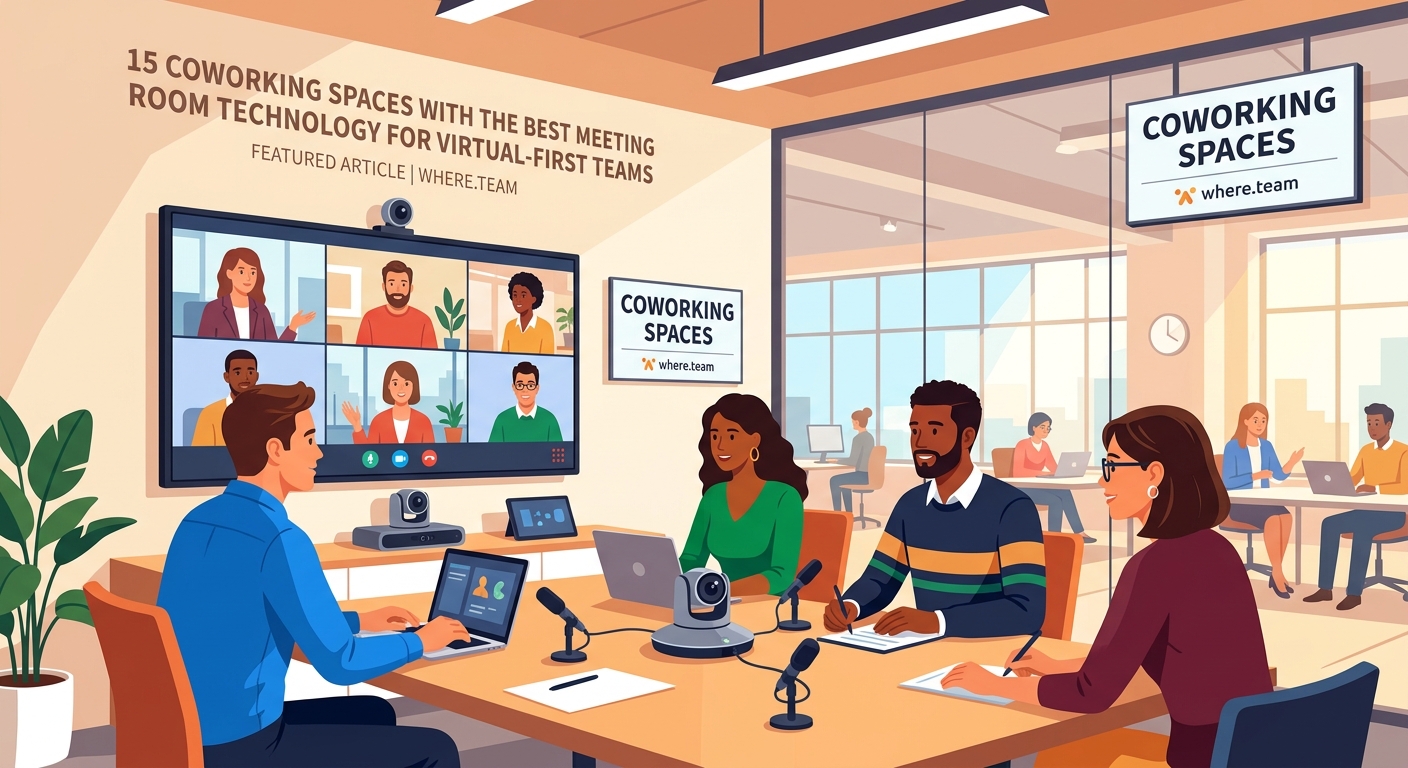
Not all coworking spaces invest equally in meeting room technology. Some throw in a basic webcam and call it done. Others build rooms specifically designed for hybrid collaboration.
Here’s what separates functional meeting rooms from exceptional ones:
Video Conferencing Hardware
The camera matters most. Look for spaces with wide-angle 4K cameras mounted at eye level. These capture everyone in the room without making people crane their necks or crowd around a laptop.
Dual camera setups work even better. One camera focuses on speakers while another captures the full room. This helps remote participants feel included in the conversation.
Audio Systems
Professional-grade microphones pick up voices from anywhere in the room. Ceiling-mounted arrays or tabletop speakerphones with beamforming technology ensure everyone gets heard clearly.
Echo cancellation prevents that annoying feedback loop. Noise suppression filters out background sounds like HVAC systems or street traffic.
Quality speakers matter just as much. Remote participants should sound natural, not tinny or distorted.
Display and Sharing Technology
Large displays make it easy to see remote participants and shared content simultaneously. The best setups use multiple screens so you don’t have to choose between seeing faces and viewing presentations.
Wireless screen sharing eliminates cable hunting. Walk in, connect to the room system from your laptop, and start presenting. No dongles, no adapters, no technical difficulties eating into your meeting time.
Internet Connectivity
Bandwidth requirements scale up fast with video calls. A room hosting four people on a video conference needs significantly more upload and download capacity than a single remote worker.
Look for spaces offering dedicated fiber connections with at least 500 Mbps symmetrical speeds. Redundant internet connections provide backup if the primary line fails.
Wired ethernet connections in meeting rooms beat WiFi for stability. But if you’re using WiFi, dedicated access points for meeting rooms prevent bandwidth competition with the general coworking space.
How to Evaluate Meeting Room Technology Before Booking
Walking into a coworking space and asking “do you have good meeting rooms?” won’t get you useful information. Most spaces will say yes regardless of their actual capabilities.
Follow this evaluation process instead:
- Request a technology tour specifically focused on meeting rooms, not just the general workspace
- Ask which video conferencing platforms integrate with their room systems (Zoom, Teams, Google Meet, etc.)
- Test the audio quality by having someone speak from different positions in the room
- Check if the camera captures the entire seating area without blind spots
- Verify the screen sharing process and how long it takes to connect
- Ask about technical support availability during your typical meeting times
- Review the booking system to confirm you can reserve rooms when you need them
Most quality coworking spaces will let you test a meeting room before committing to membership. Take them up on it. Run a real meeting with your team to see how the technology performs under actual conditions.
Comparing Technology Setups Across Coworking Models

Different coworking spaces take different approaches to meeting room technology. Understanding these models helps you find the right fit.
| Setup Type | Best For | Technology Level | Typical Cost |
|---|---|---|---|
| Basic conferencing | Small teams, occasional meetings | Consumer webcam, WiFi, single display | $25-50/hour |
| Professional hybrid | Regular team meetings, client calls | 4K camera, pro audio, dual displays | $75-150/hour |
| Broadcast quality | All-hands meetings, webinars, recordings | Multiple cameras, studio lighting, production tools | $200-400/hour |
| Custom enterprise | Dedicated team spaces, daily use | Fully customized setup, IT support included | $2,000-5,000/month |
Day passes vs monthly memberships become relevant when you’re choosing between occasional meeting room access and regular use.
Common Technology Mistakes Teams Make
Even with access to great meeting room technology, teams often sabotage their own meetings through avoidable mistakes.
Mistake 1: Not testing equipment before the meeting starts
Showing up at meeting time to discover the camera isn’t working creates stress and wastes everyone’s time. Arrive 10 minutes early to verify everything works.
Mistake 2: Forgetting to adjust room layout for cameras
That beautiful conference table might seat 12 people, but can the camera see everyone? Arrange seating so remote participants can actually see who’s talking.
Mistake 3: Ignoring acoustic treatment
Hard surfaces create echo. Rooms with carpet, acoustic panels, and soft furnishings sound dramatically better on video calls than bare conference rooms.
Mistake 4: Relying on laptop speakers for remote participants
When in-room participants can barely hear remote team members, those remote voices get ignored. Use the room’s speaker system.
Mistake 5: Not establishing tech protocols
Who sets up the room? Who troubleshoots if something breaks? Who contacts support? Answer these questions before your meeting, not during it.
Setting Up Your Team for Meeting Room Success
Having access to good technology only helps if your team knows how to use it effectively.
Create a simple meeting room checklist:
- Book the room for 15 minutes before your meeting starts
- Arrive early to test all systems
- Connect your laptop to the room display
- Verify remote participants can hear and see properly
- Position in-room participants within camera view
- Set up any materials you need to share
- Have a backup plan if technology fails
Document the specific steps for your preferred coworking space. Room systems vary, and what works at one location might not apply elsewhere.
Consider designating a “meeting room coordinator” role that rotates among team members. This person handles setup, troubleshooting, and making sure technology doesn’t derail your agenda.
For the 15-minute remote stand-up format, having someone own the technical details keeps meetings moving.
Budgeting for Professional Meeting Spaces
Meeting room costs add up differently than you might expect. The sticker price per hour tells only part of the story.
Calculate your true cost per productive meeting hour:
- Hourly room rate
- Travel time for in-person participants
- Setup and teardown time
- Technology troubleshooting time
- Rescheduling costs when tech fails
A $100/hour professional meeting room that works perfectly might cost less than a $30/hour basic room where you lose 20 minutes to technical difficulties.
The hidden costs of hybrid work extend beyond just room rental fees.
Consider these pricing models:
Pay-per-use: Best for occasional meetings, typically $50-200 per hour depending on room size and technology level
Meeting room packages: Bulk hour purchases at discounted rates, often 10-20% cheaper than pay-per-use
Membership with included hours: Monthly fee includes certain meeting room hours, with additional hours at member rates
Dedicated spaces: Reserved rooms for your team only, priced monthly regardless of actual usage
Match your booking model to your meeting frequency. Teams meeting twice a month do better with pay-per-use. Teams meeting twice a week should consider memberships.
Technology Features That Justify Premium Pricing
Some meeting room features cost more but deliver proportional value for distributed teams.
Automated room systems that remember your preferences save setup time. Walk in, tap your name on the control panel, and your preferred camera angle, lighting, and display configuration loads automatically.
AI-powered features like automatic framing keep speakers centered in the camera view. Background noise suppression filters out distractions without manual adjustment.
Recording capabilities with automatic transcription help team members who couldn’t attend. But check the privacy and compliance considerations first.
Integration with calendar systems streamlines booking. Your meeting room reservation automatically appears on team calendars with join links and room access codes.
Dedicated technical support means someone responds within minutes when technology fails, not hours or days later.
Matching Room Technology to Meeting Types
Different meetings need different technology capabilities. A brainstorming session has different requirements than a client presentation.
All-hands meetings: Need capacity for many remote participants, reliable audio for Q&A, and screen sharing for presentations
Strategy sessions: Benefit from multiple displays for simultaneous document viewing, digital whiteboarding tools, and breakout room capabilities
Client presentations: Require broadcast-quality video, professional backgrounds, and flawless screen sharing
Training sessions: Work best with recording capabilities, annotation tools, and the ability to share multiple screens
Casual check-ins: Can use simpler setups but still need good audio quality for natural conversation
When choosing the perfect coworking space for your remote team’s quarterly meetup, think about which meeting types you’ll run most often.
Future-Proofing Your Meeting Room Strategy
Technology evolves fast. The cutting-edge setup you book today might feel dated in two years.
Look for coworking spaces that regularly update their technology. Ask about their upgrade schedule and technology roadmap.
Flexible spaces that can adapt to new tools serve you better than rigid setups locked into specific platforms. Your team might switch from Zoom to Teams or adopt new collaboration tools. The meeting room should accommodate those changes.
Consider spaces offering multiple room types at different technology levels. Start with basic rooms for routine meetings, then upgrade to premium rooms for important presentations.
The best meeting room technology disappears into the background. When your team stops noticing the cameras and microphones and just focuses on the work, you’ve found the right setup.
Making the Technology Work for Distributed Teams
The goal isn’t perfect technology. The goal is technology good enough that it stops being the main topic of conversation in your meetings.
Remote participants should feel present, not like disembodied voices from a speakerphone. In-room participants should appear clearly on screen, not as blurry shapes in bad lighting.
Everyone should be able to share their screen without a technical degree. Audio should be clear enough that accents and soft-spoken team members come through without strain.
When technology works this well, meetings can focus on actual collaboration instead of troubleshooting connection problems.
The investment in quality meeting room technology pays back through better communication, reduced meeting fatigue, and fewer repeated meetings because half the team couldn’t participate effectively the first time.
Your Next Meeting Deserves Better Technology
Start by identifying your three most important upcoming meetings. Calculate what poor technology has cost you in those meetings in the past. Lost time, confused participants, decisions delayed because someone couldn’t share their screen properly.
Then find a coworking space with meeting room technology that eliminates those problems. Test it before committing. Run one real meeting there and see the difference professional equipment makes.
Your distributed team deserves meeting spaces where technology enables collaboration instead of blocking it. The right coworking space with proper meeting room technology makes that possible.
