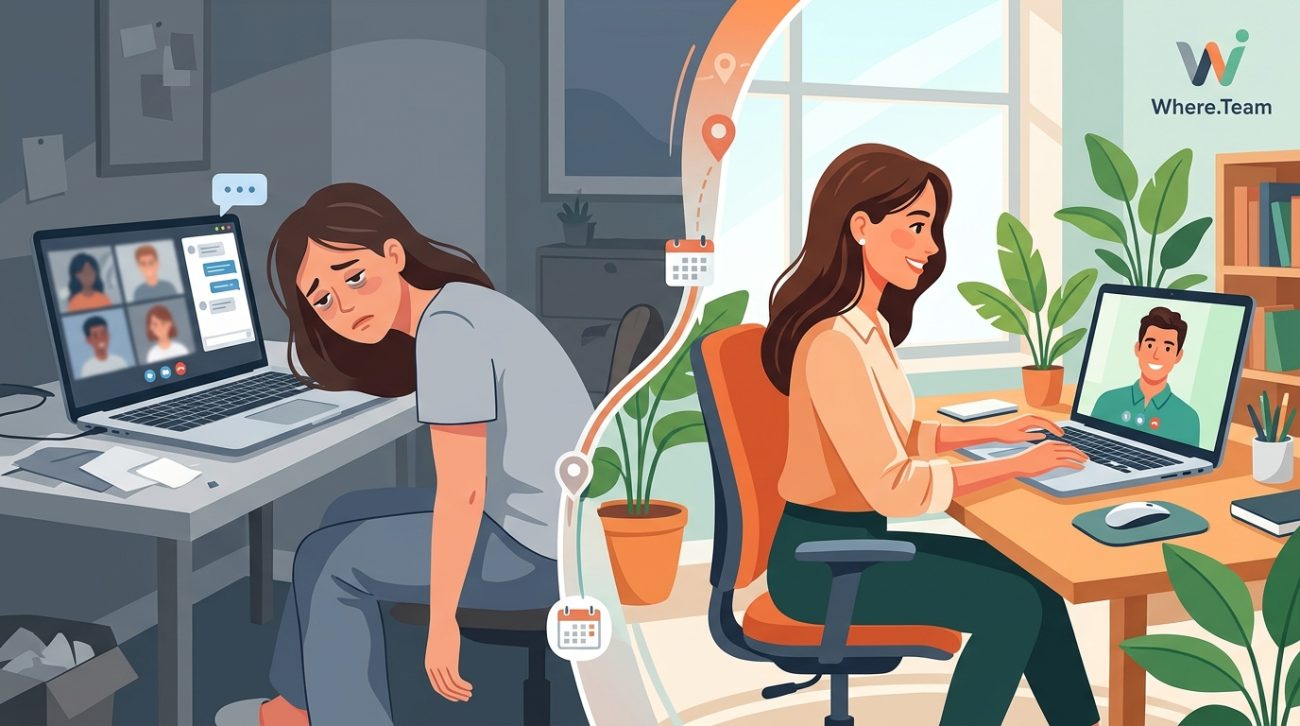
You finish another day of back-to-back video calls and feel completely drained. Your eyes hurt, your brain feels foggy, and you’re more tired than if you’d run a marathon. Sound familiar? You’re not imagining it. Video conferencing creates a unique kind of exhaustion that researchers now call zoom fatigue, and it affects remote workers across every industry.
Zoom fatigue happens because video calls force your brain to work overtime processing unnatural social cues, maintaining constant eye contact, and seeing yourself on screen. This mental overload, combined with physical stillness and technical disruptions, creates exhaustion that in-person meetings never produce. Strategic changes to meeting structure, camera usage, and workspace setup can dramatically reduce this fatigue without sacrificing collaboration quality.
What Makes Video Meetings So Exhausting
Video calls feel harder than face-to-face conversations because they violate how humans naturally communicate. Your brain evolved to read body language, interpret spatial relationships, and process dozens of subtle social signals simultaneously. Video conferencing strips away most of these cues while adding new cognitive burdens.
The screen shows you a grid of faces staring directly at you. In real life, this level of sustained eye contact only happens during intimate conversations or confrontations. Your brain interprets this constant gaze as socially intense, triggering a low-level stress response that compounds over hours.
You also lose peripheral vision. During in-person meetings, you can glance at a notepad, look out a window, or shift your gaze naturally. On video, looking away feels rude. You’re trapped in a visual box where every eye movement gets scrutinized.
The slight audio delay creates another problem. Research shows that even 1.2-second delays in conversational turn-taking make people perceive others as less friendly and focused. Video platforms introduce these micro-delays constantly, forcing your brain to work harder to maintain conversational rhythm.
The Mirror Effect Nobody Talks About
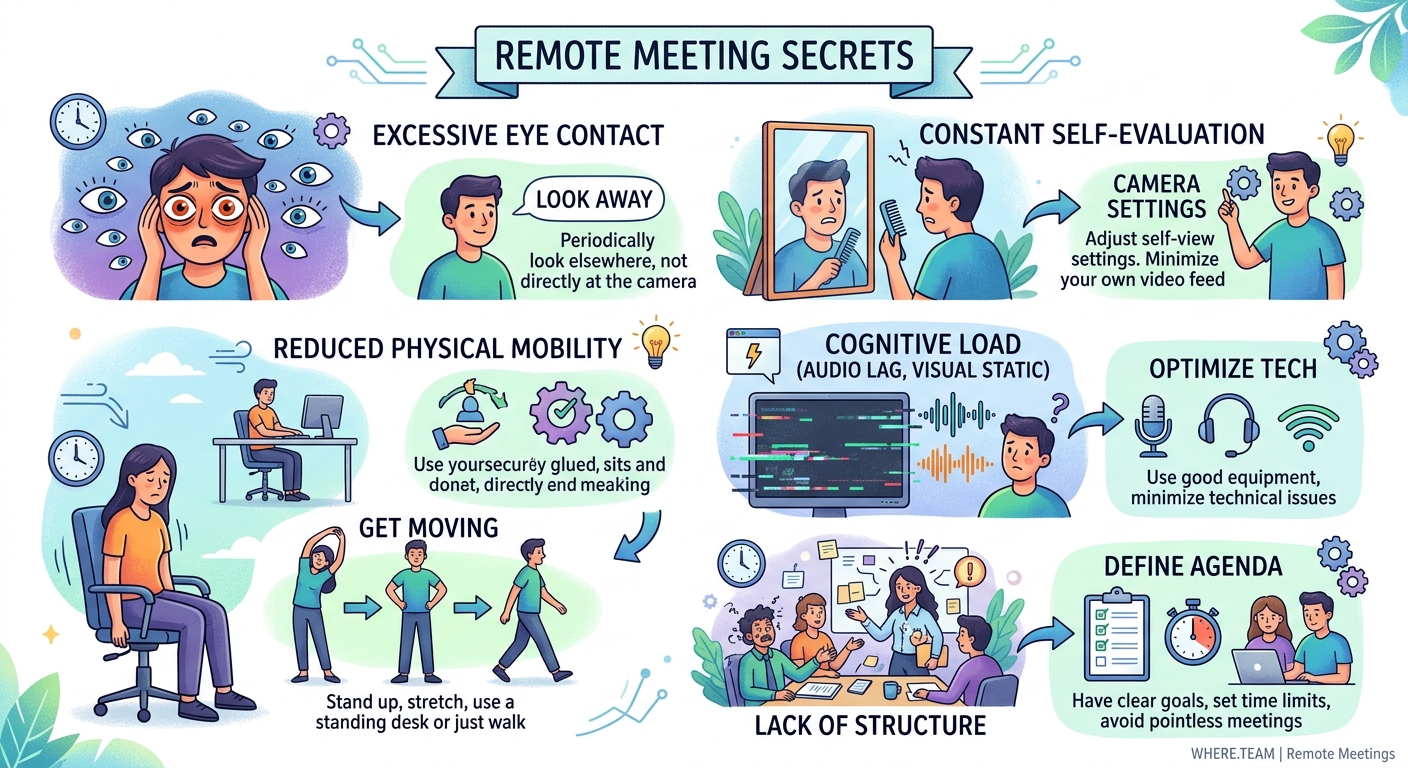
Seeing yourself on screen during meetings creates a phenomenon psychologists call self-focused attention. You’re essentially staring into a mirror for hours while trying to work. This constant self-monitoring exhausts mental resources.
Studies on self-awareness show that people perform worse on complex tasks when they can see their reflection. The same principle applies to video calls. Part of your brain stays occupied evaluating your appearance, monitoring your expressions, and adjusting your presentation instead of focusing fully on the conversation.
Women and younger workers report higher levels of fatigue from this mirror effect, likely due to increased social pressure around appearance. But everyone experiences some degree of distraction from their own video feed.
The solution seems obvious: hide self-view. Most platforms let you disable your own video feed while others still see you. This single change can reduce fatigue significantly.
How Physical Stillness Amplifies Mental Exhaustion
In-person meetings let you move. You shift in your chair, stand up to grab coffee, walk to a whiteboard, or lean back during discussions. These micro-movements help regulate energy and attention.
Video calls lock you in place. Moving too much looks unprofessional or takes you out of frame. You sit frozen, maintaining proper posture and camera angles for extended periods. This physical rigidity increases muscle tension and reduces blood flow, compounding mental fatigue.
Your brain also relies on movement to process information and manage stress. Walking meetings, for example, boost creativity and reduce anxiety. Video conferencing eliminates this natural outlet.
“The cognitive load of video calls comes not just from what we’re doing, but from what we’re preventing ourselves from doing. We suppress natural behaviors like looking away, fidgeting, and moving around that normally help us stay alert and engaged.” – Dr. Jeremy Bailenson, Founding Director of the Stanford Virtual Human Interaction Lab
Technical Friction Adds Hidden Stress
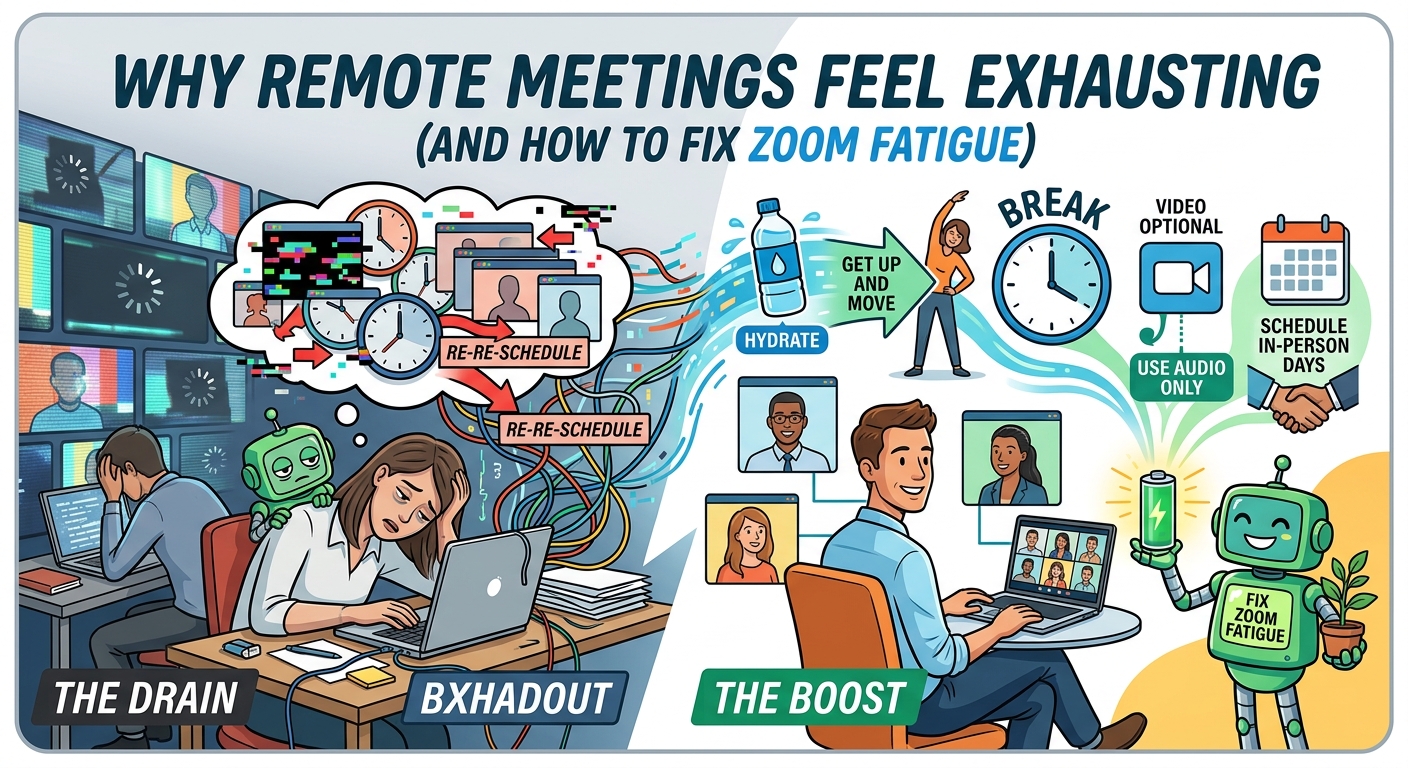
Every video call includes small technical challenges. Someone can’t find the unmute button. Audio cuts out. A screen share fails. Someone’s connection freezes mid-sentence. These disruptions seem minor but accumulate into significant cognitive load.
Your brain stays partially alert for technical problems throughout the call. You monitor your own connection, watch for frozen screens, and prepare to troubleshoot issues. This background vigilance consumes mental energy even during smooth calls.
The effort to compensate for poor audio or video quality also drains resources. You strain to hear muffled voices, interpret pixelated expressions, or fill gaps in choppy conversations. In-person meetings never require this constant technical management.
Practical Strategies That Actually Reduce Fatigue
Reducing zoom fatigue requires changing both meeting structure and personal habits. Small adjustments compound into significant improvements.
Meeting Structure Changes
- Default to 25 or 50-minute meetings instead of 30 or 60 minutes. This builds in transition time between calls for breaks, movement, and mental reset.
- Establish camera-optional norms for internal meetings. Audio-only calls reduce cognitive load by 30-40% according to recent studies.
- Limit meeting size. Calls with more than 5 people create exponentially more faces to monitor and social cues to process.
- Schedule at least one camera-free day per week. Designate specific days where video is discouraged unless absolutely necessary.
- Start meetings with 2 minutes of silence or independent work. This reduces the social performance pressure and lets people settle in.
Personal Workspace Adjustments
- Position your camera at eye level to reduce neck strain and create more natural sight lines
- Use an external keyboard to increase distance from your screen
- Set up lighting that illuminates your face from the front, reducing eye strain from screen glare
- Place your monitor an arm’s length away to reduce eye fatigue
- Keep a water bottle and snacks within reach to avoid the “trapped at desk” feeling
During-Call Techniques
Hide self-view immediately after checking your initial appearance. You don’t need to monitor yourself throughout the call.
Take notes on paper instead of typing. This gives you a legitimate reason to look away from the screen and reduces the feeling of constant surveillance.
Use the “speaker view” instead of “gallery view” for large meetings. Seeing 20 faces simultaneously creates more cognitive load than focusing on whoever’s speaking.
Stand during some calls. A standing desk or raised laptop lets you move more naturally while staying on camera.
Turn off notifications from other apps during calls. Context-switching between the meeting and incoming messages multiplies mental fatigue.
The Role of Meeting Purpose
Not every conversation needs video. Different communication types require different levels of visual engagement.
| Meeting Type | Best Format | Why |
|---|---|---|
| Brainstorming sessions | Video preferred | Visual engagement helps creativity and collaboration |
| Status updates | Audio or async | Information transfer doesn’t require facial monitoring |
| One-on-one check-ins | Video optional | Relationship-building benefits from video but isn’t dependent on it |
| Large team meetings | Hybrid (leaders on video) | Reduces cognitive load while maintaining connection to speakers |
| Training or presentations | Video for presenter only | Attendees can focus on content without performance pressure |
| Social gatherings | Video encouraged | The point is connection, which requires visual presence |
Matching format to purpose prevents unnecessary fatigue from over-using video for tasks that don’t require it.
Building Better Meeting Culture
Individual strategies help, but team-wide cultural changes create lasting improvement. Remote teams need explicit norms around video usage, meeting frequency, and communication expectations.
Start by auditing your team’s meeting load. How many hours per week does the average person spend on video calls? Research suggests productivity drops significantly above 20 hours of meetings per week, with video fatigue accelerating this decline.
Create a shared agreement about camera usage. Some teams adopt “camera on for external meetings, optional for internal” policies. Others designate specific meeting types as camera-required or camera-free. The specific rule matters less than having a clear, consistent norm that removes individual decision-making pressure.
Encourage asynchronous alternatives. Many meetings exist only because they’re the default communication method. Recorded video updates, shared documents, and project management tools can replace 30-50% of synchronous meetings without losing information quality.
Protect focus time. Block out meeting-free periods on team calendars. Even 2-hour blocks of uninterrupted work time can significantly reduce the feeling of constant video call exhaustion.
Physical Health Factors
Zoom fatigue connects directly to physical strain. Hours of screen time affect your eyes, posture, and overall energy levels.
Eye strain comes from two sources: focusing at a fixed distance for extended periods and reduced blinking. During concentrated screen time, people blink 66% less than normal, leading to dry, tired eyes. The 20-20-20 rule helps: every 20 minutes, look at something 20 feet away for 20 seconds.
Poor posture during video calls creates neck, shoulder, and back pain that amplifies mental fatigue. Laptop cameras positioned below eye level force you to look down for hours, creating “tech neck” that contributes to headaches and reduced energy.
Sedentary behavior during back-to-back calls reduces blood flow and oxygen to your brain. Even standing or walking in place between meetings improves alertness and reduces the cumulative exhaustion of a meeting-heavy day.
The Psychological Dimension
Beyond physical and cognitive factors, zoom fatigue has a psychological component. Video calls create a sense of being constantly “on stage” that in-person work doesn’t replicate.
You’re aware that people can see you at all times. There’s no back row to hide in, no side conversation to duck into, no moment of invisibility. This constant visibility creates performance pressure that exhausts even naturally outgoing people.
The lack of informal interaction compounds this stress. In-person workdays include hallway conversations, lunch breaks, and casual moments that build relationships and provide mental breaks. Video meetings strip these out, leaving only the formal, high-attention interactions.
Remote workers report feeling more isolated despite spending more time “face to face” with colleagues. Video calls provide visual connection without the psychological safety and spontaneity of physical presence.
Rethinking Your Video Call Approach
Beating zoom fatigue requires questioning assumptions about how remote work should function. Video calls became the default because they seemed closest to in-person meetings. But proximity to the old way doesn’t make something the best way.
Start treating video as a tool with specific use cases, not a blanket replacement for all communication. Use it intentionally for conversations where visual connection adds clear value. Default to audio calls, async updates, or collaborative documents for everything else.
Build movement into your day. Schedule calls from different locations when possible. Take walking calls for one-on-ones. Stand during presentations. Physical variety reduces the trapped feeling that amplifies video fatigue.
Set boundaries around your availability. You don’t need to accept every meeting invitation. You don’t need to keep your camera on for every call. Protecting your energy makes you more effective during the interactions that matter most.
The goal isn’t to eliminate video calls. It’s to use them strategically in ways that support rather than drain your energy. Remote work offers flexibility that office-based work can’t match. But only if you design your workday around human needs rather than forcing yourself to adapt to exhausting defaults.
Your energy is finite. Spend it wisely.
