
Your team wants flexibility. Your company needs coordination. And you’re stuck trying to figure out how to create a hybrid work schedule that doesn’t fall apart after two weeks.
The problem isn’t that hybrid work is inherently chaotic. It’s that most schedules get built backward. They start with policies instead of problems, mandates instead of meetings, and rules instead of real workflow patterns.
Building a hybrid work schedule requires mapping your team’s collaboration needs first, then designing in-office days around high-value activities like planning sessions and onboarding. Start with a flexible framework, test for 30 days, gather honest feedback, and adjust based on what actually improves work quality. Avoid rigid attendance mandates that ignore how your team creates value together.
Start with collaboration needs, not office days
Most managers make the same mistake. They pick arbitrary office days before understanding what work actually requires face time.
Start by auditing your team’s calendar for the past month. Look for patterns:
- Which meetings had the most back and forth discussion?
- When did people need to whiteboard or sketch ideas together?
- What tasks required immediate feedback loops?
- Which projects stalled because of communication delays?
Write down the activities that genuinely benefited from real-time interaction. Not the ones that could happen in person, but the ones that should.
Your list might include sprint planning, design reviews, onboarding new hires, or conflict resolution. These become your anchor activities for in-office days.
Everything else? Default to remote unless someone makes a compelling case otherwise.
Map out your team’s natural workflow rhythm
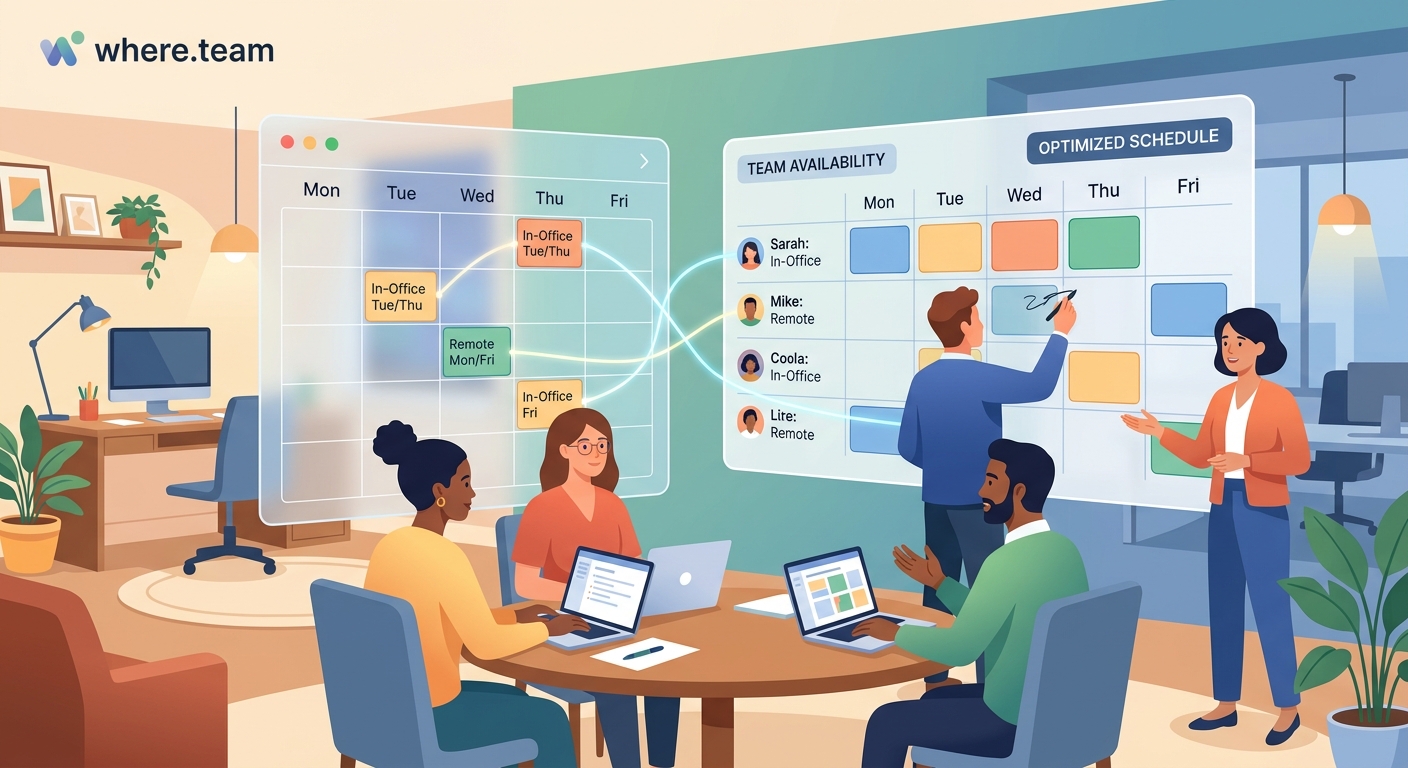
Different teams have different cadences. A product team might need intense collaboration at the start of each sprint, then heads-down execution time. A sales team might cluster around deal reviews and pitch practice.
Look at how work actually flows through your team:
- Identify your team’s planning cycle (weekly sprints, monthly reviews, quarterly planning)
- Mark when deliverables are due and when crunch time typically hits
- Note when people need uninterrupted focus time versus collaborative energy
- Track when cross-functional dependencies create bottlenecks
Your hybrid schedule should support this natural rhythm, not fight against it.
If your team does their best creative work on Monday mornings, don’t schedule mandatory office days on Mondays. If Fridays are when everyone wraps up loose ends and plans next week, forcing in-office attendance wastes commute time.
“The best hybrid schedules amplify what already works. They don’t try to recreate the old office experience with new rules. They design around how your specific team creates value.” — Sarah Chen, VP of People Operations
Build your baseline schedule framework
Now you can actually design the schedule. Start with these building blocks:
Core collaboration days: Pick 1-2 days per week when the whole team is in the office. These should align with your anchor activities from step one.
Flexible days: Designate 2-3 days where people choose based on their own needs. Some will come in, some will stay remote.
Focus days: Reserve at least one day per week where remote work is encouraged and meetings are minimized.
Here’s what this looks like in practice:
| Day | Office Status | Primary Purpose | Meeting Guidelines |
|---|---|---|---|
| Monday | Flexible | Planning and alignment | Team standup only |
| Tuesday | Core in-office | Collaboration sprints | Schedule workshops and reviews |
| Wednesday | Flexible | Execution | No meetings after 2pm |
| Thursday | Core in-office | Cross-team sync | External meetings and demos |
| Friday | Remote encouraged | Deep work and wrap-up | No new meetings |
Adjust based on your findings from steps one and two. If your team needs three collaboration days, schedule three. If one is enough, don’t add more just because it feels safer.
The framework should feel like it’s removing friction, not adding rules.
Test, measure, and iterate for 30 days
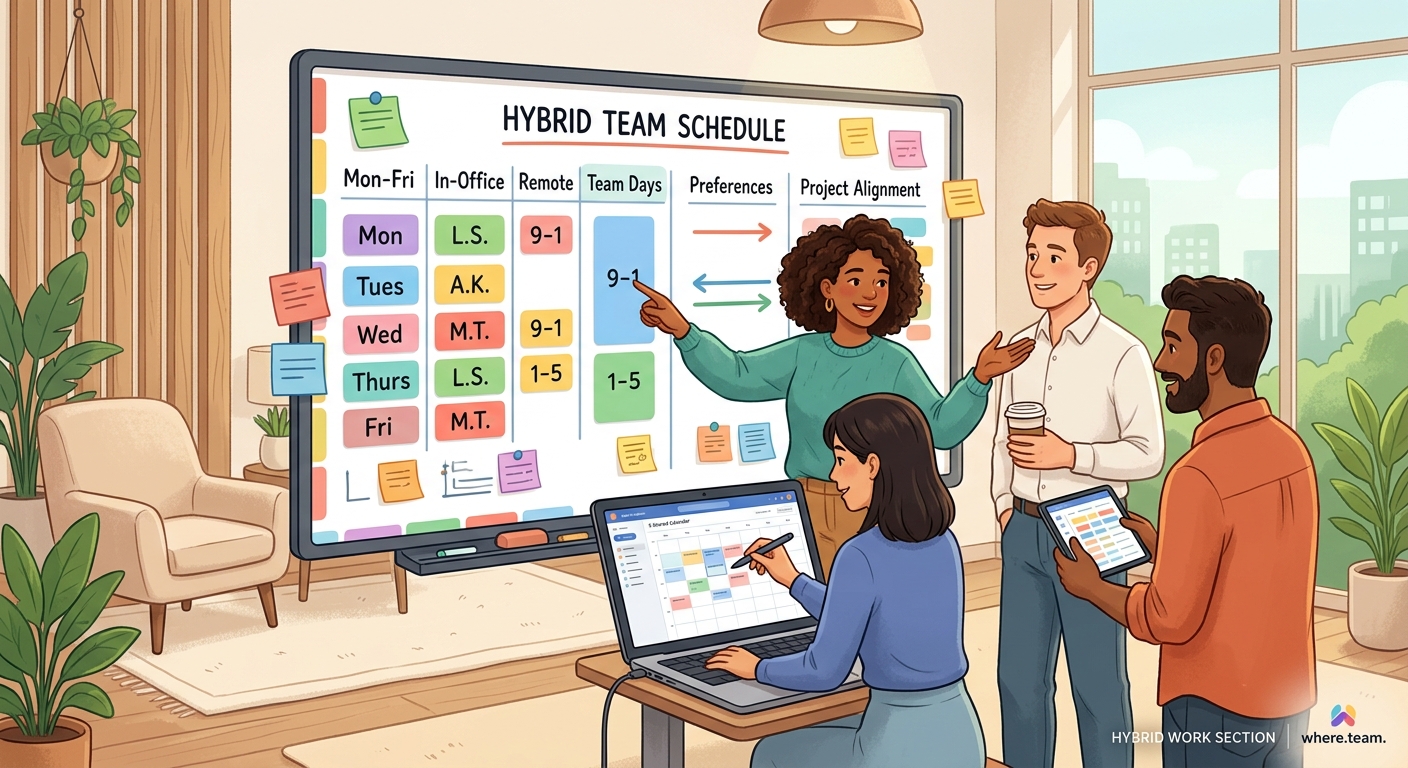
Your first version will not be perfect. That’s fine. Launch it as a pilot with clear expectations that you’ll adjust.
Tell your team: “We’re testing this for 30 days, then we’ll refine based on what we learn.”
During the pilot, track these metrics:
- Meeting effectiveness scores (ask people to rate each meeting)
- Project velocity (are deliverables hitting deadlines?)
- Response time on critical communications
- Office attendance patterns (who comes in on flexible days and why?)
- Employee satisfaction with the arrangement
Set up a simple feedback channel. A Slack channel or weekly survey works. Ask specific questions:
- Which in-office days felt productive?
- When did you wish you were remote?
- When did you wish the team was together?
- What meetings could have been asynchronous?
Don’t just collect data. Review it weekly with your team leads. Look for patterns that suggest adjustments.
Maybe Tuesdays are too crowded and half the team can’t find meeting space. Maybe Thursdays are ghost towns because people have standing commitments. Maybe your remote days are getting packed with video calls, creating the exhaustion that comes from back-to-back virtual meetings.
Make small changes throughout the pilot. The goal is learning, not proving your first draft was right.
Handle the edge cases that break most schedules
Every team has situations that don’t fit the standard framework. Address these upfront:
New hires: Require more in-office time during their first 30-60 days. Onboarding is one of the few activities that genuinely works better in person. After that, they follow the standard schedule.
Remote-first employees: If someone lives far from the office or was hired as fully remote, don’t force quarterly in-person weeks. Instead, design specific high-value moments like annual planning or team offsites.
Client-facing roles: Give these team members more flexibility to work from wherever the client needs them. Their “in-office” days might be at a coworking space near a client site.
Parents and caregivers: Build in swap flexibility. If someone needs to be home on Tuesdays for school pickup, let them swap their core day to Wednesday. The goal is team overlap, not attendance tracking.
Global teams: If you have people across time zones, your in-office days become “synchronous days” where everyone is online during overlapping hours. Physical presence becomes less important than temporal presence.
Document these exceptions in your policy. Don’t make people ask for special treatment when their situation is predictable and reasonable.
Design your in-office days for actual value
Just getting people in the same building isn’t enough. You need to make those days worth the commute.
Structure in-office days around activities that justify the effort:
- Schedule all-hands meetings and team updates
- Block time for brainstorming sessions and workshops
- Plan lunch-and-learns or skill-sharing sessions
- Coordinate cross-functional project kickoffs
- Host informal coffee chats and mentoring conversations
Don’t fill the day with individual work that people could do better at home. Don’t pack the schedule so tight that people spend the whole day in conference rooms.
Leave space for the spontaneous conversations that actually make in-office time valuable. The hallway catch-ups, the impromptu whiteboard sessions, the “can I grab you for five minutes” moments.
If your in-office days feel like video call marathons from a different chair, you’ve designed them wrong.
Consider whether some of those real-time meetings could shift to asynchronous updates to free up in-person time for higher-value interactions.
Set clear communication expectations
Hybrid work fails when people don’t know how to reach each other. Create simple guidelines:
Response time expectations:
– Urgent (within 1 hour): Use phone or text
– Important (within 4 hours): Use Slack or direct message
– Standard (within 24 hours): Use email or project management tools
Status visibility: Require everyone to keep their calendar updated and use status indicators. If you’re in focus mode, mark yourself as such. If you’re in the office, show it.
Documentation defaults: Make “write it down” the standard. Decisions made in-office conversations should get documented in shared spaces so remote colleagues stay informed.
Meeting inclusion: If one person is remote, everyone joins from their own device. Hybrid meetings where some people are in a conference room and others are on video create terrible dynamics.
These aren’t bureaucratic rules. They’re shared agreements that prevent frustration and information silos.
Avoid the common mistakes that sink hybrid schedules
Learn from what doesn’t work:
Mistake 1: Treating remote and in-office as equal options, then scheduling all important meetings on in-office days. This creates a two-tier system where remote workers miss out. Either make meetings truly optional or make them accessible to everyone.
Mistake 2: Letting managers set their own team schedules without coordination. You end up with fragmented schedules where cross-functional collaboration becomes impossible. Set company-wide core days or at minimum coordinate across dependent teams.
Mistake 3: Measuring success by office attendance instead of output. If your metric is “butts in seats,” you’ll optimize for presence theater instead of actual productivity. Track project outcomes, not badge swipes.
Mistake 4: Ignoring the commute tax. A 90-minute round-trip commute for a day of back-to-back Zoom calls from the office is insulting. Respect people’s time by making in-office days genuinely worthwhile.
Mistake 5: Setting the schedule and never revisiting it. Teams evolve. Projects change. What worked in Q1 might not work in Q3. Review your schedule quarterly and adjust as needed.
| What Doesn’t Work | What Does Work |
|---|---|
| Mandatory office days with no clear purpose | Structured collaboration days with planned activities |
| Different schedules for every team | Coordinated core days across departments |
| Tracking attendance as a success metric | Measuring project outcomes and satisfaction |
| Static schedules that never change | Quarterly reviews and adjustments |
| Hybrid meetings with some in-room, some remote | Everyone on their own device or everyone in person |
Make the schedule visible and easy to follow
Your beautifully designed schedule is useless if people can’t remember it or find it.
Create a simple visual calendar that shows:
– Which days are core in-office days
– Which days are flexible
– Which days are remote-encouraged
– Any exceptions or special events
Post it everywhere: Slack channel description, team wiki, email signatures, physical posters in the office.
Send weekly reminders on Friday about next week’s schedule. Include any special events or changes.
Build it into your team rituals. Start Monday standups by confirming who’s where this week. End Friday wrap-ups by previewing next week’s plan.
The easier you make it to follow, the more likely people will actually stick to it.
Getting your hybrid schedule off the ground
You now have a framework that starts with real work patterns instead of arbitrary rules. You’ve built in flexibility without creating chaos. You’ve planned for iteration instead of pretending you got it perfect on the first try.
The hardest part is starting. Pick a launch date, communicate the pilot clearly, and commit to gathering honest feedback. Your team will tell you what’s working and what needs adjustment.
Most importantly, remember that the schedule serves the work, not the other way around. If something isn’t working, change it. The goal isn’t to find the perfect hybrid schedule. It’s to build one that helps your team do their best work together, whether they’re in the same room or scattered across different cities.
