
You’ve managed your distributed team from coffee shops and home offices for months. Now you’re ready to book a coworking space for your first team meetup or just to escape the kitchen table. But walking into a coworking space for the first time feels like showing up to a party where everyone already knows the house rules.
Most first-time coworking users make the same mistakes. They book the wrong membership tier. They show up without headphones. They assume all meeting rooms come with HDMI cables and whiteboards.
This guide covers everything remote team managers and professionals need to know before their first coworking space experience.
First time coworking space users should verify wifi speeds, understand membership tiers, bring their own equipment, research community etiquette, budget for hidden costs, and tour spaces before committing. Most coworking mistakes happen because managers assume amenities are standard when they vary wildly between locations. Knowing what to ask upfront saves time and money.
Understanding Coworking Membership Options
Coworking spaces offer multiple membership tiers. The names vary, but the structure stays consistent across most locations.
Day passes work well for testing a space or occasional use. You pay per visit, typically $25 to $50. No commitment required.
Hot desks give you access to any available workspace. You can’t claim the same spot daily. These memberships run $150 to $400 monthly depending on your city.
Dedicated desks mean the same workspace every time you visit. Your monitor stays plugged in. Your coffee mug sits where you left it. Expect $300 to $700 monthly.
Private offices suit teams who need enclosed space for calls or sensitive work. Pricing starts around $800 monthly for single-person offices and scales with square footage.
“I wasted $300 on a hot desk membership before realizing I needed a dedicated space for my equipment. Tour the space during your actual working hours to see how crowded it gets.” – Remote team manager, 3 years coworking experience
Meeting room credits often come bundled with memberships. Read the fine print. Some spaces include 5 hours monthly. Others charge $30 per hour from day one.
For team meetups, day passes vs monthly memberships depends on how often your distributed team gathers in person.
What Amenities Actually Matter
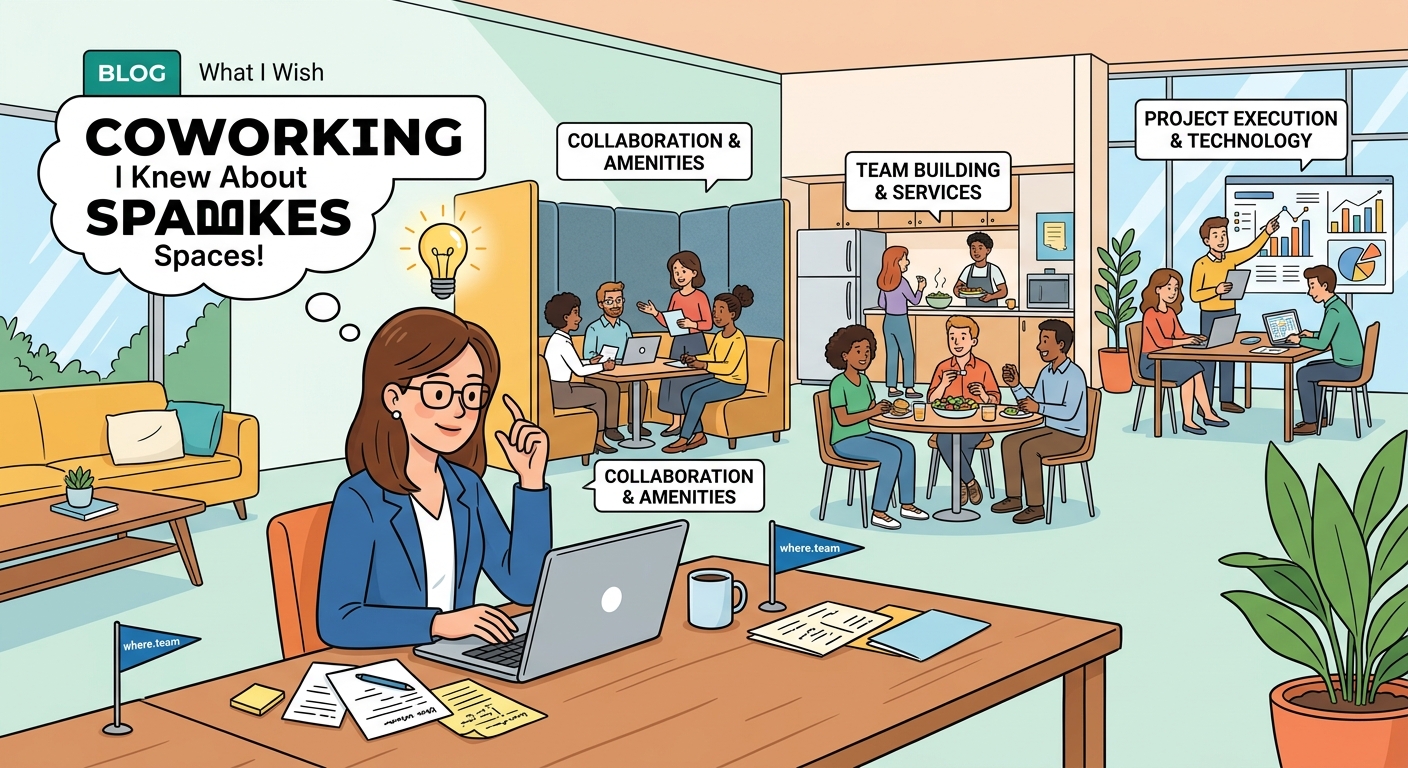
Not all coworking spaces stock the same amenities. Here’s what to verify before signing anything.
Wifi speed matters more than you think. Ask for actual speed test results, not marketing promises. You need 50 Mbps minimum for video calls. 100+ Mbps if multiple team members will connect simultaneously.
Coffee quality varies wildly. Some spaces offer espresso machines and cold brew. Others provide instant coffee and tap water. Visit during your typical coffee time to assess the situation.
Printing and scanning get expensive fast. Many spaces charge per page after a monthly allowance. Bring your own portable scanner if you handle documents regularly.
Phone booths or private call rooms separate good coworking spaces from great ones. Count how many exist relative to total members. One booth per 20 members means you’ll wait.
Kitchen access ranges from full refrigerators and microwaves to nothing. If you pack lunch, confirm you can store and heat food.
Ergonomic chairs sound boring until you spend 8 hours in a bad one. Sit in the actual chairs during your tour. Your back will thank you.
The Hidden Costs Nobody Mentions
The membership price rarely tells the complete financial story. Budget for these additional expenses.
| Cost Category | Typical Range | What to Ask |
|---|---|---|
| Parking | $10-30/day | Is parking included or separate? |
| Meeting rooms | $20-50/hour | How many hours come with membership? |
| Guest passes | $15-35/visit | Can clients visit without fees? |
| Locker rental | $10-25/month | Is secure storage available? |
| Printing | $0.10-0.50/page | What’s included in base membership? |
| Mail handling | $15-50/month | Can you receive packages here? |
Parking costs shock most first-timers. Downtown coworking spaces rarely include free parking. Budget $200+ monthly if you drive daily.
Guest policies matter for client meetings. Some spaces allow visitors freely. Others charge $20+ per guest or require advance notice.
Equipment rental adds up. Need a second monitor? That’s $30 monthly. Standing desk converter? Another $20. HDMI adapters? Bring your own.
The hidden costs of hybrid work extend beyond just the coworking membership itself.
Coworking Etiquette for Remote Workers
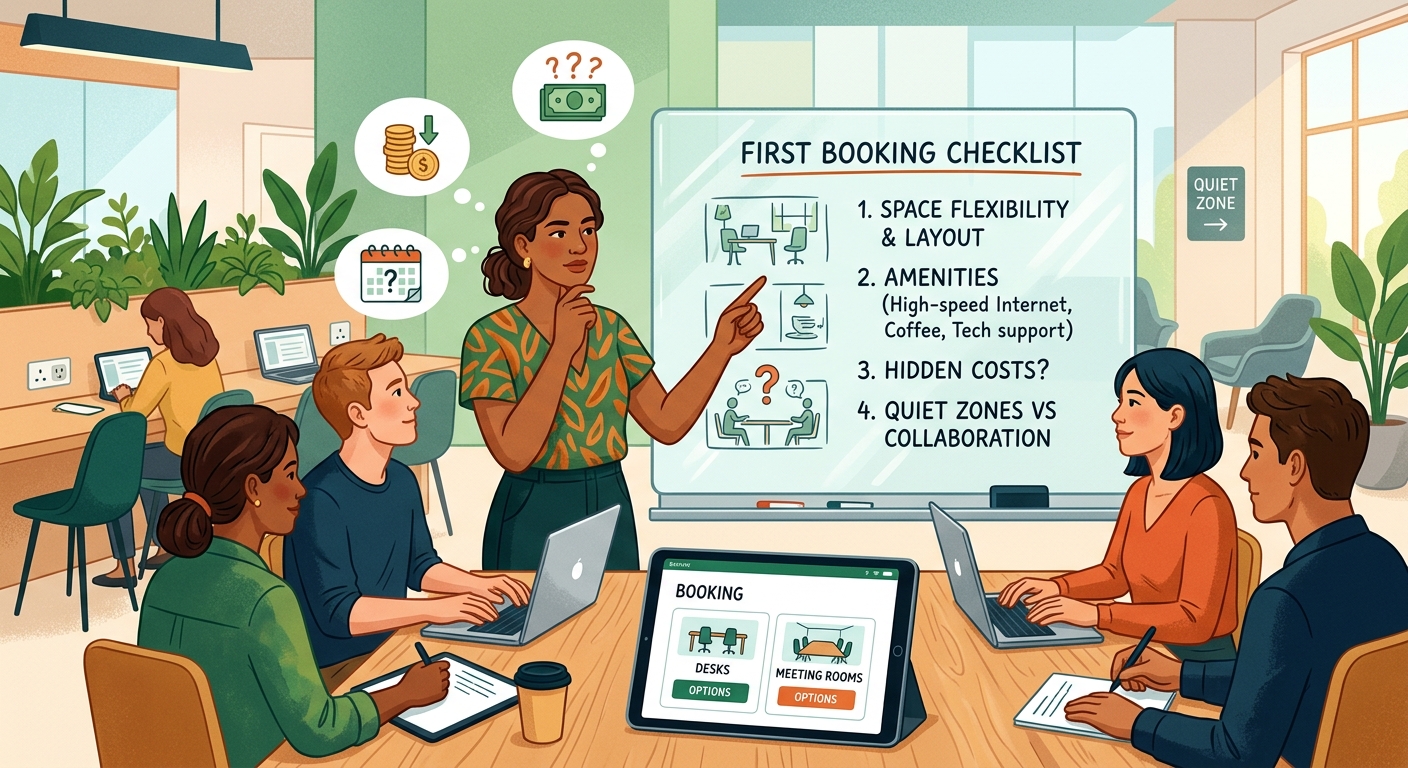
Every coworking space has unwritten rules. Breaking them marks you as a newbie or worse, that person everyone avoids.
Phone calls in open areas annoy everyone. Use phone booths or step outside. Your quarterly planning call doesn’t need an audience.
Headphones signal “don’t interrupt me” in coworking culture. Wear them even if you’re not listening to anything. Remove them when you’re open to conversation.
Claiming multiple seats during busy hours makes enemies fast. Your bag doesn’t need its own chair. Neither does your jacket.
Kitchen cleanup isn’t optional. Wash your dishes. Wipe down the counter. The cleaning staff handles deep cleaning, not your lunch mess.
Networking happens naturally but respect working hours. Save the lengthy introductions for community events or lunch breaks.
Meeting room bookings require precision. Show up on time. End on time. The next group is already waiting outside.
Temperature wars never end well. Bring layers instead of adjusting the thermostat. Someone will change it back within 10 minutes anyway.
Evaluating Meeting Room Technology
Meeting rooms vary dramatically in tech quality. Verify these details before booking coworking spaces for team gatherings.
Video conferencing setup matters most. Does the room include a webcam? Is it 1080p or grainy 720p? Where is it mounted? Ceiling cameras create weird angles for remote participants.
Screen sharing options determine meeting flow. HDMI cables work but require adapters for newer laptops. Wireless casting (Chromecast, AirPlay) eliminates cable hunting but sometimes lags.
Audio quality makes or breaks hybrid meetings. Built-in TV speakers sound terrible. Conference speakerphones (Jabra, Owl) pick up everyone clearly. Ask what’s installed.
Whiteboard availability and quality separate good brainstorming spaces from frustrating ones. Glass whiteboards erase cleanly. Cheap painted walls stain permanently.
Power outlets need to be plentiful and accessible. Count them during your tour. One outlet per two seats minimum.
Lighting control helps with video quality. Overhead fluorescents create harsh shadows. Adjustable lighting or windows with blinds work better.
For virtual-first teams, meeting room technology can make or break your coworking experience.
Preparing for Your First Day
Walking in prepared prevents first-day confusion and wasted time.
What to Bring
- Laptop and charger (obvious but people forget chargers)
- Headphones with microphone for calls
- Phone charger and backup battery
- Water bottle (buying drinks daily gets expensive)
- Notebook and pen for analog tasks
- Any adapters your laptop needs (HDMI, USB-C)
- Sweater or jacket (temperature varies wildly)
What to Leave Home
Your desktop monitor probably won’t fit in a hot desk setup. Start with laptop-only and upgrade to a dedicated desk if you need external displays.
Valuable items attract risk in shared spaces. Leave expensive watches and jewelry at home.
Strong-smelling food makes you unpopular immediately. Save the fish curry for home office days.
First Hour Checklist
Arrive 30 minutes early on day one. You’ll need time to find parking, locate the entrance, get your access card, and figure out where bathrooms hide.
Connect to wifi immediately and test speed. Run a video call with a friend to verify audio and camera work properly.
Locate phone booths and meeting rooms. Note the booking system. Some use apps. Others use shared calendars or physical sign-up sheets.
Find the kitchen and bathrooms. Sounds basic but you don’t want to search mid-meeting.
Introduce yourself to the community manager. They know everything: where to find supplies, how to book rooms, which printer actually works.
Common First-Timer Mistakes
Learning from others’ mistakes saves time and embarrassment.
Booking without touring ranks as the biggest error. Photos lie. Visit during your intended working hours. A space that looks perfect at 10am might be packed and loud by 2pm.
Ignoring cancellation policies costs money. Most memberships require 30-60 days notice. Month-to-month doesn’t mean cancel anytime.
Assuming 24/7 access leads to locked-out frustration. Many coworking spaces close evenings and weekends. Verify hours match your schedule.
Skipping the community wastes coworking’s biggest advantage. You’re paying for networking opportunities. Attend one event monthly minimum.
Forgetting about noise levels during tours means surprises later. Open floor plans amplify sound. If you need silence, test the space during peak hours.
Not reading the contract creates problems. Some spaces auto-renew. Others increase rates after introductory periods. Know what you’re signing.
Overlooking location practicality seems obvious but happens constantly. A beautiful space with a 45-minute commute becomes a burden within weeks.
Questions to Ask Before Booking
These questions reveal what marketing materials hide.
About the space:
– What’s your average wifi speed during peak hours?
– How many members currently use this location?
– What’s the member-to-desk ratio?
– Are there quiet zones or phone-free areas?
About costs:
– What’s included in the base membership price?
– Which amenities cost extra?
– How much notice for cancellation?
– Do rates increase after the first year?
About meeting rooms:
– How many meeting room hours come with my tier?
– What’s the booking process?
– What technology is installed in each room?
– Can I book rooms for tomorrow or just same-day?
About community:
– What types of professionals work here?
– How often do you host networking events?
– Is the space usually quiet or collaborative?
– Can I visit on a trial day before committing?
When choosing the perfect coworking space for your team, these questions become even more critical.
Making the Most of Your Membership
You’re paying for more than a desk. Use everything your membership includes.
Attend community events even when you’d rather skip them. One good connection pays for months of membership through referrals or collaboration.
Use meeting rooms for focused work, not just meetings. Book a room for 2 hours when you need to finish a project without interruptions.
Take advantage of workshops and skill shares. Many coworking spaces offer free classes on productivity, marketing, or software tools.
Connect with the community manager regularly. They can introduce you to members in complementary fields or help troubleshoot space issues.
Provide feedback when things don’t work. Good coworking spaces actually listen and improve based on member input.
Switch up your workspace location within the space. Different areas offer different energy. Near windows for morning focus. Near the kitchen for afternoon social energy.
When Coworking Isn’t the Right Fit
Coworking works brilliantly for some professionals and terribly for others.
You might prefer a home office if you need complete silence. Even quiet coworking spaces generate ambient noise from doors, conversations, and coffee machines.
Highly confidential work doesn’t suit shared spaces. Phone calls about sensitive topics or screens showing private data create security risks.
Extremely limited budgets make coworking tough. A basic membership plus parking and extras often exceeds $400 monthly. That money might better serve a home office setup instead.
Irregular schedules reduce coworking value. If you only need space 2-3 days monthly, day passes make more financial sense than memberships.
Teams needing permanent dedicated space might find traditional office leases more cost-effective than multiple private offices in a coworking environment.
Your First Week Strategy
The first week determines whether coworking becomes productive or frustrating.
Day 1: Focus on logistics. Test everything. Figure out systems. Don’t expect peak productivity.
Day 2-3: Experiment with different workspace areas. Try a desk near windows. Test a spot in the quiet zone. Find what works for your focus style.
Day 4-5: Start attending community events or introducing yourself to neighbors. Brief conversations, not lengthy networking sessions.
Week 2: Establish routines. Arrive at consistent times. Claim your preferred spots. Build familiarity.
Week 3: Evaluate honestly. Is this working? Are you more productive? Does the commute make sense? Do the costs justify the benefits?
After evaluating, you might find that team culture improvements justify continuing even if individual productivity stays flat.
Making Coworking Work for Your Team
Your first coworking experience sets the foundation for how your distributed team uses shared workspaces. Start with a day pass or week-long trial. Test the wifi during video calls. Sit in different areas to gauge noise levels. Talk to current members about their experience.
Remember that the perfect coworking space for someone else might frustrate you. Your needs matter more than online reviews. Trust your gut after touring. If something feels off, keep looking.
Most importantly, give yourself permission to change your mind. A three-month commitment isn’t a life sentence. Try it. Adjust. Find what actually works for your remote work style.
