
You’re managing a hybrid team, and every Monday looks different. Three people need desks this week. Seven next week. None the week after that. You’re stuck between buying monthly coworking memberships that sit unused or scrambling for day passes every time someone needs a workspace.
The math matters. The flexibility matters more.
Day passes work best for teams with unpredictable office attendance under 8 days per month per person, while monthly memberships become cost-effective at 10+ days of consistent use. The breakeven point typically falls between $200-$400 monthly, depending on your city and space amenities. Track actual usage for 30 days before committing to either option.
Understanding the Real Costs Behind Each Option
Day passes seem simple. You pay per visit. No commitment. No waste.
Most coworking spaces charge between $25 and $50 per day pass, depending on your city. San Francisco and New York lean toward the higher end. Smaller markets like Austin or Nashville often hit the lower range.
Monthly memberships usually run $200 to $600 for a dedicated desk. Hot desk memberships, where you grab any available spot, typically cost $150 to $400 monthly.
But the sticker price only tells part of the story.
Day passes often exclude meeting room access. You’ll pay extra for conference space, usually $30 to $75 per hour. Monthly members typically get a few hours of meeting room time included, sometimes 5 to 10 hours monthly.
Printing credits follow the same pattern. Day pass users pay per page. Monthly members often get an allowance.
Mail handling? Usually members only.
The hidden costs add up fast when you’re buying day passes regularly.
Breaking Down Your Team’s Actual Usage Patterns
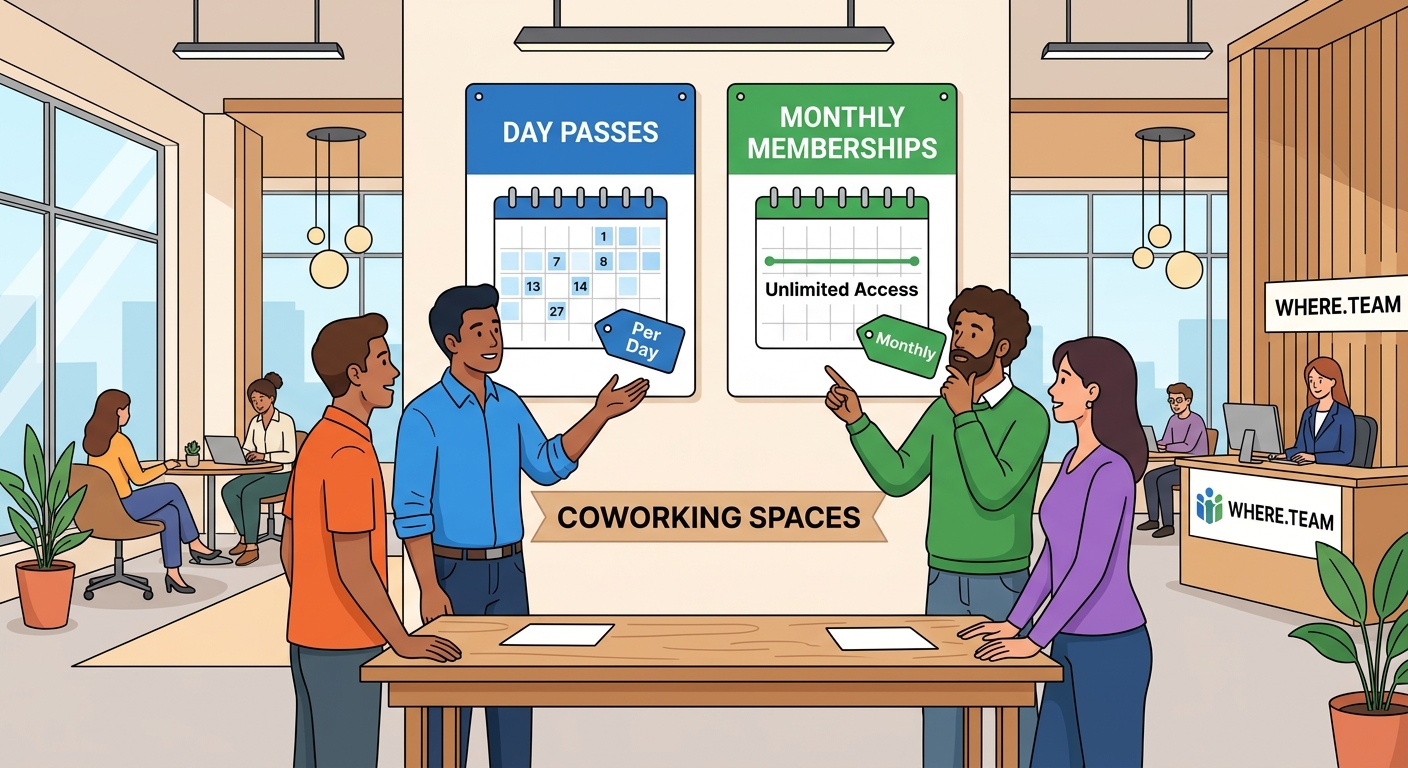
Before choosing between day passes and monthly memberships, you need real data about how your team actually uses workspace.
Start tracking these numbers for 30 days:
- Count how many team members need workspace each day
- Record which days of the week see the highest demand
- Note whether the same people come in consistently or if it rotates
- Track any meeting room needs and duration
- Document special circumstances like client visits or team collaboration days
Most hybrid teams discover patterns they didn’t expect.
You might find that Sarah comes in every Tuesday and Thursday without fail. That’s 8 to 9 days monthly. A monthly membership makes sense for her.
But Jake only needs workspace when meeting clients, maybe 3 to 4 times monthly. Day passes work better for his pattern.
Your finance team might cluster their in-office days around month-end close. That creates a predictable spike you can plan around.
How to design a hybrid work schedule that actually works for your team can help you identify these patterns before you commit to a coworking strategy.
The Breakeven Math You Need to Know
Here’s the calculation that matters:
Take your local day pass rate and multiply by the number of days you’d use workspace monthly. Compare that to the monthly membership cost.
Example in a mid-sized market:
– Day pass: $35
– Monthly hot desk: $275
– Breakeven point: 7.8 days (round to 8 days)
If you’re coming in 8 or more days per month, the membership saves money. Fewer than that, stick with day passes.
But this math shifts based on your needs:
| Usage Pattern | Day Pass Cost (Monthly) | Membership Cost | Better Choice |
|---|---|---|---|
| 3 days/month | $105 | $275 | Day passes |
| 6 days/month | $210 | $275 | Day passes |
| 10 days/month | $350 | $275 | Membership |
| 15 days/month | $525 | $275 | Membership |
The table assumes $35 day passes and $275 monthly membership. Your local rates will vary.
Don’t forget to factor in meeting room needs. If you host client meetings twice monthly at $50 per hour for two hours each, that’s another $200. Monthly members often get this included or discounted.
When Day Passes Actually Make More Sense
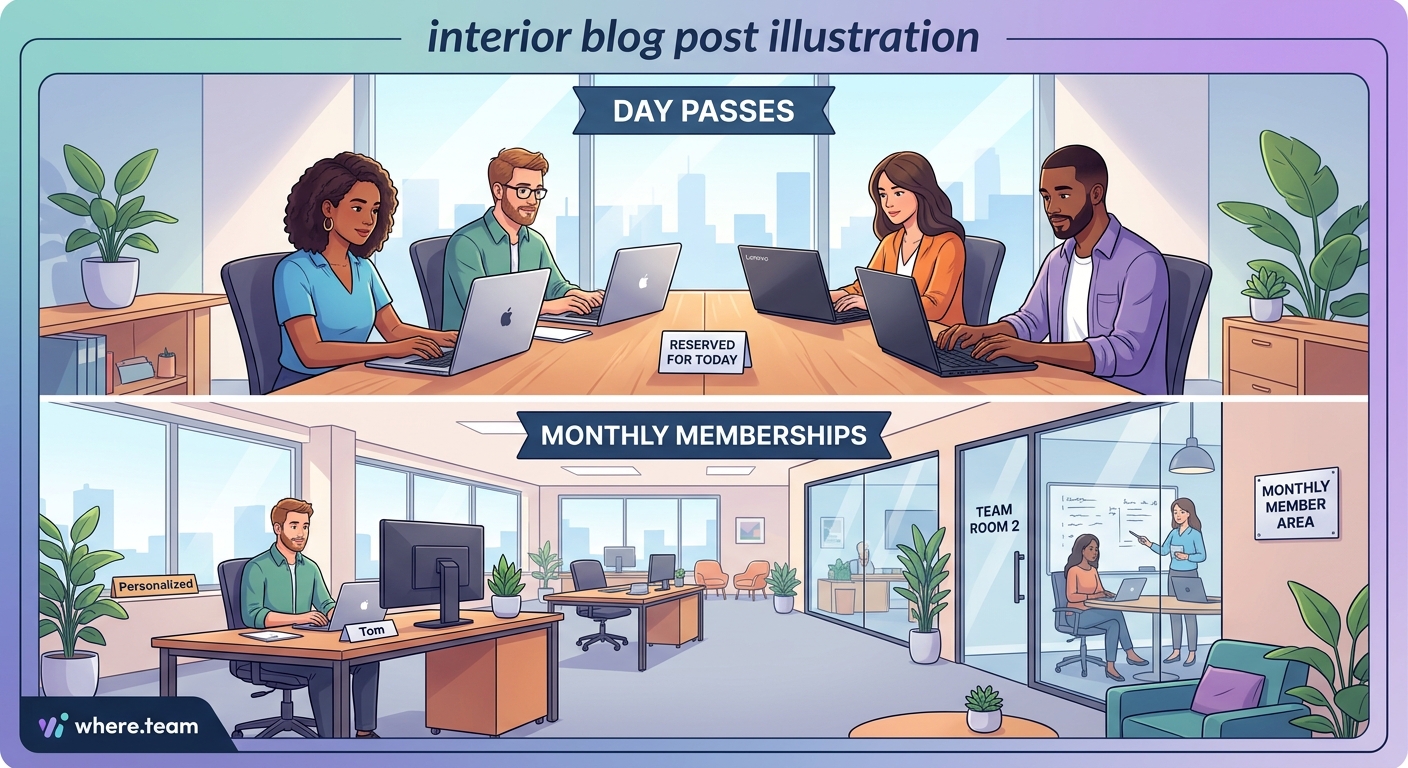
Day passes shine in specific situations that monthly memberships can’t match.
Teams with genuinely unpredictable schedules benefit most. If your attendance swings from zero to five people week by week, paying only for actual usage prevents waste.
Seasonal businesses see similar advantages. Tax accountants need heavy workspace access from January through April, then minimal space the rest of the year. Buying day passes during slow months and memberships during tax season optimizes spending.
Project-based teams also fit this model well. When you land a big client project requiring in-person collaboration, ramp up day pass usage. Between projects, scale back.
Testing new markets represents another smart use case. Before committing to a monthly membership in a new city, buy day passes for a month. See if the space actually works for your team’s needs.
“We spent three months buying day passes at four different coworking spaces before choosing our monthly membership. That trial period saved us from a year-long contract at a space with terrible WiFi.” – Marcus Chen, operations manager at a 12-person marketing agency
Geographic flexibility matters too. Day passes let you work from different neighborhoods or cities without maintaining multiple memberships. Your team can meet clients closer to their offices instead of always using the same location.
Why Monthly Memberships Win for Consistent Teams
Predictability changes the equation completely.
If your team maintains steady office attendance, monthly memberships deliver better value and experience. You get the same desk or reliable access to preferred spots. Your monitors stay set up. Your ergonomic chair remains adjusted.
The community benefits increase with regular attendance. You build relationships with other members. Collaboration opportunities emerge naturally. Some coworking spaces host member-only events, networking sessions, and skill shares that day pass users miss.
Administrative simplicity counts more than most managers realize. One monthly charge beats processing expense reports for multiple day passes. Your accounting team will thank you.
Many spaces offer better amenities to monthly members. Priority booking for meeting rooms. Access during extended hours. Dedicated storage lockers. Guest passes for clients.
The psychological aspect matters too. Having a consistent workspace reduces decision fatigue. Your team knows where they’re working. No daily scramble to book spots or worry about availability.
For teams working 10 or more days monthly, the financial case becomes clear. But the operational benefits often justify memberships even at 8 or 9 days of usage.
Hybrid Approaches That Split the Difference
You don’t have to choose just one option for your entire team.
The smartest hybrid team managers mix both approaches based on individual usage patterns. Buy monthly memberships for your consistent office users. Provide day passes for occasional visitors.
This mixed model optimizes costs while maintaining flexibility.
Consider a team of eight people:
– Three people work in-office 12+ days monthly: monthly memberships
– Two people come in 5-7 days monthly: day passes
– Three people rarely need workspace: day passes as needed
Your monthly coworking spend might look like this:
– 3 memberships at $275 = $825
– Average 15 day passes monthly at $35 = $525
– Total: $1,350
Compare that to buying memberships for everyone ($2,200) or all day passes at average usage ($2,450). The hybrid approach saves $850 to $1,100 monthly.
Some coworking spaces offer pack options that bridge the gap. You might buy a 10-day pass pack for $300, valid for three months. This works well for the middle group who need more than occasional access but less than full-time.
Meeting-focused teams can flip the model entirely. Maintain one monthly membership for the team leader or office manager, then buy day passes for team members only on collaboration days. The member books meeting rooms at the included rate while day pass users join for specific sessions.
Why your remote meetings feel exhausting and how to fix zoom fatigue explains when in-person collaboration days deliver the most value, helping you plan your coworking usage strategically.
Questions to Ask Before Signing Anything
Coworking contracts vary wildly. Get clear answers before committing.
Ask about cancellation terms. Some spaces require 30 days notice. Others lock you in for 3, 6, or 12 months. Month-to-month agreements cost slightly more but provide crucial flexibility for hybrid teams still figuring out their patterns.
Clarify what happens if you need to scale up or down. Can you add memberships mid-month? Downgrade from dedicated to hot desk? Some spaces make this easy. Others treat it like starting a new contract.
Understand the day pass policy for members. Many spaces let monthly members bring guests at a reduced day pass rate. This helps when your team needs extra capacity for a big project week.
Check meeting room allocation carefully. “Included hours” might mean different things:
– Some spaces pool hours across all members
– Others allocate hours per individual member
– A few restrict included hours to specific room types or time slots
Storage and locker availability matters more than you’d expect. If your team brings monitors, keyboards, or project materials, you need secure storage. Day pass users rarely get this option.
Internet reliability deserves serious investigation. Ask current members, not just the sales team. Test the WiFi during your busiest work hours before committing.
Tracking and Adjusting Your Coworking Strategy
Your team’s needs will change. Your coworking approach should change with them.
Set up a simple tracking system from day one. A shared spreadsheet works fine:
– Date
– Team member name
– Hours used
– Meeting room time
– Total cost (if using day passes)
Review this data monthly. Look for patterns:
Are certain team members consistently hitting the breakeven point? Convert them to monthly memberships.
Has overall usage dropped below your membership count? Reduce memberships and shift to day passes.
Do you see clustering around specific days? Some spaces offer part-time memberships for 2 or 3 set days per week at reduced rates.
Seasonal adjustments make sense for many businesses. You might maintain 5 memberships year-round but scale up to 8 during busy season with temporary memberships or increased day pass usage.
Communication with your coworking space manager helps too. They often have flexibility that isn’t advertised. If you’ve been a reliable monthly member for six months but need to pause for two months, they might accommodate that rather than lose you entirely.
Budget for experimentation. Allocate a small amount monthly for trying different spaces or testing new arrangements. The $200 you spend testing a competing space might reveal a better deal or confirm you’re already in the right place.
Common Mistakes That Waste Money
Buying memberships based on aspirational attendance rather than reality costs teams thousands annually.
Your team says they’ll come in three days per week. That’s 12 to 13 days monthly, clearly justifying a membership. But actual attendance averages 6 days. You’re wasting half your membership value.
Start with day passes. Upgrade to memberships only after confirming consistent usage.
Ignoring geographic distribution creates another expensive problem. If your team lives across a large metro area, one central coworking space might seem convenient. But commute times reduce actual usage. Three neighborhood-specific day pass options might serve your distributed team better than one monthly membership nobody wants to travel to.
Overlooking all-inclusive options sometimes costs more than it saves. That $450 monthly membership seems expensive compared to the $275 basic option. But if you’re regularly spending $150+ on meeting rooms, printing, and guest passes, the premium tier actually saves money.
Failing to negotiate leaves money on the table. Coworking spaces negotiate more than you’d think, especially for:
– Multiple memberships (3+ team members)
– Longer commitments (6 or 12 months)
– Slower periods (signing up in December vs September)
– Referrals from existing members
The worst mistake? Choosing based solely on price without considering productivity impact. A $50 cheaper membership at a space with unreliable internet, poor lighting, or constant noise costs far more in lost productivity than you save on rent.
Making Your Decision With Confidence
You’ve tracked usage. You’ve run the numbers. You understand your team’s patterns.
Now make the call.
For most hybrid teams, the answer isn’t purely one option or the other. You’ll likely use a combination that shifts as your team evolves.
Start conservative. It’s easier to upgrade from day passes to memberships than to downgrade and eat unused membership costs.
Give your chosen approach at least 60 days before major changes. Usage patterns need time to stabilize, especially if you’re also planning your first company retreat or adjusting your hybrid schedule.
Remember that the best coworking option isn’t the one with the lowest monthly bill. It’s the one that supports your team’s productivity while matching your actual usage patterns.
Track, measure, and adjust. Your coworking strategy should be as flexible as your hybrid work model.
Finding the Right Fit for Your Team’s Future
The coworking decision you make today isn’t permanent.
Your team will grow. Projects will change. Work patterns will shift. The beauty of both day passes and monthly memberships is that neither locks you into a rigid, long-term commitment the way a traditional office lease does.
Use the data you collect to make smarter decisions every quarter. What worked in January might not work in July. A team that thrived on day pass flexibility might benefit from the stability of memberships once patterns solidify.
The goal isn’t finding the perfect solution. It’s finding the right solution for right now, then staying flexible enough to adapt as your needs change.
Start tracking your usage this week. Run the numbers next month. Make adjustments as you learn what your team actually needs rather than what you thought they’d need.
Your hybrid team deserves workspace solutions that work as hard as they do.
