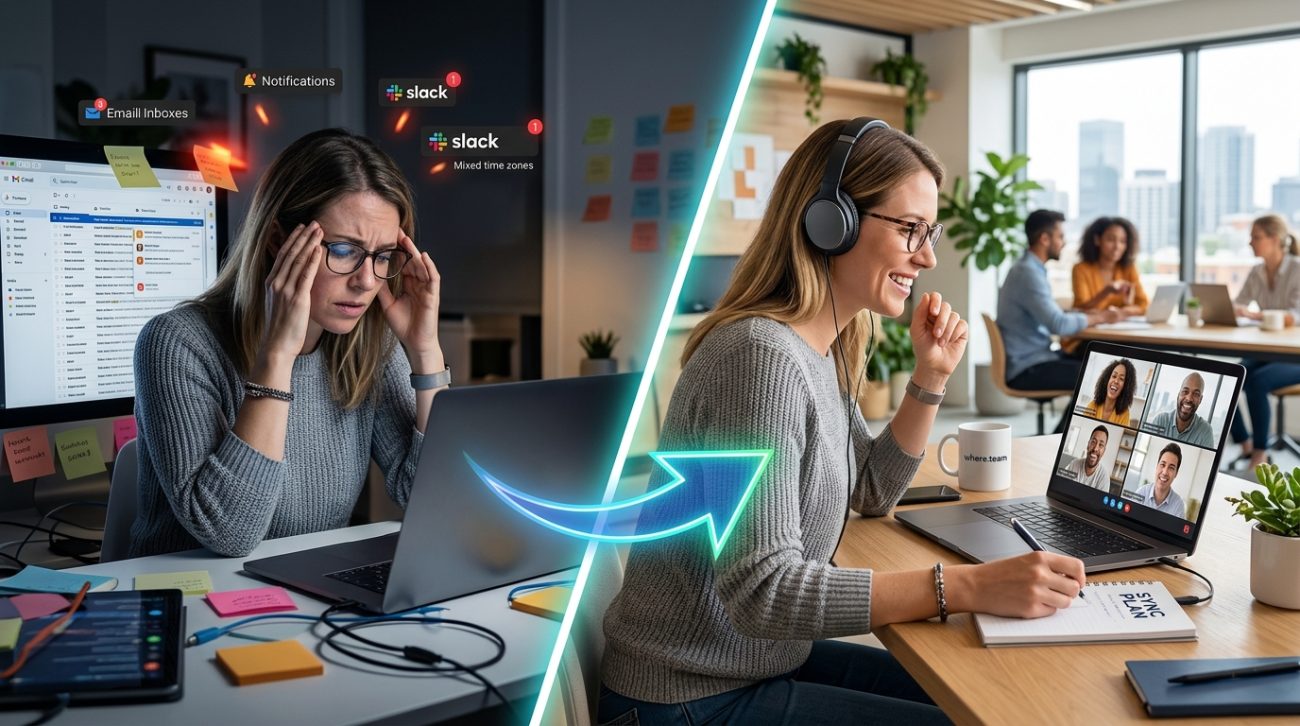
Your team switched to async work to avoid meeting overload. Now they’re drowning in Slack threads, Notion updates, and Loom videos they’ll never watch. The inbox never empties. The notifications never stop. Everyone’s always online, yet nobody feels connected.
This is async collaboration fatigue, and it’s just as draining as back-to-back Zoom calls.
Async collaboration fatigue happens when teams replace meeting overload with constant written updates, creating a different kind of burnout. The fix isn’t choosing between sync or async work. It’s building a hybrid rhythm that respects focus time, sets clear response expectations, and uses the right communication mode for each situation. Most teams can cut async volume by 40% without losing productivity.
What async collaboration fatigue actually looks like
You thought you were solving a problem. Fewer meetings meant more focus time. But now your team spends three hours a day catching up on messages they missed during their “focus time.”
The symptoms show up everywhere.
Your developers open Slack first thing in the morning and spend 90 minutes reading threads before writing a single line of code. Your designers post work for feedback and check back 47 times that day. Your project managers write the same update in four different tools because nobody agrees where information lives.
People stay online until 9 PM, not because they’re working, but because they’re terrified of missing something important buried in channel #127.
The irony stings. You adopted async work to reduce interruptions. Now the interruptions are constant, they just arrive as text instead of voice.
Why async tools create their own kind of burnout
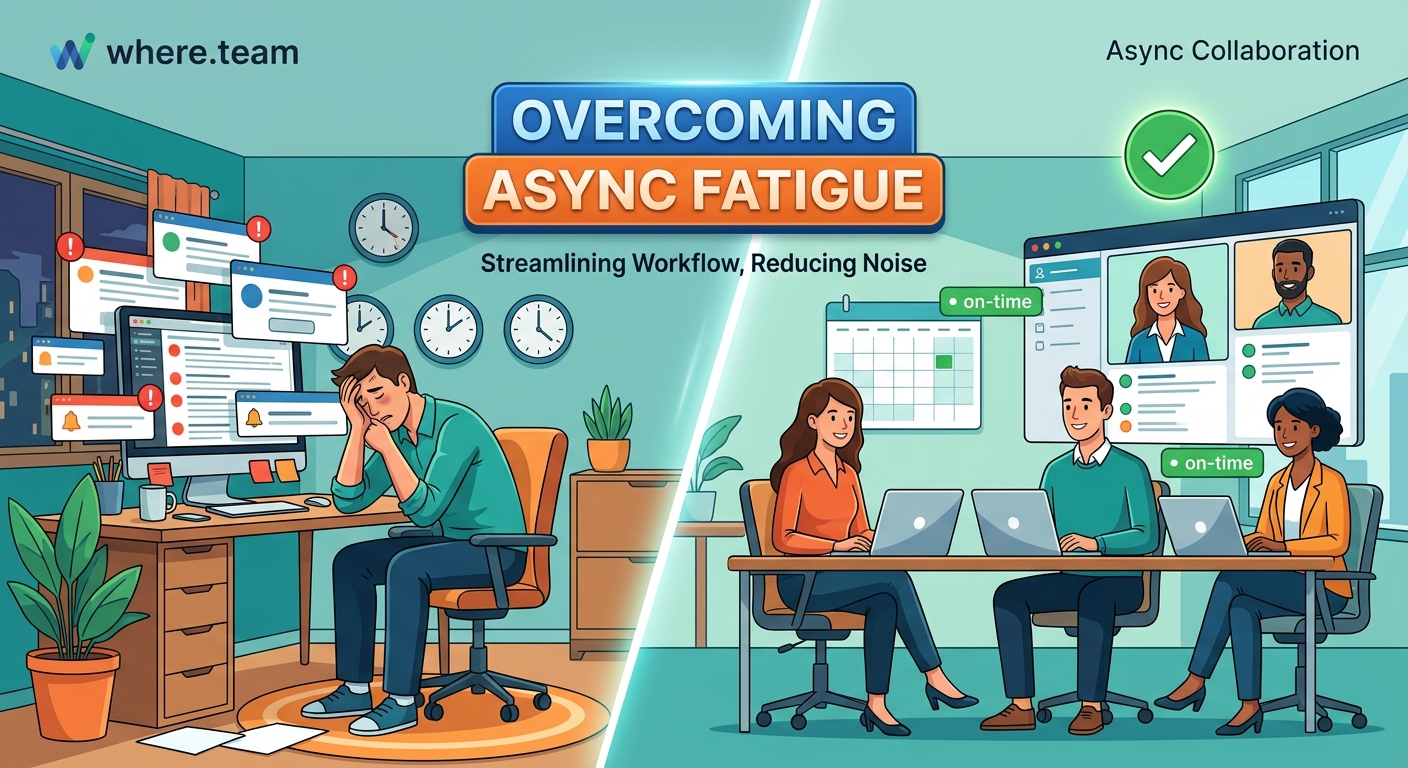
Async work promised freedom. Work on your schedule. Respond when it suits you. No more calendar Tetris.
But that promise only works when everyone follows the same rules. And most teams never set those rules.
Without boundaries, async communication becomes an always-on expectation. Team members feel pressure to respond within minutes, defeating the entire purpose. The tools designed to reduce meetings become weapons of constant interruption.
Here’s what goes wrong:
- No response time standards. Some people expect replies in 20 minutes. Others think 24 hours is fine. This mismatch creates anxiety on both sides.
- Everything feels urgent. When all communication looks the same, nothing has priority. A genuine emergency gets the same @channel ping as someone asking about lunch plans.
- Context switching kills focus. Checking Slack “really fast” derails 23 minutes of deep work. Do that eight times a day and you’ve lost three hours.
- Written communication takes longer. That conversation that would take two minutes in person requires 15 minutes of careful typing, emoji selection, and re-reading to avoid misunderstandings.
The cognitive load adds up. Your brain never fully disengages from work because there’s always another thread to check, another document to review, another comment to address.
The hidden cost nobody talks about
Async collaboration fatigue doesn’t just make people tired. It makes them quit.
Your best performers are the first to burn out. They’re the ones who actually read everything, provide thoughtful responses, and try to maintain team cohesion across time zones. They’re also the ones who realize they can find a job with better boundaries.
The problem compounds when teams grow. Ten people can manage async communication with some discipline. Fifty people create chaos. Every new hire multiplies the notification load for everyone else.
You end up with two groups. The people who read everything and burn out. And the people who ignore most messages and miss critical information. Neither group is happy.
How to fix async collaboration fatigue in five steps
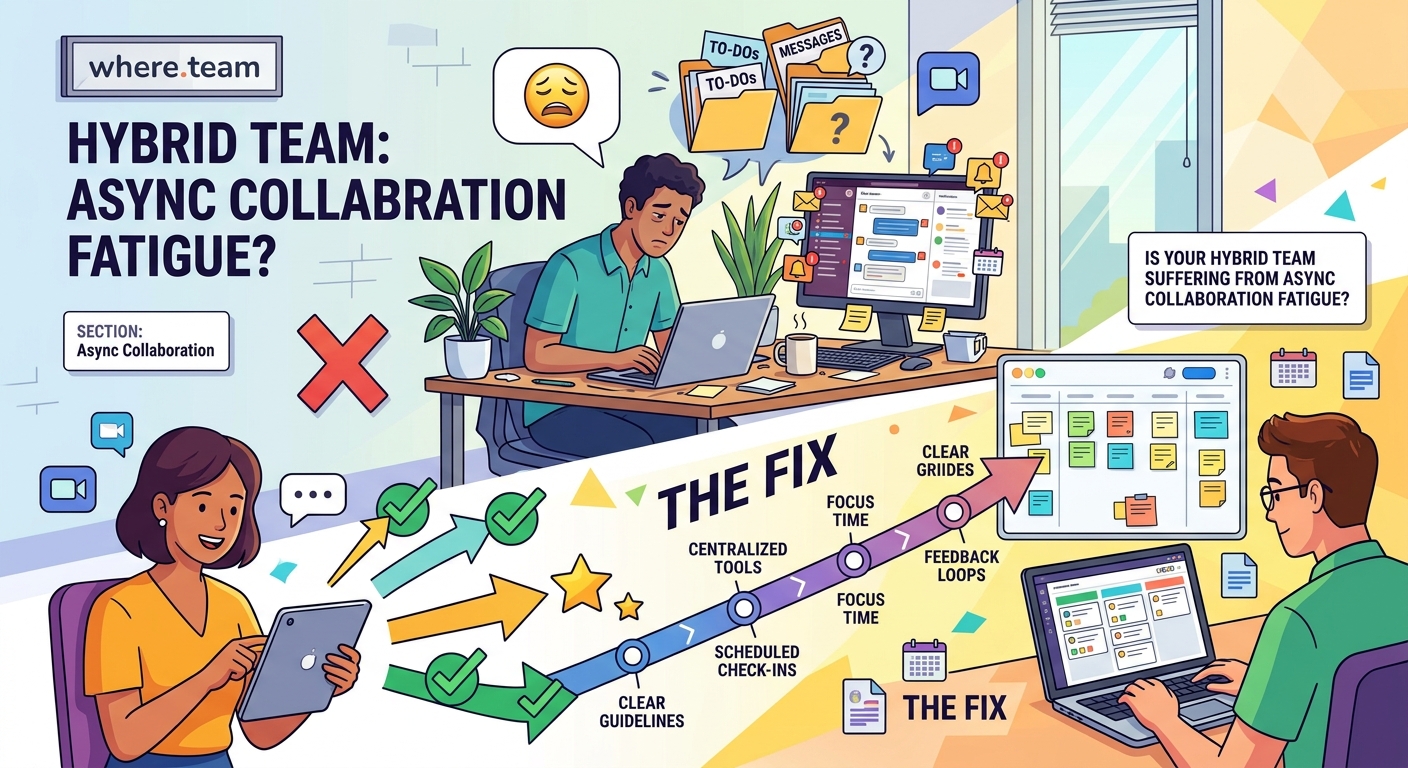
Fixing this requires changing how your team thinks about communication. Not just which tools you use, but when and why you use them.
1. Establish response time tiers
Create three categories of communication with clear expectations:
Urgent (respond within 1 hour): True emergencies only. Production down. Client crisis. Someone locked out of a critical system. Use direct messages or phone calls, never channels.
Priority (respond same day): Blockers for other people’s work. Approvals needed to move forward. Time-sensitive decisions. Use designated priority channels or email with clear subject lines.
Standard (respond within 24-48 hours): Everything else. Updates, FYIs, brainstorming, feedback requests. These can wait for your next communication block.
Post these tiers somewhere visible. Reference them when people misuse urgent channels. Normalize saying “this can wait until tomorrow.”
2. Schedule communication blocks
Stop checking messages constantly. Batch your async work into three 30-minute blocks per day.
Morning block at 9 AM. Midday block at 1 PM. End of day block at 4 PM.
During these blocks, you read everything, respond to what matters, and close the apps. Outside these blocks, notifications stay off unless you’re waiting for something urgent.
This only works if leadership models it. When your CEO responds to Slack at 11 PM, everyone feels pressure to do the same. When your CEO says “I check messages three times a day and you should too,” people feel permission to focus.
3. Default to public documentation
Most async messages ask questions that shouldn’t need asking. Where’s the brand guide? What’s our refund policy? How do I submit expenses?
Every repeated question is a documentation failure.
Build a documentation-first culture where information lives in searchable, permanent places. Not buried in Slack threads from six months ago.
When someone asks a question, answer it once in your knowledge base. Then link to that answer. Over time, the questions decrease. The async volume drops.
4. Replace some async with strategic sync
Sometimes a five-minute conversation saves two hours of message tennis.
Use this decision tree:
| Situation | Best Mode | Why |
|---|---|---|
| Brainstorming new ideas | Sync meeting | Real-time creativity beats async threads |
| Sharing project updates | Async update | Everyone reads on their schedule |
| Resolving disagreement | Sync conversation | Tone matters, text escalates conflict |
| Gathering feedback | Async with deadline | People need time to think |
| Building relationships | Sync hangout | Connection requires presence |
| Documenting decisions | Async writing | Creates permanent record |
The goal isn’t to eliminate meetings. It’s to use each mode intentionally. Running effective brainstorming sessions across time zones requires different strategies than local teams.
5. Audit and eliminate low-value async work
Track where your async time goes for one week. You’ll be shocked.
Most teams discover that 60% of their async communication adds zero value. Update messages nobody reads. Status reports that duplicate project management tools. Threads where 12 people say “sounds good” one at a time.
Cut ruthlessly:
- Cancel any recurring update that people could find in your project management tool
- Remove yourself from channels where you haven’t contributed in 30 days
- Unsubscribe from notification types that never require action
- Archive channels that haven’t had meaningful discussion in 60 days
Every message you don’t receive is focus time you get back.
Common mistakes that make async fatigue worse
Even teams trying to fix this problem often make it worse. Here are the traps to avoid:
Mistake 1: Adding more tools to solve tool overload. That new project management app won’t help if you’re still using five other apps. Consolidate before you add.
Mistake 2: Treating all time zones equally. If 80% of your team is in two time zones, optimize for them. The three people in other zones can adapt. Trying to accommodate everyone equally means nobody gets good meeting times.
Mistake 3: Mandating async without training. Async communication is a skill. People need to learn how to write clear updates, provide context, and structure information. Don’t assume everyone knows how.
Mistake 4: Never meeting face-to-face. Pure async work erodes relationships over time. Quarterly or annual meetups rebuild the trust that makes async collaboration work.
Mistake 5: Letting managers opt out. If leadership still expects instant responses, the rest of the team will provide them. Boundaries only work when they apply to everyone.
The role of in-person time in reducing async fatigue
Here’s something most remote work guides won’t tell you. Regular in-person time dramatically reduces async communication volume.
When team members spend three days together at a coworking space, they build enough context and trust to work independently for months. They understand each other’s communication styles. They know who to ask about what. They’ve had the sidebar conversations that prevent future misunderstandings.
Teams that never meet in person compensate with excessive async check-ins. They overcommunicate because they lack the relationship foundation that makes brief updates sufficient.
You don’t need constant in-person time. But strategic team retreats create the social capital that makes async work actually work.
The math is compelling. Spend three days together quarterly and you’ll cut daily async volume by 30%. The return on investment shows up in reduced burnout, faster decisions, and better retention.
Building sustainable async rhythms
The teams that thrive with async work share one trait. They’ve moved beyond the false choice between “always on” and “completely disconnected.”
They’ve built rhythms.
Certain times are for focused work. Notifications off, Slack closed, deep in the problem. Other times are for connection. Cameras on, real conversation, building relationships. And specific windows are for async catch-up. Reading, responding, updating.
These rhythms become team norms. Everyone knows that messages sent at 3 PM get responses by 5 PM. Everyone knows that Tuesday mornings are for focus, not meetings. Everyone knows that Fridays are light on async because people are wrapping up their week.
“The best async teams aren’t the ones with the most sophisticated tools. They’re the ones with the clearest norms about when and how to use them.”
This clarity eliminates the anxiety. You’re not constantly wondering if you should check Slack. You know exactly when you’ll check it next.
When async isn’t the answer
Some work simply doesn’t translate to async communication.
Giving difficult feedback. Navigating interpersonal conflict. Onboarding new team members. Celebrating wins. Mourning losses. These moments need human presence.
Teams suffering from async fatigue often make this worse by trying to handle sensitive situations over text. A message that seems neutral to you reads as harsh to someone else. A well-intentioned suggestion feels like criticism. An attempt at humor lands as sarcasm.
Know when to pick up the phone. Know when to turn on your camera. Know when to suggest meeting in person.
Building trust in hybrid teams requires recognizing that some conversations can’t happen asynchronously, no matter how good your writing skills are.
Measuring whether your changes are working
You’ll know you’ve fixed async collaboration fatigue when:
- People take actual time off without checking messages
- Response times slow down and nobody panics
- Channel count decreases instead of multiplying
- Team members report longer stretches of uninterrupted focus
- New hires don’t describe communication as “overwhelming”
- Your best performers stop mentioning burnout in one-on-ones
Track your team’s async load monthly. Count messages sent per person. Measure average response times. Survey team members about communication satisfaction.
If the numbers aren’t improving after 60 days, your changes aren’t working. Try something different.
The communication audit that changes everything
Here’s a practical exercise that forces clarity.
List every communication channel your team uses. Slack channels, email lists, project management comments, shared documents, team chat apps, everything.
For each channel, answer three questions:
- What specific purpose does this serve?
- Who actually needs access?
- What would break if we deleted it?
You’ll find that most channels fail question three. Nothing would break. People would barely notice.
Delete those channels. Merge similar ones. Create clear purposes for what remains.
Then do the same exercise with your recurring messages. Daily standup updates. Weekly status reports. Monthly summaries. What would break if you stopped sending them?
Most teams discover they can eliminate 40% of their async communication without losing any actual coordination. That’s 40% less fatigue. 40% more focus time. 40% fewer reasons to burn out.
What healthy async collaboration actually feels like
You’ll know you’ve got it right when work feels sustainable again.
Your team members start their day with 30 minutes of communication catch-up, not three hours. They have long stretches where they’re not thinking about work at all. They respond to messages when it makes sense, not out of anxiety.
People stop apologizing for “late” responses that arrived six hours after the question. They trust that important information will reach them through your established channels. They feel confident ignoring notifications during focus time.
The work still gets done. Decisions still get made. Coordination still happens. But the constant pressure lifts.
That’s what async work was supposed to feel like all along. You just had to build the systems that make it possible.
Your team doesn’t need to choose between meeting fatigue and message fatigue. They need communication practices that respect both focus and connection. Start with one change from this guide. Implement it this week. Then add another next month.
The alternative is watching your best people burn out and leave. And no amount of async updates will fix that.
