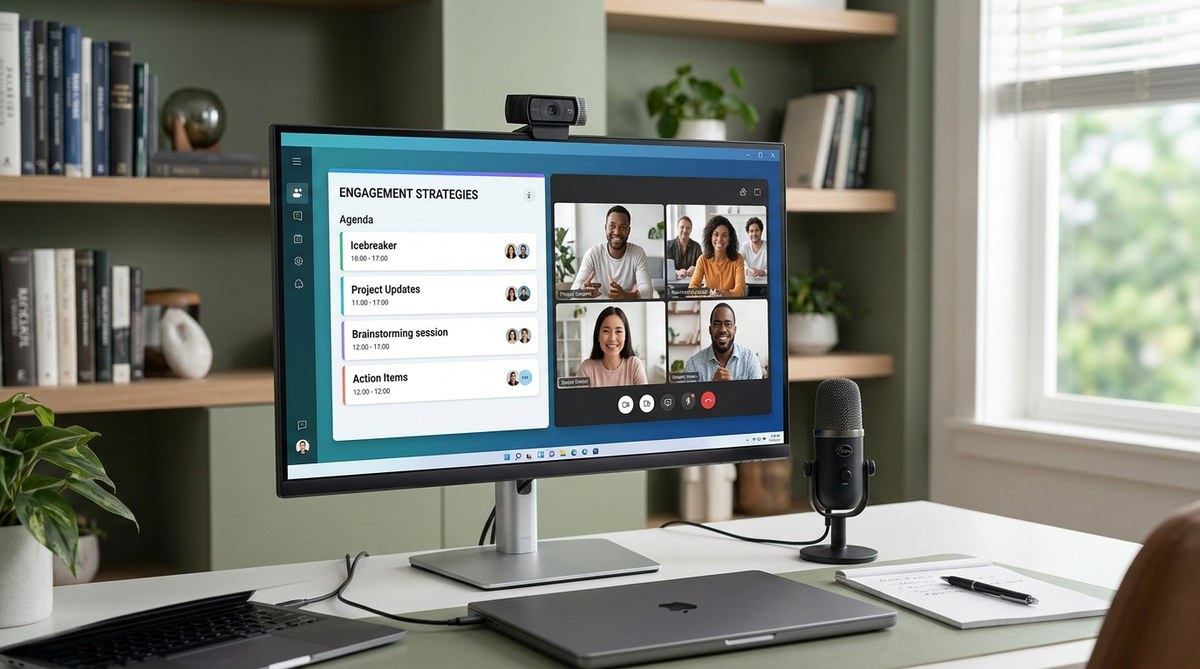
Getting remote teams together online can be a challenge. Meetings often feel like a chore, with participants disengaged or distracted. But with a few tweaks to your virtual meeting agendas, you can turn them into productive, engaging sessions that everyone looks forward to. When agendas are clear, intentional, and designed to involve your team, participation naturally increases. The key is not just what you cover but how you structure and facilitate the meeting.
Optimizing virtual meeting agendas involves clear planning, engaging techniques, and strategic facilitation. Focus on purpose, participation, and time management to boost engagement and productivity in remote team meetings.
Why Virtual Meeting Agendas Matter for Engagement
A well-crafted agenda sets the tone and expectations for your virtual meetings. It guides participants through the topics and ensures everyone is prepared to contribute meaningfully. Without a clear plan, meetings tend to drift off-topic or run over time, leading to frustration and disengagement. Effective agendas are the backbone of productive remote collaboration—they help maintain focus, foster participation, and make the best use of everyone’s time.
How To Craft an Engaging Virtual Meeting Agenda
Designing a meeting agenda that encourages participation requires intentionality. Follow these steps to create agendas that motivate your team to engage actively:
-
Define the meeting’s purpose clearly
Be specific about what you aim to achieve. Is it decision-making, brainstorming, updates, or problem-solving? When everyone understands the goal, they’re more likely to prepare and contribute. -
Identify key topics and relevant materials
Limit the agenda to essential points. Share relevant documents or pre-reading materials ahead of time. This ensures participants come prepared and can engage more deeply. -
Allocate time for each item and include interactive elements
Set realistic timeframes for each topic. Incorporate activities like polls, breakout discussions, or Q&A sessions. These engagement techniques keep energy high and involve everyone.
Tips for Structuring Virtual Meeting Agendas
A well-organized agenda keeps the meeting on track and boosts engagement. Here are some practical tips:
-
Start with a compelling opening
Kick-off with a quick icebreaker or an interesting fact related to the agenda. This warms up participants and encourages openness. -
Use a clear, logical flow
Arrange topics from general to specific. Cover updates first, then delve into decision points or brainstorming. -
Build in time for interaction
Plan moments for questions, discussions, or collaborative exercises. This prevents passive listening and fosters active participation. -
End with clear next steps
Summarize decisions, assign action items, and confirm follow-up meetings. Clear outcomes motivate attendees to stay engaged through to the end.
Techniques to Increase Virtual Meeting Engagement
Employing specific techniques can turn a dull meeting into an interactive experience. Consider these approaches:
-
Use visual aids and shared screens
Slide decks, virtual whiteboards, or live polls make content more engaging and easier to follow. -
Incorporate icebreaker questions
Simple prompts like “What’s a win you had this week?” or “Share a fun fact” can loosen up participants and foster connections. -
Ask for input regularly
Pose open-ended questions, request feedback on topics, or solicit ideas through chat or polls. This keeps everyone involved. -
Rotate the facilitator role
Allow team members to lead parts of the agenda. This variation boosts ownership and engagement. -
Schedule breaks for longer meetings
Short breaks help maintain focus and energy, especially during extended sessions.
Common Mistakes to Avoid in Virtual Meeting Agendas
| Techniques | Mistakes to Avoid |
|---|---|
| Overloading the agenda | Trying to cover too many topics at once |
| Lack of preparation | Sending materials late or not at all |
| Forgetting interactive elements | Leaving meetings as passive presentations |
| Poor time management | Running over or rushing through topics |
| Not clarifying next steps | Leaving action items vague |
Expert Advice on Better Virtual Meetings
“The secret to engaging remote meetings lies in intentional planning and involving participants in the process. When team members feel their input matters, engagement naturally follows,” advises remote work strategist Lisa Johnson.
Final Tips for Optimizing Virtual Meeting Agendas
- Keep agendas concise and focused on outcomes.
- Share the agenda at least a day in advance so everyone can prepare.
- Use engaging techniques like polls or breakout rooms to encourage participation.
- Regularly review and refine your agenda format based on team feedback.
By approaching virtual meeting agendas as tools for engagement rather than mere checklists, you create an environment where everyone wants to participate. When team members feel involved and valued, meetings transform from a time sink into a catalyst for collaboration.
Making Virtual Meetings Work for Your Team
Designing effective agendas is a continuous process. Experiment with different formats, solicit feedback, and adjust accordingly. Remember, the goal is to create meetings that are purposeful, engaging, and respectful of everyone’s time. As you refine your approach, your team will naturally become more invested in remote collaboration.
Start by reviewing your current agendas and asking yourself what can be simplified or added to foster participation. With each meeting, you can learn and improve. Over time, your virtual meetings will become a key driver of your team’s success.
