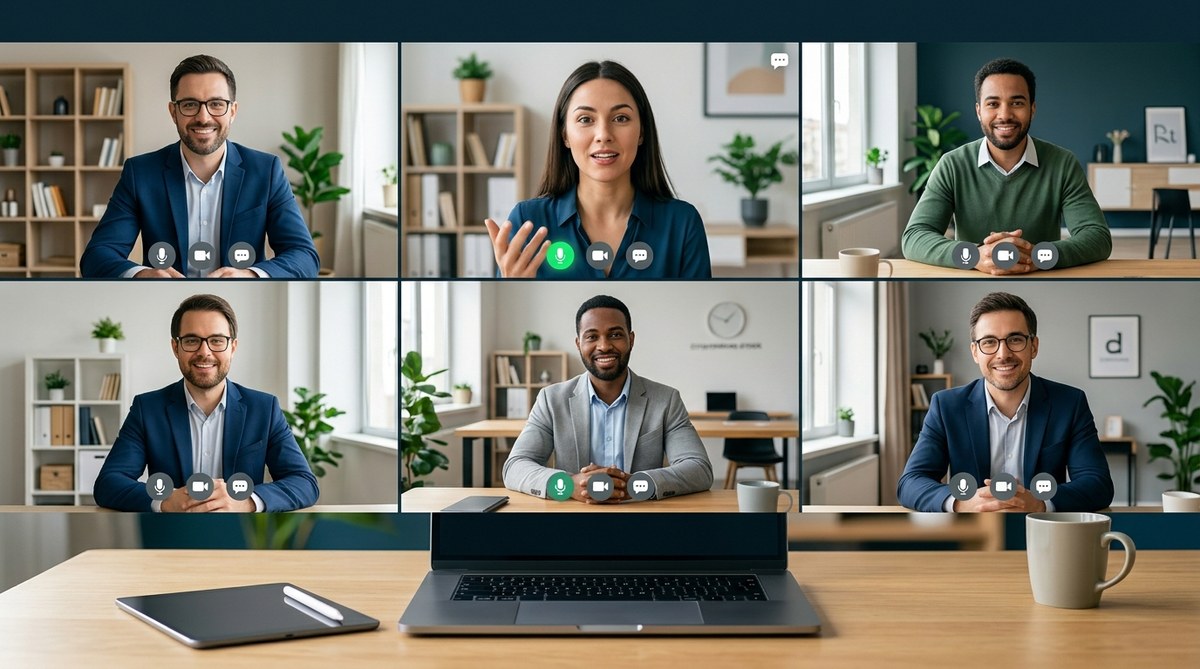
Keeping a remote team connected and productive hinges on how well meetings are conducted virtually. Virtual meetings are the backbone of remote work, yet many teams struggle with engagement, distractions, and miscommunication. Mastering remote meeting etiquette is the key to making these sessions effective, respectful, and collaborative. When everyone understands what to do—and what to avoid—meetings become powerful tools for progress rather than sources of frustration.
Effective remote meeting etiquette involves preparation, clear communication, active participation, and respectful tech use. Applying these practices creates a collaborative environment, reduces fatigue, and keeps team members engaged and productive in virtual settings.
Understanding the importance of remote meeting etiquette
Remote meetings differ from in-person gatherings. They demand a different set of behaviors to ensure clarity, respect, and engagement. Without proper etiquette, meetings can become unproductive, frustrating, or even damaging to team morale. Conversely, well-executed virtual meetings foster connection, streamline decision-making, and build trust across distributed teams.
Good remote meeting etiquette sets the tone for professionalism and respect. It helps prevent common issues such as talking over others, tech glitches, or disengagement. It also demonstrates consideration for everyone’s time and presence, which is vital when team members may be juggling multiple responsibilities or working across different time zones.
Practical steps to elevate your remote meeting craft
-
Plan and share clear agendas before the meeting
-
Send out an agenda with specific topics and objectives at least a few hours before the session.
- Clarify roles such as facilitator or note-taker.
- Include any prep work or documents participants need to review.
This transparency helps everyone come prepared and keeps the meeting focused.
-
Test technology in advance
-
Encourage participants to check their internet connection, microphone, and camera before the meeting.
- Use reliable video conferencing tools and familiarize yourself with key features like screen sharing and breakout rooms.
- Have a backup plan in case of technical issues, such as dial-in options.
As a best practice, consider a quick tech check 10 minutes before the start.
-
Set ground rules for participation
-
Establish norms such as muting when not speaking, raising hands to contribute, and avoiding multitasking.
- Use visual cues like raising a hand icon to signal a desire to speak.
- Encourage camera use to foster a sense of presence.
These rules keep the discussion organized and engaging.
-
Be punctual and stick to the schedule
-
Start and end meetings on time.
- If running late is unavoidable, inform the team promptly.
- Use timers or reminders to stay on track.
Respect for everyone’s time increases trust and professionalism.
-
Create an inclusive environment
-
Make sure everyone has a chance to speak.
- Address remote participants directly.
- Include icebreakers or brief check-ins to build rapport.
For example, a quick round of sharing a personal highlight can warm up the group.
-
Engage actively and listen attentively
-
Avoid distractions like checking emails or social media during the meeting.
- Use active listening techniques, such as paraphrasing or asking clarifying questions.
- Summarize key points periodically to ensure alignment.
Remember, engagement is a two-way street—encourage participation from everyone.
-
Follow up with clear action items
-
Summarize decisions and next steps at the end.
- Share meeting notes or recordings promptly.
- Assign tasks with deadlines and responsible persons.
This clarity prevents misunderstandings and maintains momentum.
Common pitfalls and how to avoid them
| Technique | Mistake | How to avoid |
|---|---|---|
| Clear agenda | No agenda or vague topics | Always prepare and share a detailed agenda beforehand |
| Tech checks | Ignoring technical prep | Encourage a tech test 10 minutes before the meeting |
| Participation | Dominating conversation or silence | Use facilitation techniques to involve everyone evenly |
| Multitasking | Doing other work during the call | Set expectations about focus and engagement |
| Camera use | Remote attendees turning off cameras | Politely encourage cameras to foster connection |
| Follow-up | Lack of documentation | Send summary notes and action items after the meeting |
“The key to effective remote meetings is consistency. When team members know what to expect and how to participate, meetings become a productive part of your workflow rather than a time sink,” advises remote work expert Jane Doe.
Best practices for different roles in virtual meetings
- Managers and facilitators should set clear agendas, moderate discussions, and ensure inclusivity.
- Team members need to prepare, mute when not speaking, and actively listen.
- HR professionals can develop guidelines, conduct training sessions, and gather feedback to improve meeting culture.
Review coworking spaces and meeting venues
While virtual etiquette is crucial, sometimes face-to-face interaction enhances collaboration. Choosing the right coworking space or meeting venue can make a difference. Look for spaces with high-quality tech, soundproof rooms, and flexible booking options. Spaces that prioritize comfort and technology foster professionalism and comfort, making in-person meetings more productive and enjoyable.
Building authority and driving leads
As a trusted resource, providing actionable tips on remote meeting etiquette positions your brand as an authority in distributed team logistics. Promote tools that facilitate smooth virtual meetings, such as scheduling apps, breakout room features, or reliable conferencing hardware. Partner with workspace booking sites to recommend suitable venues for team gatherings or off-site workshops. Sharing insights on best practices encourages engagement and can drive leads for workspace and productivity tool affiliates.
Enhancing team cohesion through etiquette
Effective virtual meetings are a cornerstone of strong team culture. Establishing and practicing good remote meeting etiquette helps build trust, reduce misunderstandings, and foster a sense of belonging. Encourage teams to view meetings as opportunities for connection and collaboration rather than merely task checkboxes.
Making remote meetings work for your team
Applying these best practices takes effort but yields significant rewards. Start small by implementing a few key habits such as sharing agendas and testing tech. Over time, these habits will become second nature and transform your virtual meetings into valuable moments of team growth.
Embracing the future of remote collaboration
Remote meeting etiquette isn’t a static set of rules but a dynamic practice that adapts to your team’s needs. Regularly solicit feedback, stay updated on new tools, and refine your approach. When everyone commits to respectful and engaging virtual interactions, your team can thrive regardless of where they work.
Final thoughts
Remember that good remote meeting etiquette is about respect and clarity. It’s about making each participant feel valued and heard. By cultivating these habits, you create a virtual environment where collaboration flourishes, and teams grow stronger. Put these tips into practice, and watch your remote meetings become a catalyst for success.
Build your team’s virtual meeting skills today. Incorporate these practices gradually, and you’ll notice smoother, more engaging sessions that propel your projects forward.
