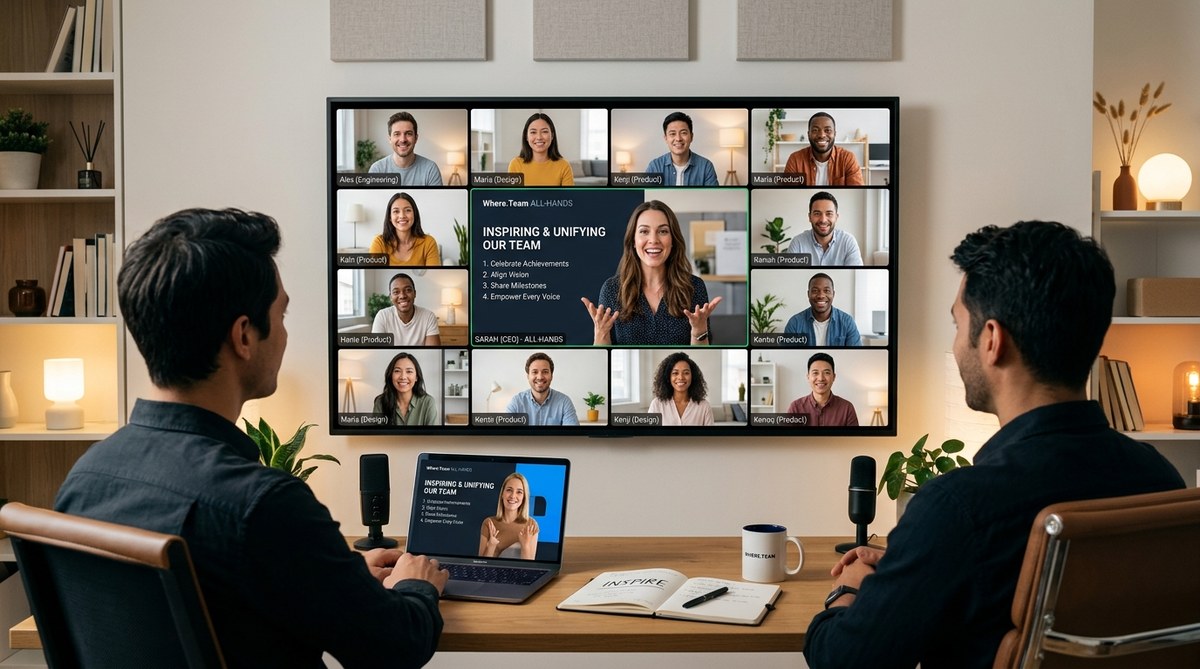
Your all-hands meeting is on the calendar for Friday at 3 PM Eastern. You have a slide deck ready with quarterly numbers, a few shout-outs, and a roadmap slide. You know what happens next. Half the team keeps their camera off. A few people multitask in Slack. The chat stays silent. By the time you finish, you are not sure anyone absorbed a single word.
You are not alone. Most remote all-hands meetings feel like a chore because they are designed like a broadcast, not a conversation. But it does not have to be that way. The best all-hands meetings leave people feeling energized, connected, and aligned. They turn a routine update into a moment of shared purpose.
Below, you will find 17 remote all-hands meeting ideas that actually work. These are not theoretical concepts. They are battle-tested approaches used by distributed teams that have cracked the code on virtual engagement.
A great remote all-hands meeting balances information with inspiration. Structure your agenda to include a company update, a human moment, and an interactive segment. Rotate hosts, use breakout rooms for small-group discussion, and always leave time for honest Q and A. The goal is not to share every detail. It is to make your team feel like they belong to something bigger than their inbox.
Why Most All-Hands Meetings Fall Flat
Before we get to the ideas, let us name the problem. The typical remote all-hands meeting suffers from three issues:
- Information overload. Leaders try to cram a month of updates into 60 minutes. The audience checks out.
- No emotional arc. The meeting is a flat line of slides. There is no high point, no surprise, no laughter.
- Zero participation. People watch a presentation instead of contributing to a conversation.
The fix is not harder. It is smarter. You need to treat your all-hands like a live show, not a memo.
1. Start With a Personal Check-In
Do not jump straight into metrics. Open with a human moment. Ask one question that has nothing to do with work. For example, “What is one thing you did last weekend that made you smile?” or “What is a small win you had this week?”
Keep it light. Keep it short. This signals that the meeting is a safe space, not a performance review.
2. Rotate the Host Role
If the CEO hosts every all-hands, the format gets stale. Pass the microphone to different team members each quarter. Let an engineer lead the tech update. Let a designer run the culture segment. This gives fresh energy and shows that leadership is distributed.
3. Use a Themed Agenda
Give your meeting a theme that ties everything together. For example, “Building the Foundation” for a quarter focused on infrastructure, or “Sprint to the Finish” before a product launch. A theme creates a narrative thread that makes the meeting feel intentional.
4. Open With a Customer Story
Nothing energizes a team like hearing how their work impacted a real person. Pre-record a short video testimonial or invite a customer to join live for five minutes. This is far more powerful than any slide showing revenue growth.
5. Break Out the Breakout Rooms
Do not keep everyone in the main room for the entire hour. Split into small groups for 10 minutes. Give each group a question to discuss. For example, “What is one thing we should stop doing?” or “What is a risk we are not talking about?”
People speak more freely in groups of four or five. This is where real connection happens.
6. The “State of the Team” Instead of “State of the Business”
Numbers matter, but they do not inspire. Dedicate a segment to people. Share promotions, new hires, work anniversaries, and personal milestones. Celebrate someone who went above and beyond. Make it specific. “Sarah stayed up late to fix a bug that saved the launch” is better than “Great work, team.”
7. Run a Lightning Round of Wins
Set a timer for 60 seconds. Ask each department lead to share their top win from the past month. No slides allowed. This keeps updates crisp and prevents one person from dominating the agenda.
8. Use Live Polls to Drive Conversation
Ask the team questions during the meeting and show results in real time. For example, “How confident do you feel about our Q3 goals?” or “What is the biggest barrier to your productivity right now?”
Polls give shy team members a voice. They also give you honest data about morale.
9. Host a “Fireside Chat” With an Honest Q and A
This is not the time for softball questions. Encourage the team to submit anonymous questions before the meeting using a tool like Slido or a simple Google Form. The leadership team answers them live, no filtering.
Hard questions build trust. Evading them destroys it.
10. Feature a Team Member Spotlight
Each all-hands, highlight one person from a different team. Let them share what they work on, what they are proud of, and one fun fact about themselves. This breaks down silos and helps people put faces to names.
11. Incorporate a Surprise Guest
Invite someone unexpected to speak for five minutes. It could be a former employee, an industry expert, or even a comedian to close out the meeting with a laugh. Surprise breaks the routine and creates a moment people will remember.
12. End With a Clear Call to Action
Do not let the meeting fade into silence. Close with one thing you want everyone to do. It could be as simple as “Send one piece of feedback to your manager this week” or “Fill out this survey by Friday.” A clear next step turns inspiration into action.
13. Use Visuals That Are Not Slides
Ditch the bullet points. Show a short video clip. Use a whiteboard tool like Miro or FigJam to brainstorm live. Share a screenshot of a customer tweet. Visual variety keeps attention high.
14. Create a “No News” Segment
Sometimes the best update is no update. If a project is on track, say that. Do not manufacture drama. Your team will respect the honesty and appreciate the saved time.
15. Celebrate Failures
Create a segment called “Best Mistake of the Quarter.” Invite someone to share a failure and what they learned from it. This normalizes risk-taking and shows that the company values growth over perfection.
16. Use Music and Sound
Start the meeting with an upbeat song. Use a bell sound to signal transitions. Play a short audio clip before a big announcement. Sound cues add energy and help people stay present.
17. Close With a Ritual
End every all-hands the same way. It could be a team photo, a shared dance break, or a closing quote. Rituals create predictability and a sense of belonging. Your team will start to look forward to the ending.
The Do’s and Don’ts of Remote All-Hands Meetings
Here is a quick reference table to keep your planning on track.
| Do This | Avoid This |
|---|---|
| Start with a personal check-in | Jumping straight into metrics |
| Rotate the host each quarter | Letting the CEO run every meeting |
| Use breakout rooms for discussion | Keeping everyone in one room the whole time |
| Feature customer stories | Reading dry case study slides |
| Accept anonymous questions | Skipping Q and A entirely |
| End with a clear call to action | Letting the meeting fizzle out |
| Celebrate wins and failures | Only sharing good news |
| Keep segments under 10 minutes | Letting one person talk for 20 minutes |
A Simple Process to Plan Your Next All-Hands
Follow these steps to build a meeting that actually works.
- Set one goal. What is the single most important thing you want people to feel or know after the meeting? Write it down before you build the agenda.
- Limit the agenda to three segments. An update, a human moment, and an interactive activity. That is all you need.
- Assign a producer. Someone who manages the tech, the chat, and the timing so the host can focus on the conversation.
- Test your tech 30 minutes before. Nothing kills energy faster than a frozen screen or bad audio.
- Send a pre-read. Share key data and updates in writing 24 hours before the meeting. This lets you skip the details and focus on the story.
- Record it for absent teammates. But do not let the recording replace the live experience. Encourage people to attend if they can.
- Collect feedback after. A two-question survey takes 30 seconds and tells you what to improve next time.
For more on keeping your team engaged throughout the week, check out our guide on why your remote meetings feel exhausting and how to fix the underlying fatigue.
How to Know If Your All-Hands Is Working
You do not need a fancy dashboard. Look for these signals:
- People keep their cameras on.
- The chat is active during the meeting.
- Team members reference something from the all-hands later in the week.
- Anonymous feedback scores are above 4 out of 5.
- Attendance stays high month over month.
If you see these, you are on the right track. If not, try one new idea from this list and see what changes.
The Secret Ingredient Is Intentionality
A great remote all-hands meeting does not happen by accident. It takes planning, creativity, and a willingness to break the old habits. But the payoff is huge. When your team feels informed, valued, and connected, they bring that energy back to their work.
Start small. Pick one or two ideas from this list and try them at your next meeting. See how it feels. Then build from there.
Your team is waiting for a meeting that does not feel like a chore. Give them one that feels like a celebration.
